Inspiring
July 31, 2022
Question

Fallas de InDesign en Windows 11

  • July 31, 2022
  • 1 reply
  • 824 views

Cordial saludo. 

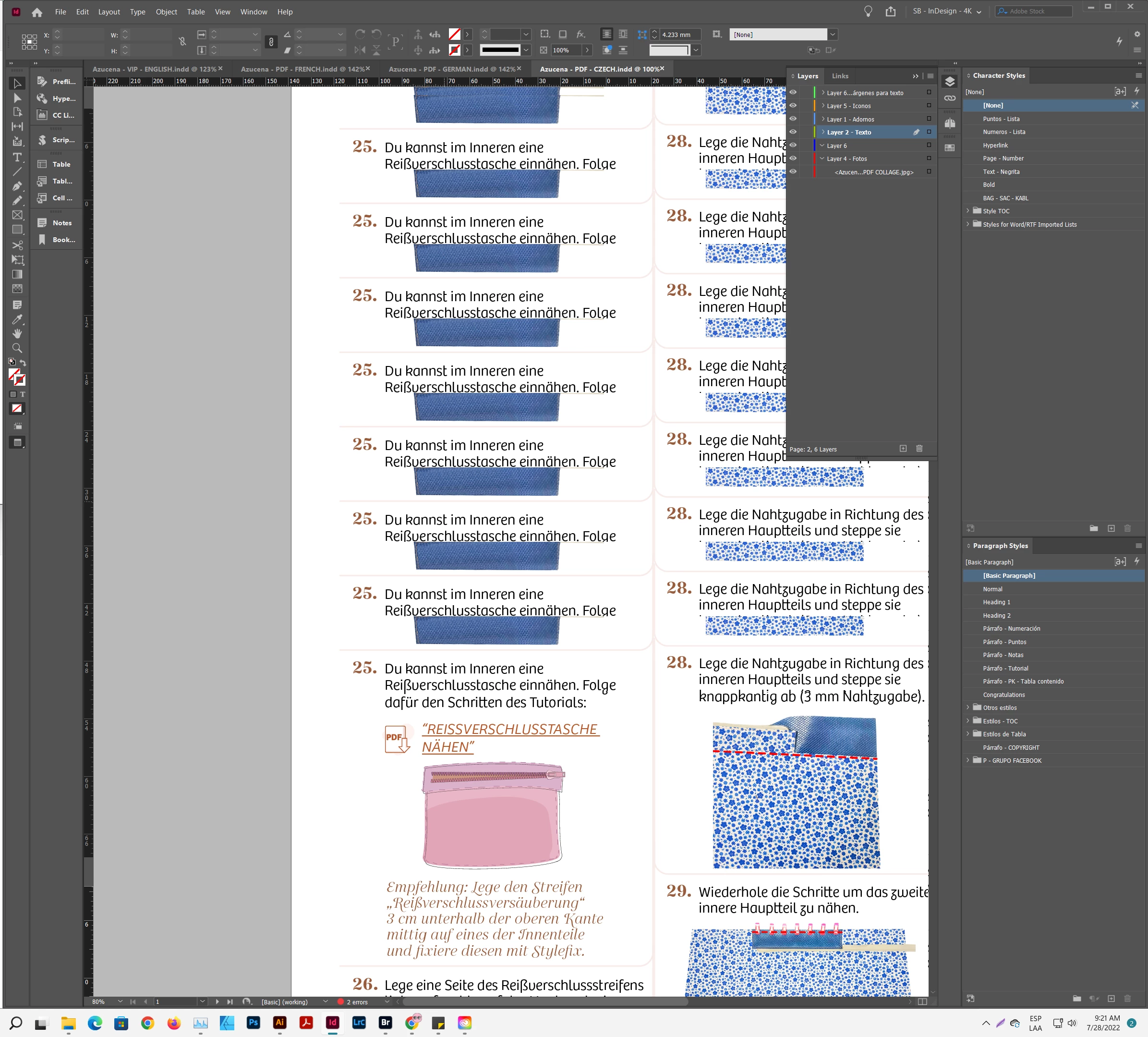
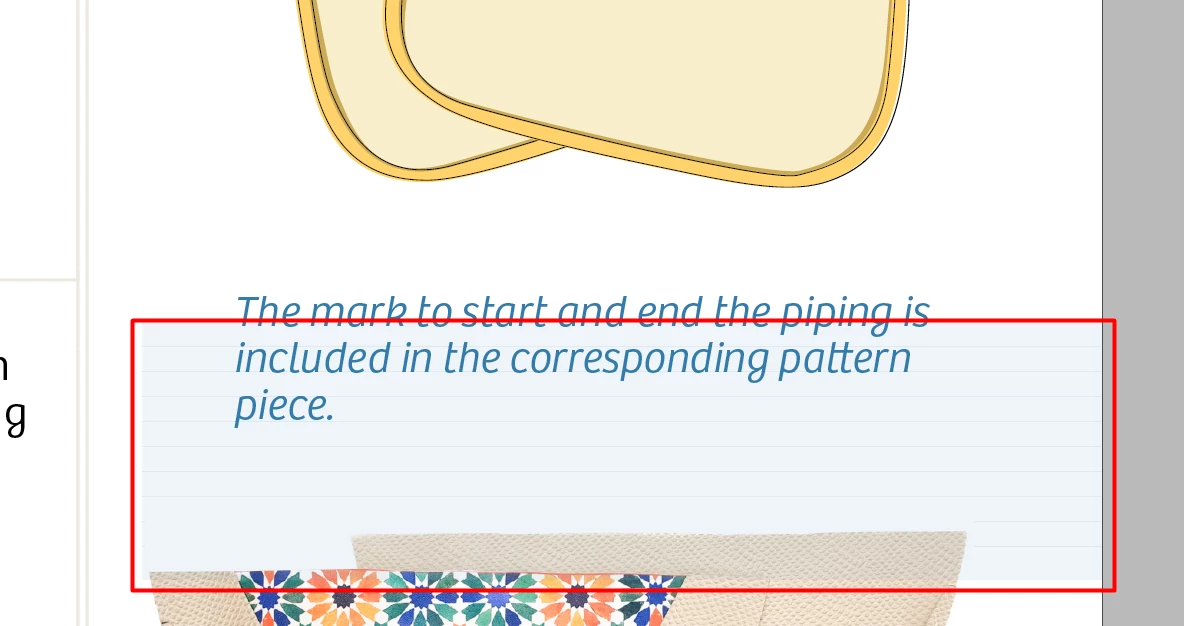
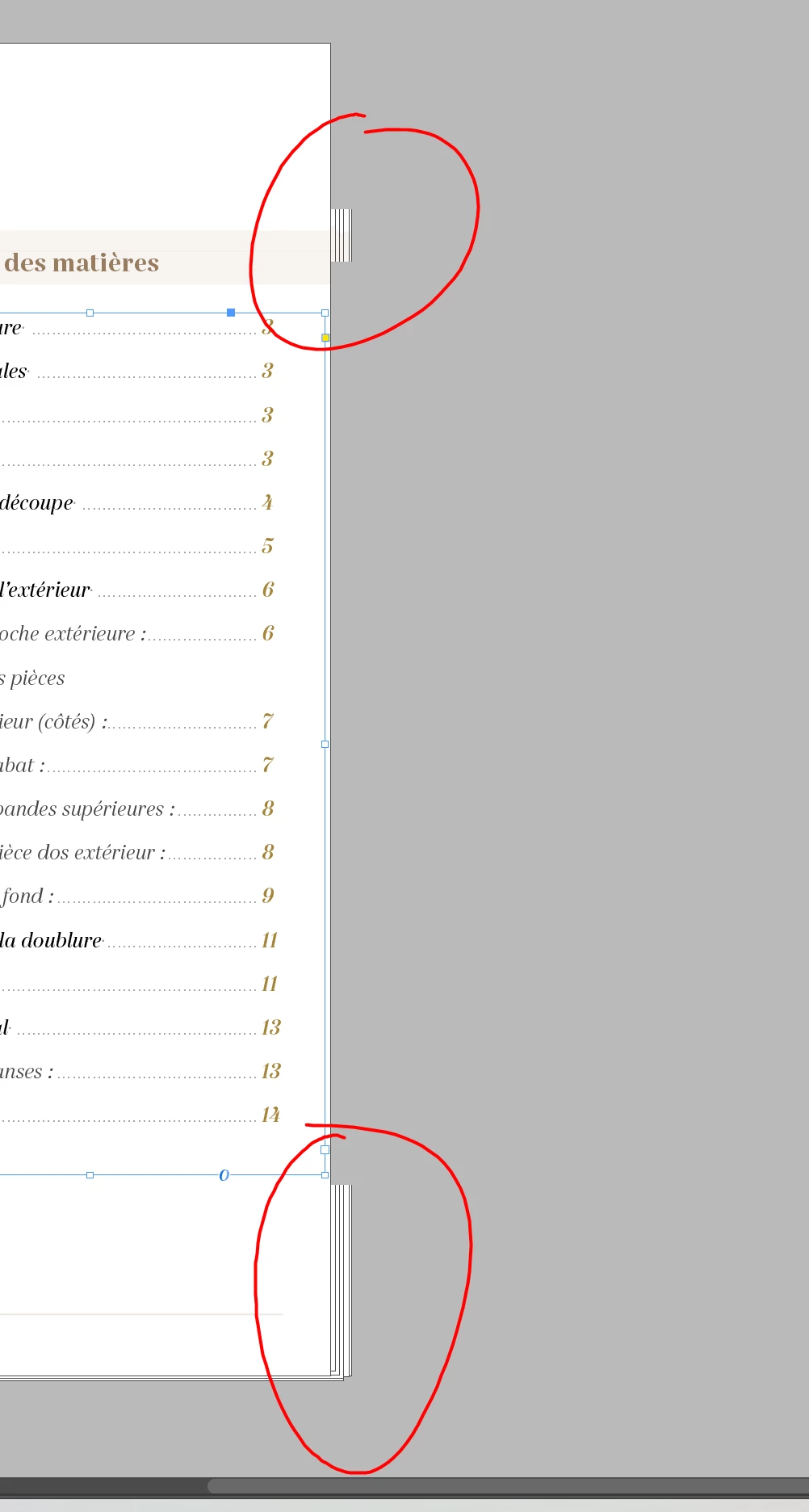
Escribo en este foro ya que realmente estoy un poco cansado de que Adobe no me dé solución con los erroes de varias de sus Apps en Windows 11. He escrito a soporte muchas veces, me hacen instalar y desintalar versiones, hasta me ha reinstalado los drivers de Nvidia y nada de solución.


Errores: (Como podrán observar en la capturas, los bugs son de visualización, se repiten objetos, aparecen lineas de la nada, etc etc) En el lin podrán observar todos los errores:  https://shared-assets.adobe.com/link/62fc9f25-3d6c-4910-59be-0b60cde00838
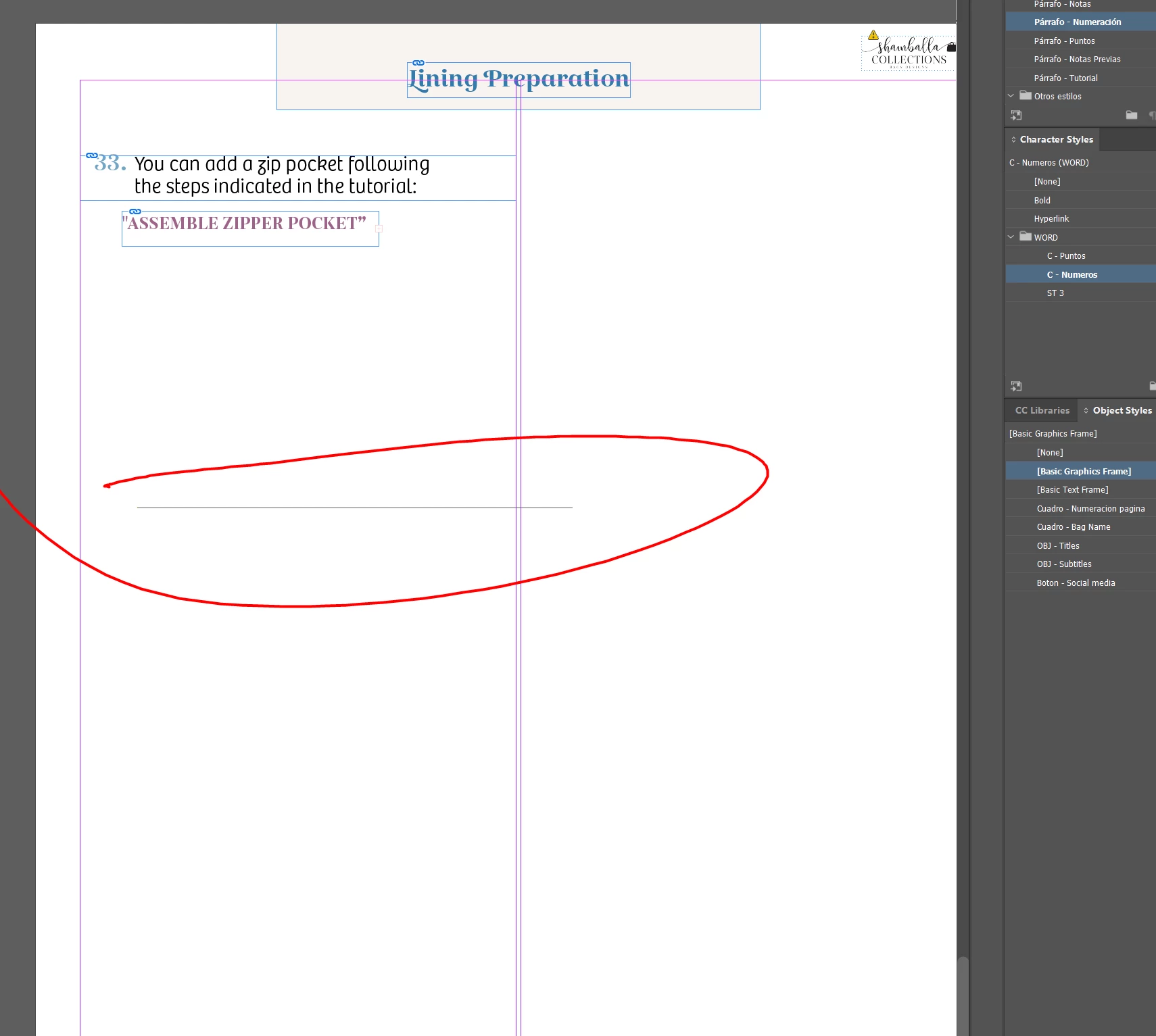
 

Desde cuando se presenta: desde febrero de este año.


Caracteristicas de mi PC:

OS:                           Microsoft Windows 11 Pro 64 bits Ver.2009 (OS build 22000.832)
BIOS Version:                 1.00
BIOS Release Date:            09/29/2021
CPU:                          12th Gen Intel(R) Core(TM) i7-12700KF
Memory:                       32 GB @ 
                               - 16 GB DDR4-2667, A-DATA Technology DDR4 3200           
                               - 8 GB DDR4-2667, A-DATA Technology DDR4 3200           
                               - 8 GB DDR4-2667, A-DATA Technology DDR4 3200           
Graphics:                     NVIDIA GeForce RTX 3060, 0 MB
VBIOS Version:                
Drive:                        SSD, XPG SPECTRIX S40G, 476,94 GB
Drive:                        SSD, ADATA SX8100NP, 476,94 GB
Drive:                        HDD, DataTraveler 3.0, 28,82 GB
Network:                      Intel(R) Wi-Fi 6 AX201 160MHz
Network:                      Intel(R) Ethernet Controller (3) I225-V
Power Plan:                   GUID: 3688d958-f01c-45ff-b797-057a164f270c (Máximo rendimiento)


Version de ID: 17.3

This topic has been closed for replies.

1 reply

Rishabh_Tiwari
Legend
August 1, 2022

Hi @YULIAN DAVID ,


We're so sorry to hear about the trouble. I understand you have already tried basic troubleshooting steps, so to identify the cause of the issue, we'll need a few more details like:


  1. Is this happening on a specific file or multiple files?
  2. This generally happens because of the display drivers, so please ensure you have the latest build of the display drivers as per the manufacturer's website, if it's already up to date, please try reinstalling the drivers.
  3. Did this issue surface after updating to Windows 11 or was it happening on Windows 10 as well?
  4. Did this issue surface after updating to InDesign 17.3 or was it happening with the older version like v16 as well?
  5. Are you using an extended monitor? Is it a 4k screen? 


We're here to help, just need more information.


Regards

Rishabh

Inspiring
August 4, 2022

Hello.

1. It happens to me with several files.
2. My NVIDIA drivers are always up to date, right now they are and I have the Nvidia Studio option.
3. On my MSI laptop with Windows 10 Pro this problem does not happen, but on my desktop PC with Windows 11 it does, and I bought it with this system, it has not had another. Therefore, since I bought it, it has presented this problem.
4. I always install all the updates that come out of each Adobe App, therefore the problem has been happening in each version of ID that has come out for 6 months.

Inspiring
August 4, 2022

@Rishabh_Tiwari 

5. Yes, I work on a 4K screen, LG, connected to my RTX 3060 12 GB via HDMI.