

Exit
  • Global community
    • Language:
      • Deutsch
      • English
      • Español
      • Français
      • Português
  • 日本語コミュニティ
  • 한국 커뮤니티
0

File reverted to older version

New Here ,
Jan 14, 2023 Jan 14, 2023

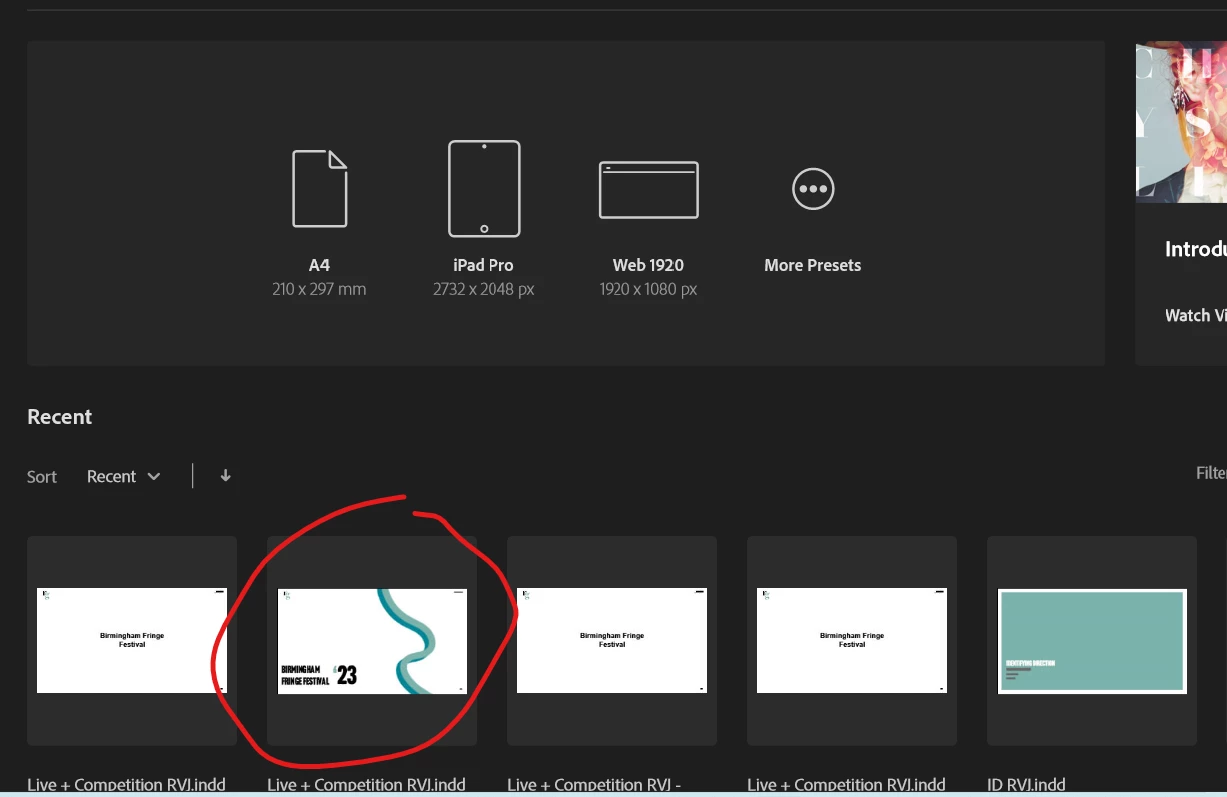
I tried to save my InDesign file to my onedrive and when a copied it from my laptop into the onedrive folder, the file reverted to the version last saved there which was 24hrs before and many changes had been made and saved since. It comes at as last modified yesterday even though I just saved it. The version saved to my laptop should not have been effected but it has also switched to this earlier version. Although when I open InDesign, the preview of the file appears as the most recent version (circled in the screenshot) but when I open it, it's the one from yesterday. Is there any way I can get the most recently saved version back?Screenshot 2023-01-14 135222.png
TOPICS
Bug
327
Translate
Report
Community guidelines
Be kind and respectful, give credit to the original source of content, and search for duplicates before posting. Learn more
community guidelines
Community Expert ,
Jan 14, 2023 Jan 14, 2023

It could be some issue with OneDrive. I use Dropbox and don't think I've ever experienced what you have. Dropbox has a versioning feature which allows you to return to previous versions.


Sadly, I don't have a solution for retrieving what may have been lost.

Translate
Report
Community guidelines
Be kind and respectful, give credit to the original source of content, and search for duplicates before posting. Learn more
community guidelines
Community Expert ,
Jan 14, 2023 Jan 14, 2023
LATEST

Copied? You should have a local OneDrive folder and you should be working directly from that not copying in and out of it. Have you gone to the online OneDrive folder and checked for versions? OneDrive, like Dropbox keeps all versions of the file and you can even retrieve one that's been deleted.

Translate
Report
Community guidelines
Be kind and respectful, give credit to the original source of content, and search for duplicates before posting. Learn more
community guidelines