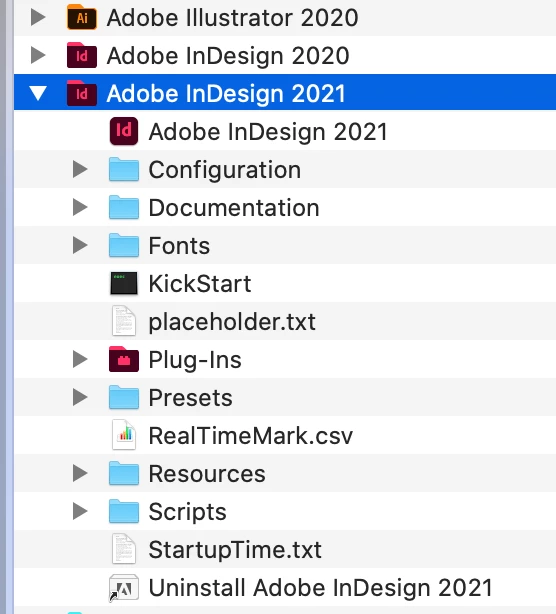
To create your own Placeholder text, you select some text, save it as a plain text (txt) file, name it placeholder.txt. Go to your Applications and open the Adobe InDesign folder and insert the text file in there. The next time you include Placeholder text in your InDesign document this replacement text will be used.in place of the text that comes with InDesign.
Regarding placeholder images, they aren't supplied, you make your own, perhaps using another, similar picture or a blank rectangle with "Pic to come" on it. I was just indicating how placeholders of all kinds can be useful when mocking up designs.

 AdChoices