Participant
August 26, 2024
Answered

Fix a Corrupted InDesign File After a Crash and Failed Recovery

  • August 26, 2024
  • 1 reply
  • 2498 views

Hi,


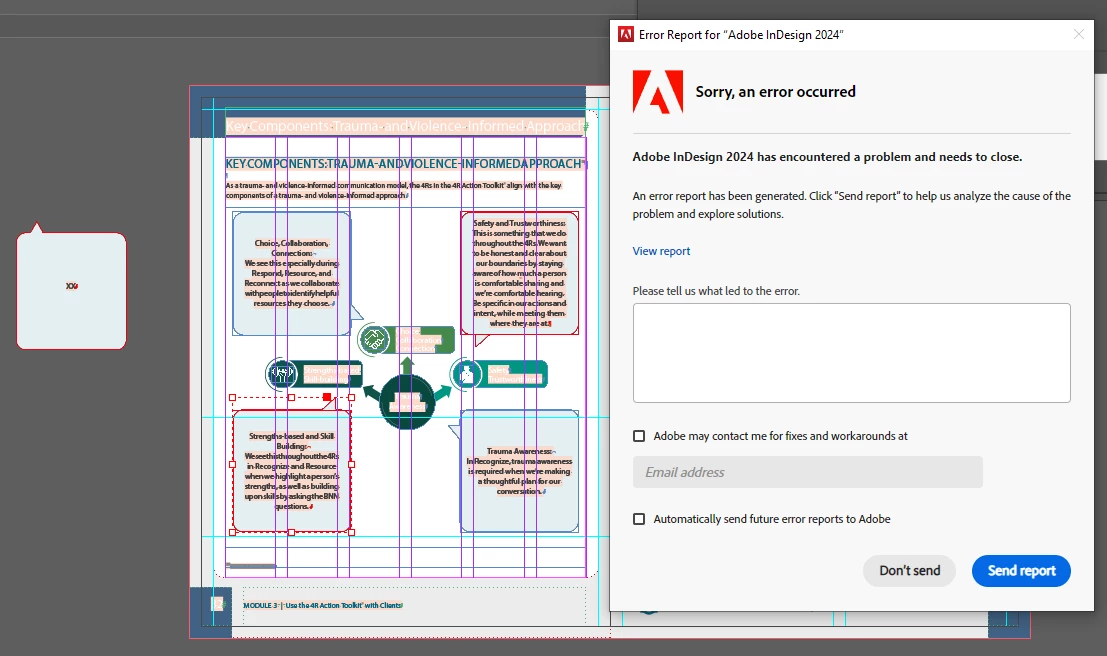
My InDesign app crashed, and the automatic recovery didn't work. An Adobe error report keeps popping up and close the app.

I can open the file through "Open Recent," but it seems to be corrupted since I'm unable to save it as a PDF or IDML.

Is there a way to repair this file? Should I copy-paste the content to a new file ?

Thanks!


<Title renamed by MOD>
This topic has been closed for replies.
Correct answer Robert at ID-Tasker

And this is the problem:


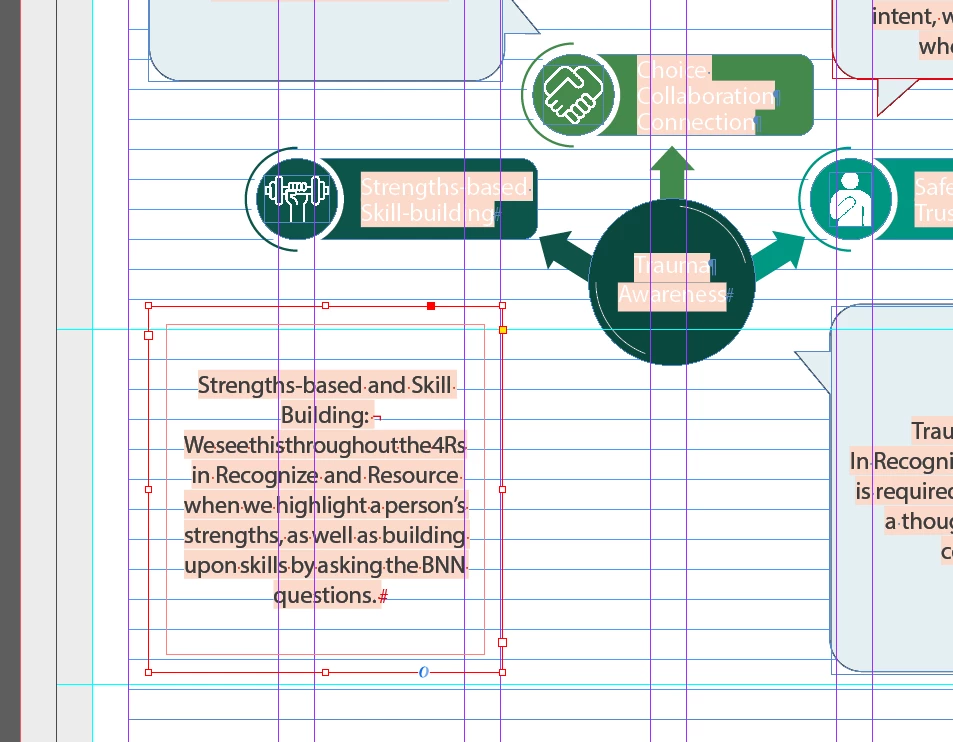
InDesign crashes when trying to copy this frame.


Attached is IDML file without this one group.


Or rather the problem is with the graphics element in the background as, after ungrouping - TextFrame can be copied - and file IDMLed - so the problem is definitely with this graphics:


@textualist40349006, you should be able to open your original file, remove this group and create new one from scratch - or ungroup, delete the "background" graphics and create new one - and your file should be like new.


1 reply

Robert at ID-Tasker
Legend
August 26, 2024

If you can open - you should be able to export as IDML. 


If you can copy contents to a new document - you should do it ASAP. 


Abhishek Rao
Community Manager
Community Manager
August 26, 2024

Hi @textualist40349006,


Thank you for reaching out, and I’m sorry to hear about the issues with your file.


To assist you more effectively, could you please let us know which version of InDesign and operating system you’re using? Moving the content to a new file might be a good approach, but I recommend following the advice of our expert first. It would also help if you could share the affected INDD file with us for a closer inspection.

In the meantime, you might find this article helpful for recovering your document: Recover InDesign documents (https://adobe.ly/3yUNyvV)


Looking forward to your response so we can work on a solution together!


Best,  
Abhishek Rao

Participant
August 26, 2024

Hi,

Thanks for your message.

I'm using the 19.5 version, Windows 10 Professionnel.

I just tried to move the pages to a new document, but same issue occurs, An Adobe error report pops up and close the app.

Please find attached my INDD file.

(I sent the report to Adobe support the first time it crashed)

Thank you