

Fixed Layout ePub Exported by InDesign Fails Validation in ePub Checker v4.1.1
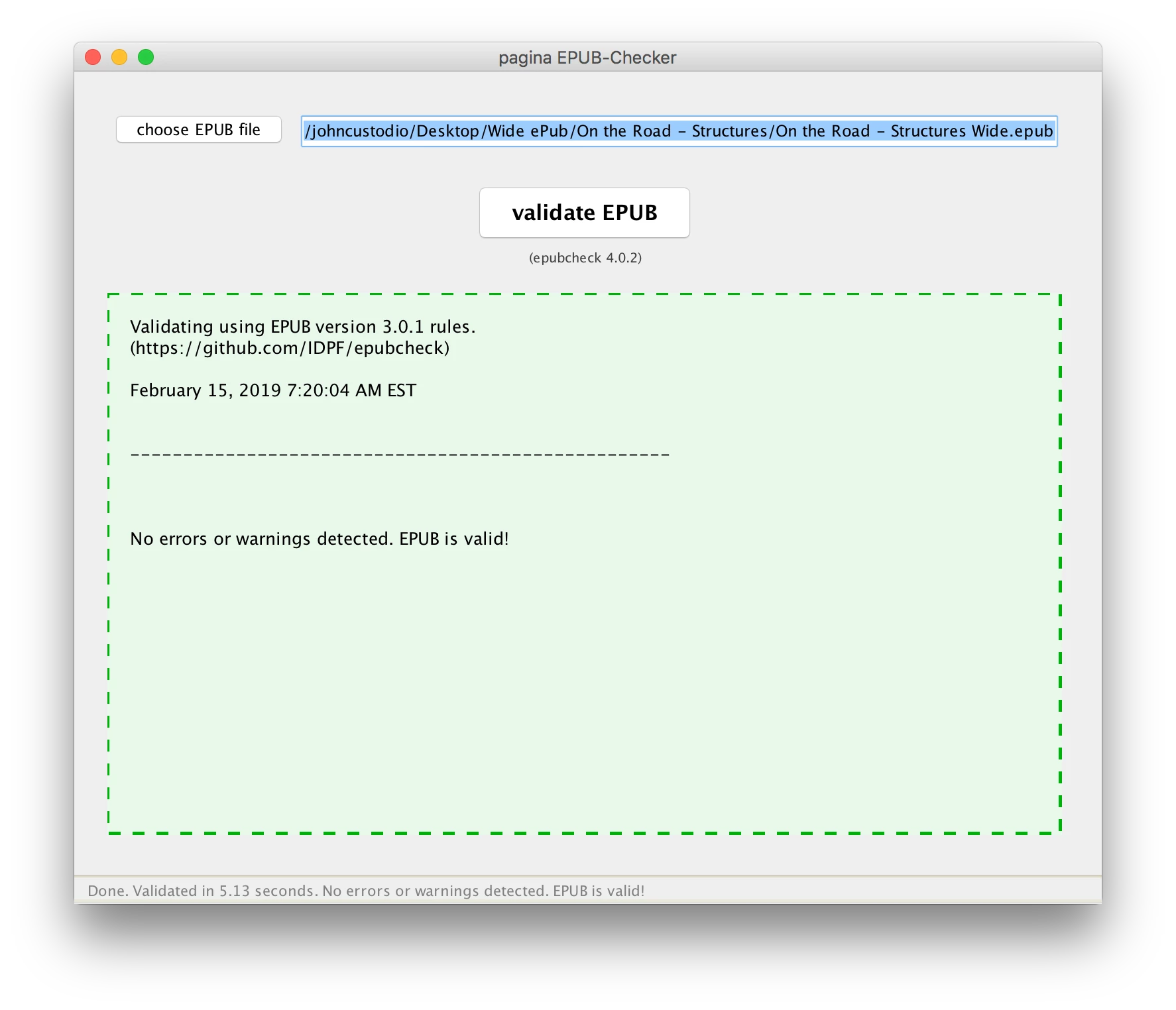
I'm using InDesign to make Fixed Layout ePubs. I just upgraded ePub Checker to v4.1.1 and now all my ePubs that had no errors before with v4.0.2 now generate an error. Here are screen shots of the v4.0.2 and v4.1.1 check results:
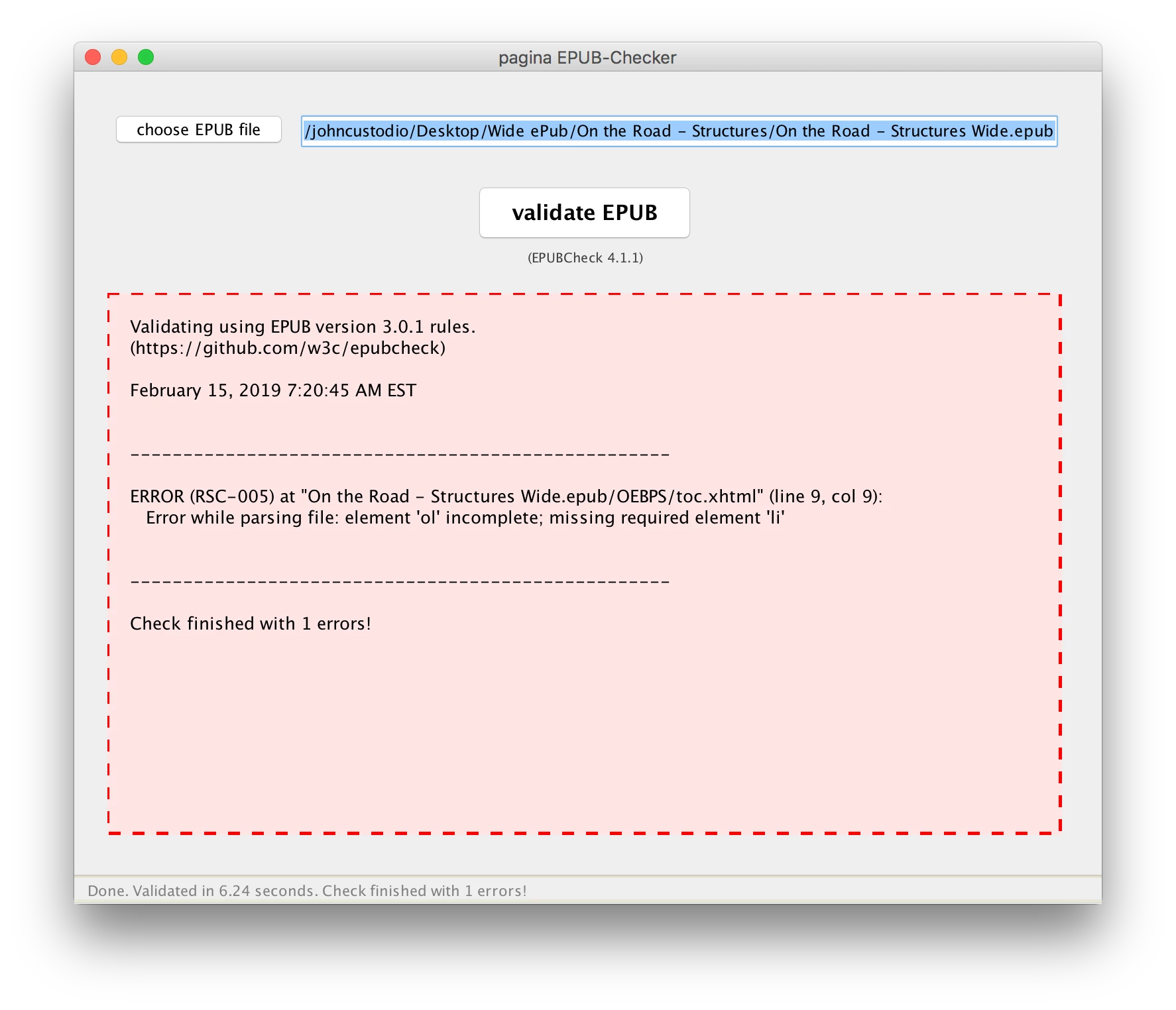
The error returned is in toc.xhtml: Error while parsing file: element 'ol' incomplete; missing required element 'li'. Here's a screenshot of the toc.xhtml:
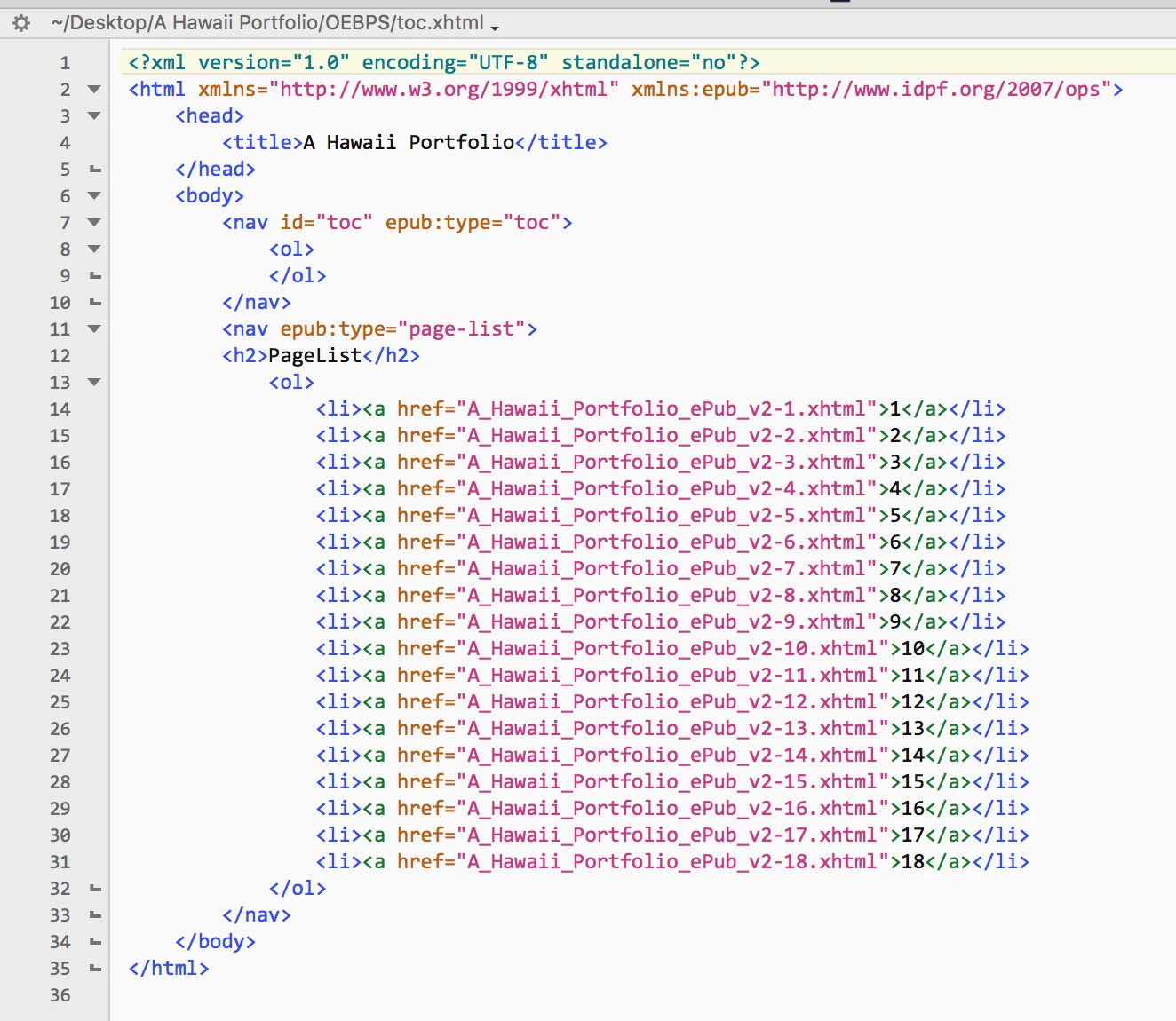
The error is at line 9. There needs to be an entry between <ol> and </ol>. Leaving this empty is apparently no longer valid using the 4.1.1 ePub Checker library, but used to be OK with the 4.0.2 library. I contacted the developer of ePub Checker and he said:
This comes from the underlaying validation engine of the official EPUBCheck library. There has been a minor update as you can see when having a look at the version numbers (4.1.1 vs. 4.0.2).
Core developers made an update to the TOC schema with PR #763 (https://github.com/w3c/epubcheck/pull/763😞
> fixes nav doc validation to be more faithful to the spec
> * require at least one li child for ol
So this is be intention and it seems you have some empty <ol> elements with no children in your toc.xhtml which is not valid anymore.
You have to fix these... so InDesign is not producing ePubs that conform to the current standard. The problem is, that InDesign is exporting an empty TOC with an empty <ol> element if you do not set toc titles properly before exporting.
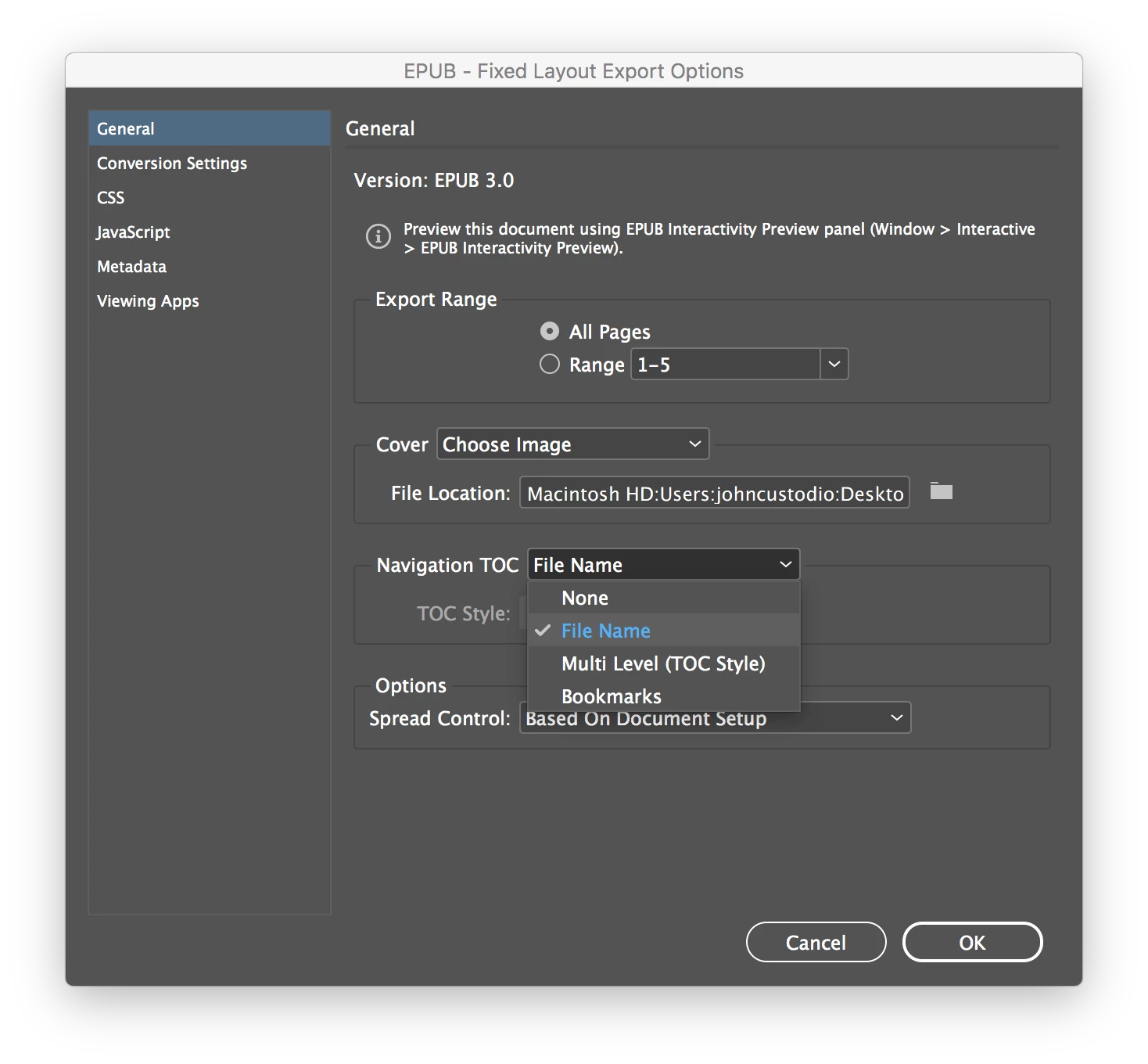
Note that I'm using the most current version of InDesign (2019 v 10.0.1), and that the ePubs I'm exporting out of InDesign are Fixed Layout, so setting toc titles is not an option in the export dialog. So to fix this I would have to add an li child between <ol> and </ol>.
So starting at line 8 it would read
<ol>
<li> ???????? </li>
</ol>
Not being really familiar with html and relying on InDesign to produce my ePubs, I don't know what to put here. What should I put here as a work-around to make the ePub valid? Note that the ePubs I now have that validate correctly against the old standard still work fine as far as being able to be read. So the only change is to make the ePub valid – there is really no change in the way the ePub is read or displayed on various devices. Or, the ultimate question: Do I really need to worry about this? Looks like the ePub Checker developers just made a tweak in the validation procedure to conform more tightly with the specs, but will the minor error, which apparently doesn't affect how the ePub is read, cause iBooks and others to reject the ePub? Bottom line, however, is that Fixed Layout ePubs produced by the current version of InDesign apparently do not conform to the current standard.

 @
@

 AdChoices