Fully aware of the expectations see screenshots
FIRST is exported fixed layout displays spread in Ipad viewing landscape or portrait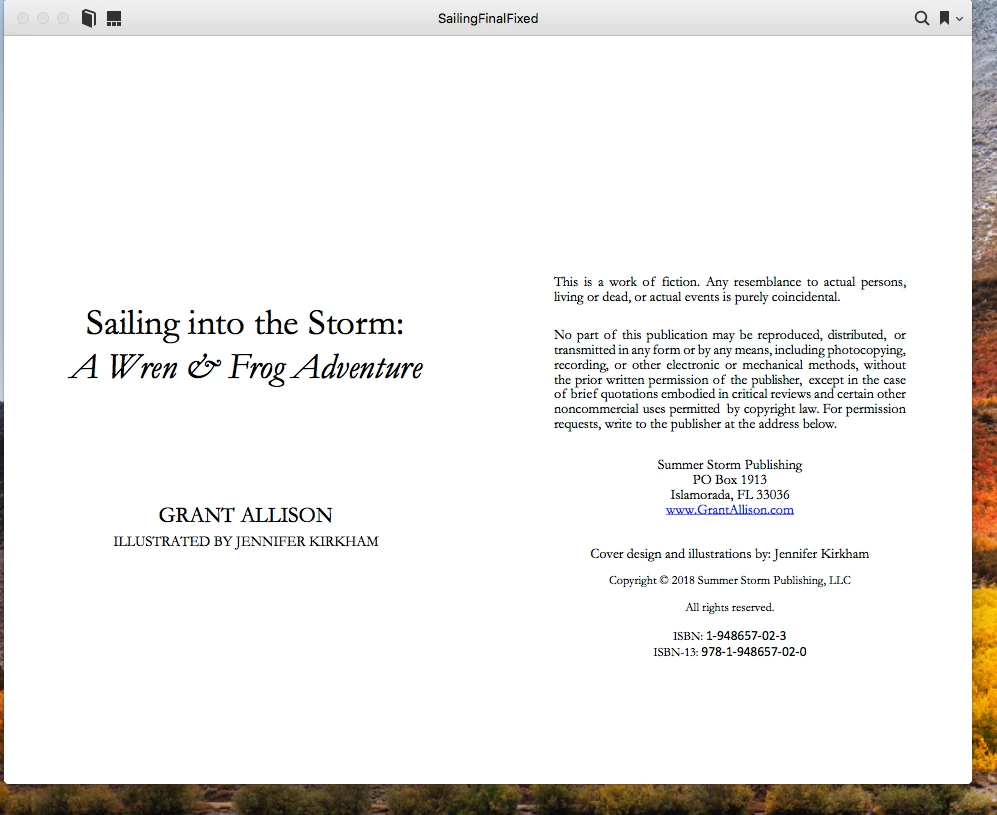
SECOND is exported as single page layout in Ipad displays single page layput in portrait and landscape
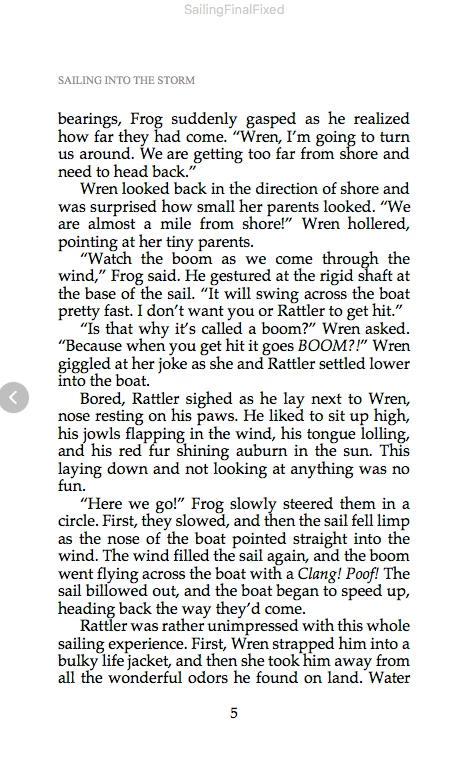
both work fine but at this point I would think exporting to a fixed layout you will either have one ( single page displaying) or spread displaying whether in portrait or landscape you cannot have both views in one export correct ?
Exactly as expected. You can only view one page of a fixed layout epub at a time which is why I advised exporting spreads as single landscape pages.
iBooks and some other readers will adapt to single or spread view with reflowable but that's going to come with tradeoffs that I am guessing you won't want to make.

 AdChoices