Thanks. Type/font/find/change all certainly works and is easy to do. It would be even easier if it did that automatically but I don't see how.
The bold italic is one or two words in the middle of a sentence (which is also a paragraph) so I am happy that the paragraph style does not throw out the italic. I just want it to change from bold italic to regular italic and to do this for each new paragraph as it comes to the TOC when I add to the book and update the TOC.
It intrigues me that there can be a style to do this so you will have to give me more detail. I can see how a style is applied to a whole sentence but to find and replace a font automatically, I wonder.
Hi dickveitch:
Type > Find Font will work, but so will Edit > Find/Change, and the latter is more flexible.
Here is my suggestion:
- Assign Bold Italic to the source document headings (you have already done this)
- Select one of the bold italic strings and save it as a style: Window > Styles > Character Styles > Panel Menu > New Character Style. Give it a logical name.
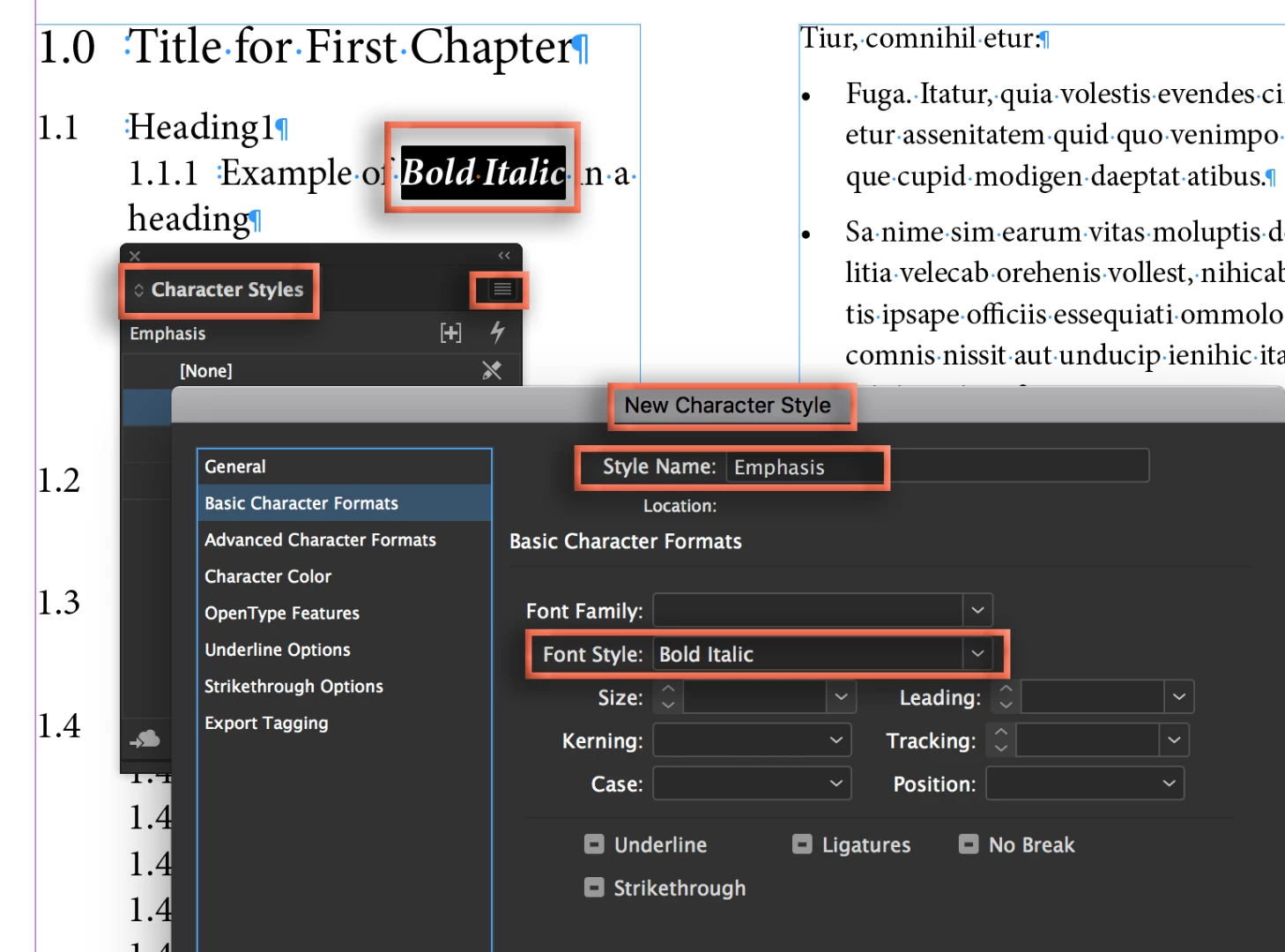
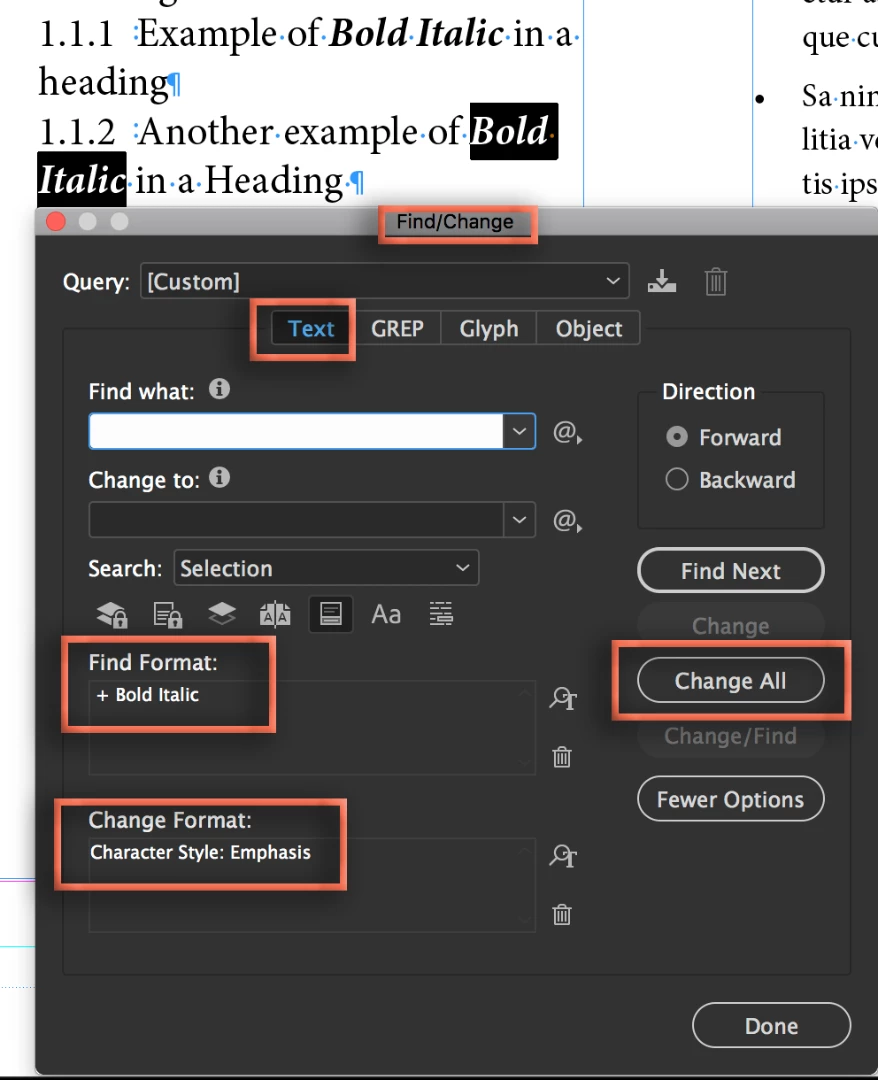
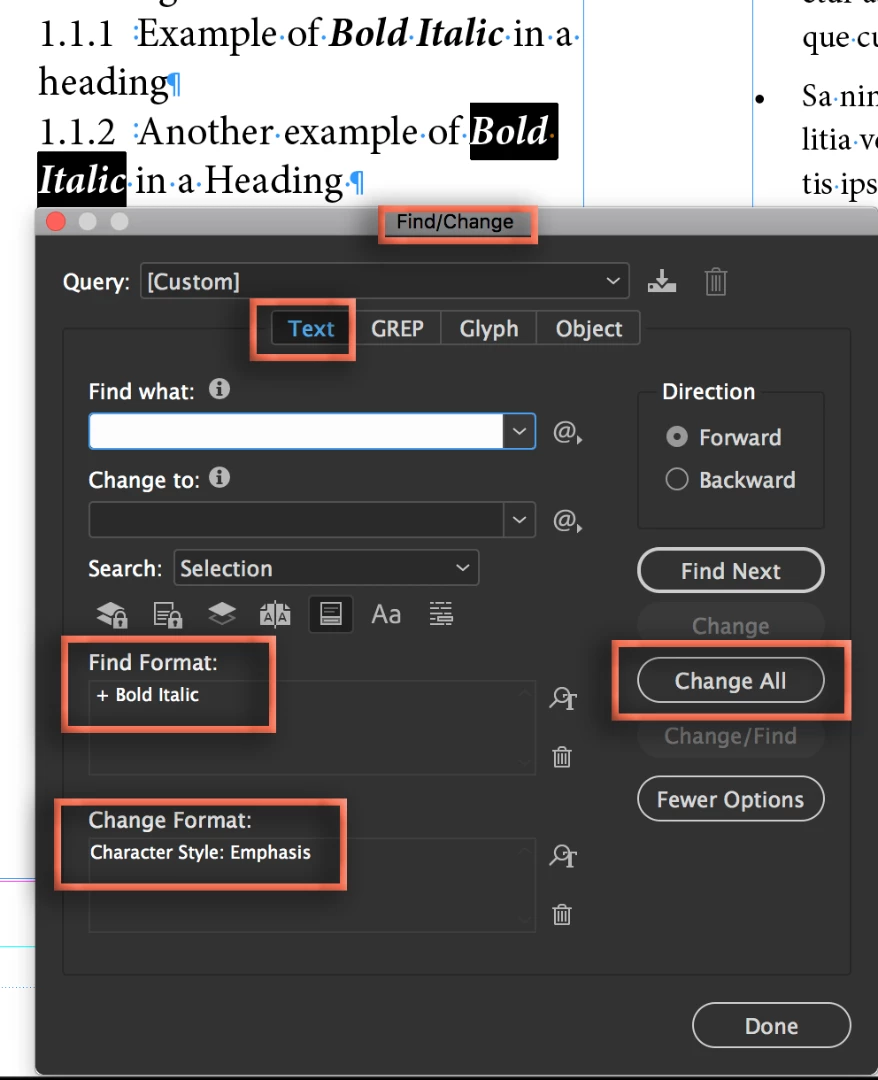
- Update all occurrences from overrides to the new character style via Edit > Find/Change. Find Bold Italic, replace with Character Style.
- Update the TOC, which will bring in the Bold Italic character style. (My font doesn't have a bold italic option so it shows in pink—still works the same way.)
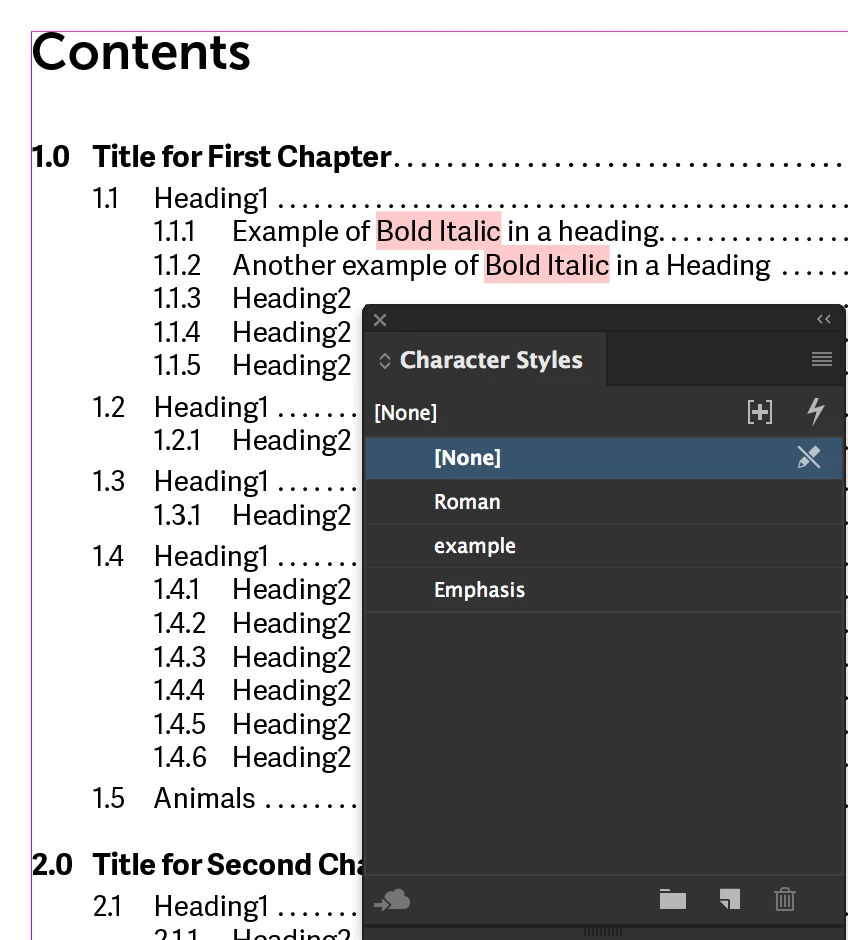
- Edit the character style in the TOC file: right click the character style in the Character Style panel > Edit > Basic Character Formats > Remove Font Style specs.
Now you won't have to think about it again.
~Barb

 AdChoices