Known Participant
May 25, 2022
Answered

Footnotes ignore text wrap on anchered object

  • May 25, 2022
  • 5 replies
  • 879 views

Hi,

I have these grey text boxes. When I insert them as anchored objects with text wrap my footnotes ignore this.
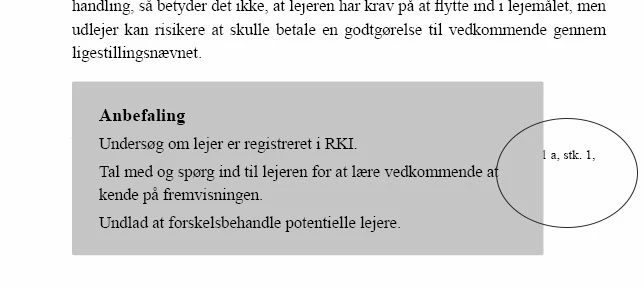
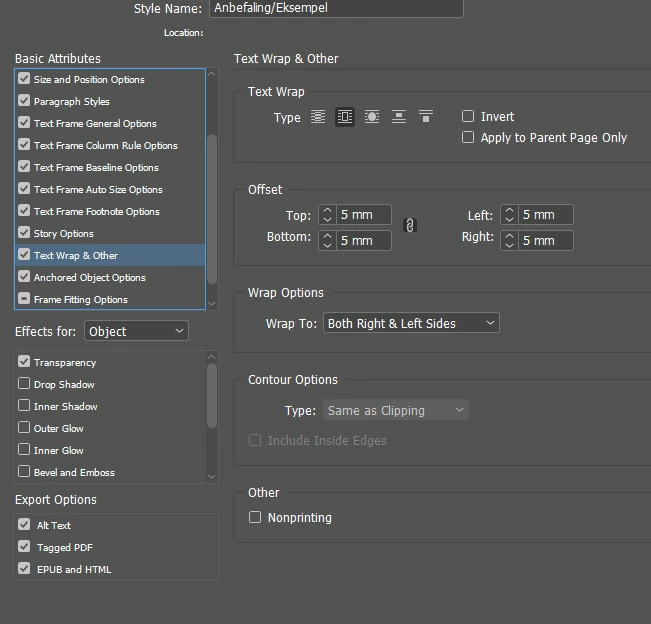


When I just draw a regular box without anchoring and place it close to a footnote the footnote honors the text wrap.
This topic has been closed for replies.
Correct answer Laubender

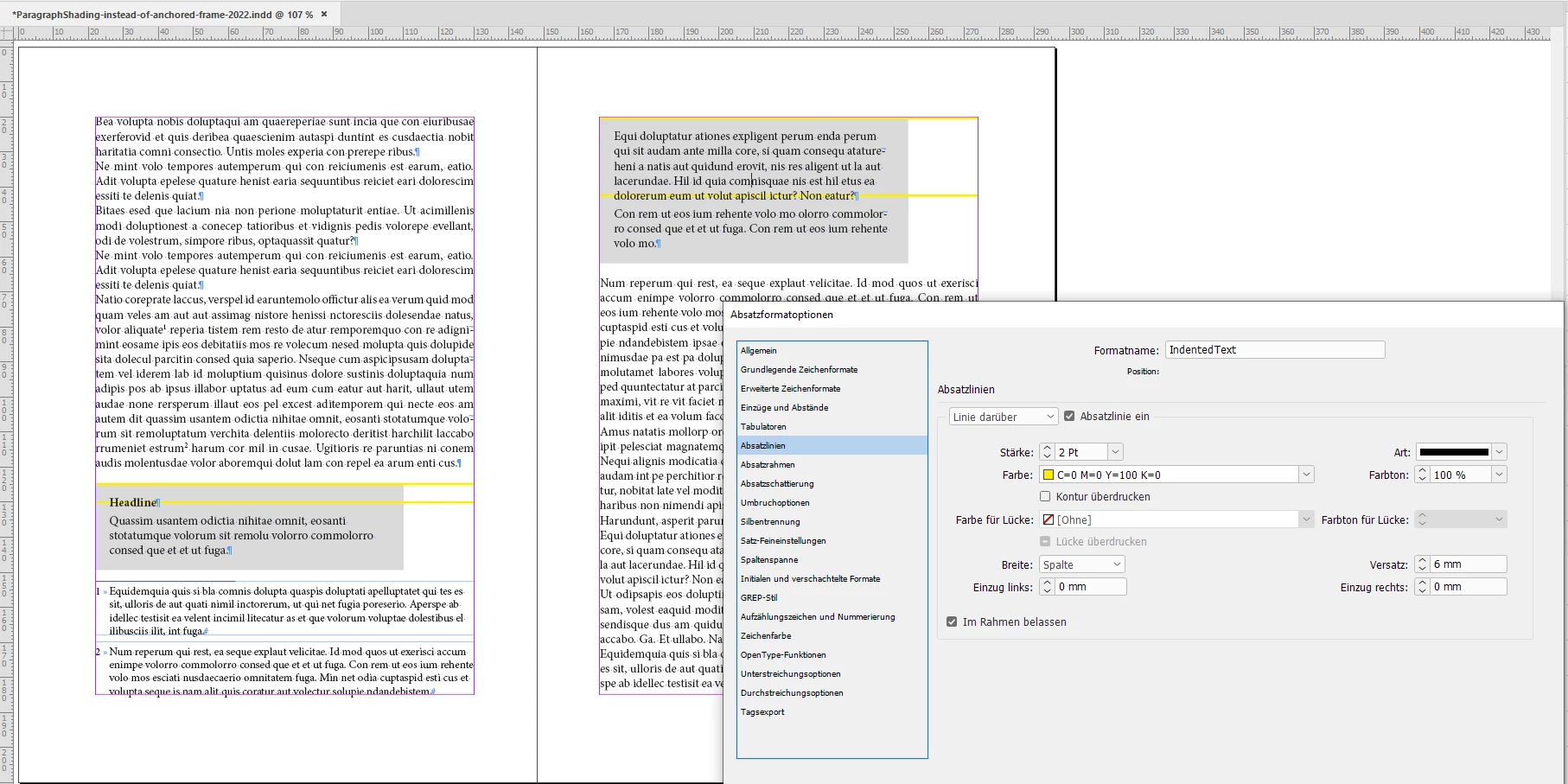
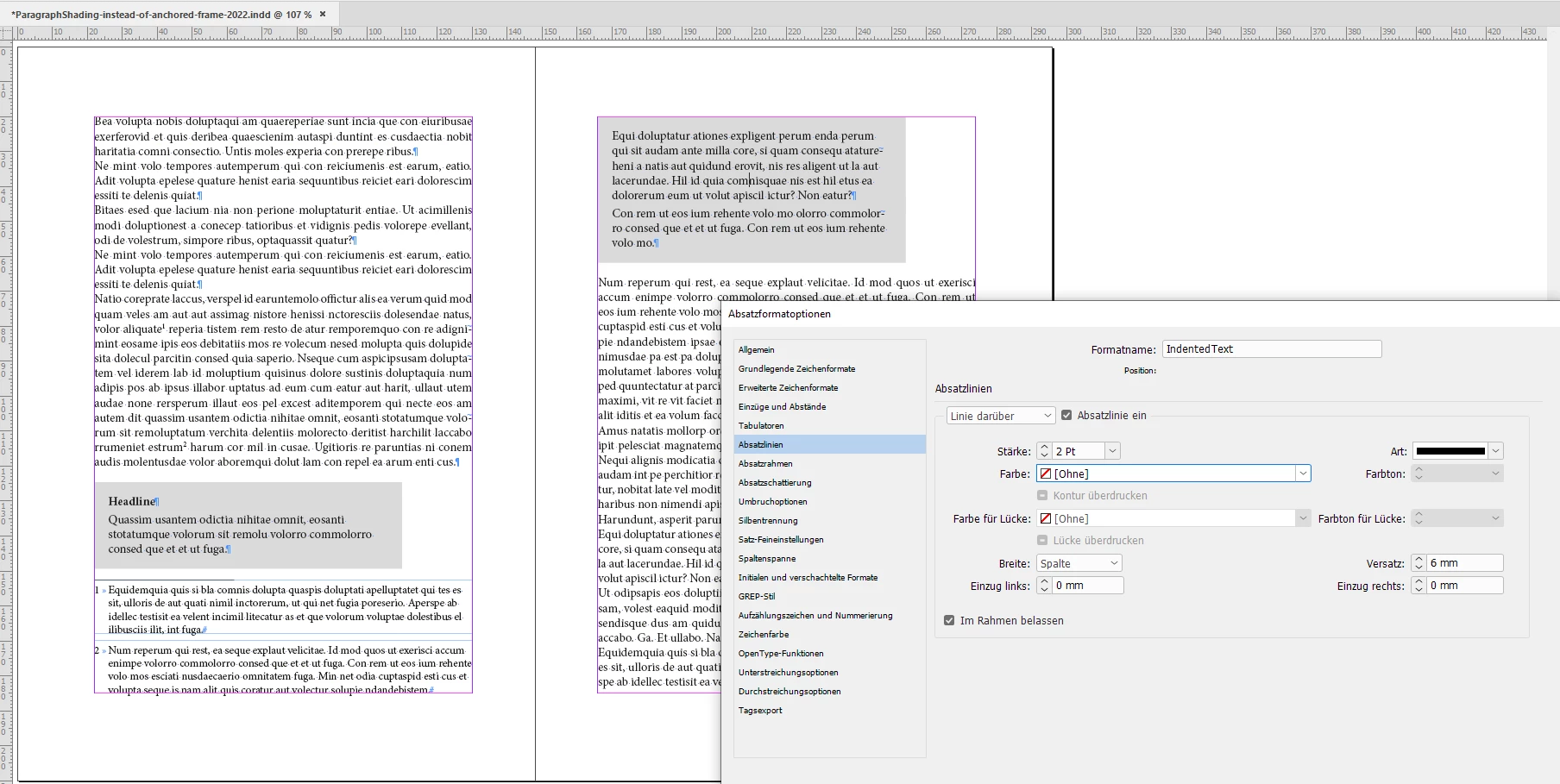
Well, one thing one could do if one never allows a paragraph in your gray area to break between text columns and text frames. You could include an invisible rule above in the applied paragraph style where the rule is not allowed to leave the text frame.


Sample from my German InDesign with a yellow rule above to show the effect:


Rule above, stroke color set to [None]:


Regards,
Uwe Laubender
( Adobe Community Professional )

5 replies

Community Expert
May 25, 2022

Keep Lines Together at default:


Keep Lines Together: All Lines In Paragraph


Well, I think that are all of your options to keep the gray area of the paragraph shading in check when the area breaks to a different text column or text frame.


Regards,
Uwe Laubender
( Adobe Community Professional )

LaubenderCommunity ExpertCorrect answer
Community Expert
May 25, 2022

Well, one thing one could do if one never allows a paragraph in your gray area to break between text columns and text frames. You could include an invisible rule above in the applied paragraph style where the rule is not allowed to leave the text frame.


Sample from my German InDesign with a yellow rule above to show the effect:


Rule above, stroke color set to [None]:


Regards,
Uwe Laubender
( Adobe Community Professional )

Belsen01Author
Known Participant
May 25, 2022

Danke schön!

You have been a great help. I think it works fine now whith your tweaks.

Community Expert
May 25, 2022

"Brilliant, I forgot that option"


Well, also with paragraph shading you may need some tweaking.

Paragraph shading is missing some options when a paragraph is running from one text column to another or from one text frame to another. See:


Option Clip To Frame disabled:


Option Clip To Frame enabled:


With Clip To Frame enabled the tweak would be to have a top inset or to use a different start for the first baseline of the text in the text frame. Nothing that can be controlled with a paragraph style:


Regards,
Uwe Laubender
( Adobe Community Professional )

Community Expert
May 25, 2022

"When I just draw a regular box without anchoring and place it close to a footnote the footnote honors the text wrap."


Hi Belsen01,

That's exactly how it works. Footnote texts will ignore text wrap when the wrapping object is anchored in the main text outside the footnote text.


You could do a feature request at InDesign UserVoice:

https://indesign.uservoice.com/


Or support one that is already done with your vote.


Regards,
Uwe Laubender
( Adobe Community Professional )

Belsen01Author
Known Participant
May 25, 2022

Hi both,

Hmmm of course you are correct. I see that now ... .

How would you go about the issue? I have a lot of these text boxes and I am affraid they will be messed up If I cannot anchor them .....

Community Expert
May 25, 2022

Does it help if you do not work with anchored frames, but if you are using paragraph shading for the design?


Best,

Uwe Laubender
( Adobe Community Professional )

Peter Kahrel
Community Expert
Community Expert
May 25, 2022

This behaviour is by design, and it's correct. InDesign wants to have footnotes on the same page as their references (which in itself is debatable, but there you are). An anchor with wrap could force a note off the page with its reference.

P.