
Format Text in Tables
Hello,
This is a super basic question that I can't seem to find the answer to so forgive me if this is obvious. When working with tables containing text in InDesign, I'd like to be able to select all of the text and bold it all, change its color, etc all at once because I'm figuring out which styule I want so I'll be doing this a lot,
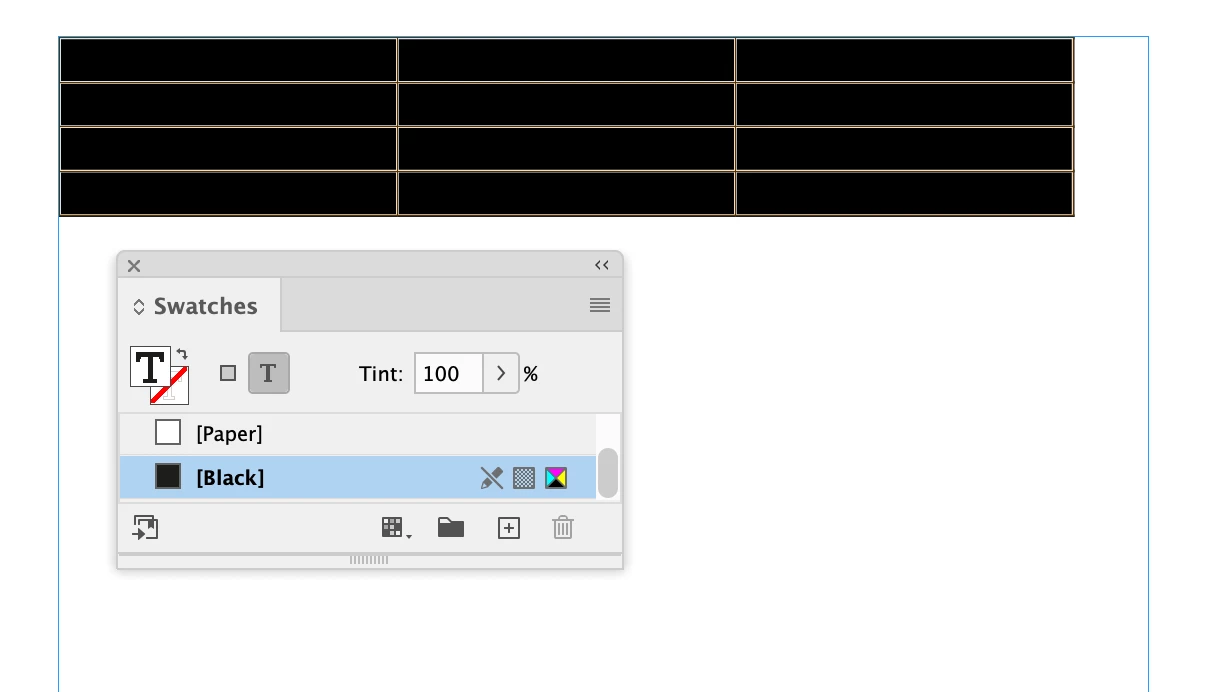
Currenty I am only seeing it possible to change these text characteristice by selecting each individual cell. When I try to drag and select it all, it selects the whole table and not the text (for example it will show the table fill color, not the text color so I can't select all this way and change text color). In Table>cell options>text, I can change text elements such as alignment all at once, but not font style, text color or other things.
Is there a way to do this to all text at once? Am I missing something obvious? Thanks so much in advance.


 AdChoices