richardn51689295
Participant
February 26, 2019
Answered

Formatting a book and working with returns
  • February 26, 2019
  • 3 replies
  • 776 views

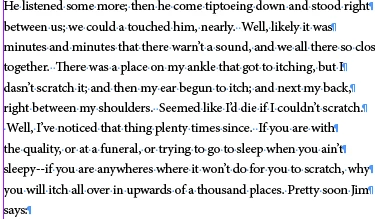
I'm working on a project on Adobe InDesign where I am formatting a book and I imported my text from the Gutenberg project website. The text that I am using is from the Adventures of Huckleberry Finn and I am trying to create my own body paragraph style for the text. The problem I have run into is that each line of text has a return at the end of it. When I try to add in a first line indent on each paragraph, because of the returns, it counts each line of the paragraph as the first line and thus indents the whole paragraph. This goes on throughout the entire text and I was wondering if there was an easy solution to getting rid of all the returns without removing the ones at the end of each paragraph to separate one paragraph from another.
    This topic has been closed for replies.
    Correct answer Barb Binder

    Hi Richard:

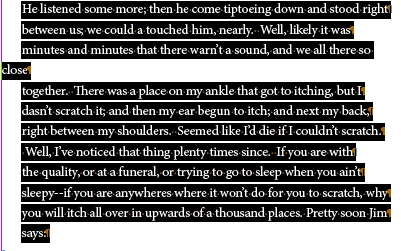
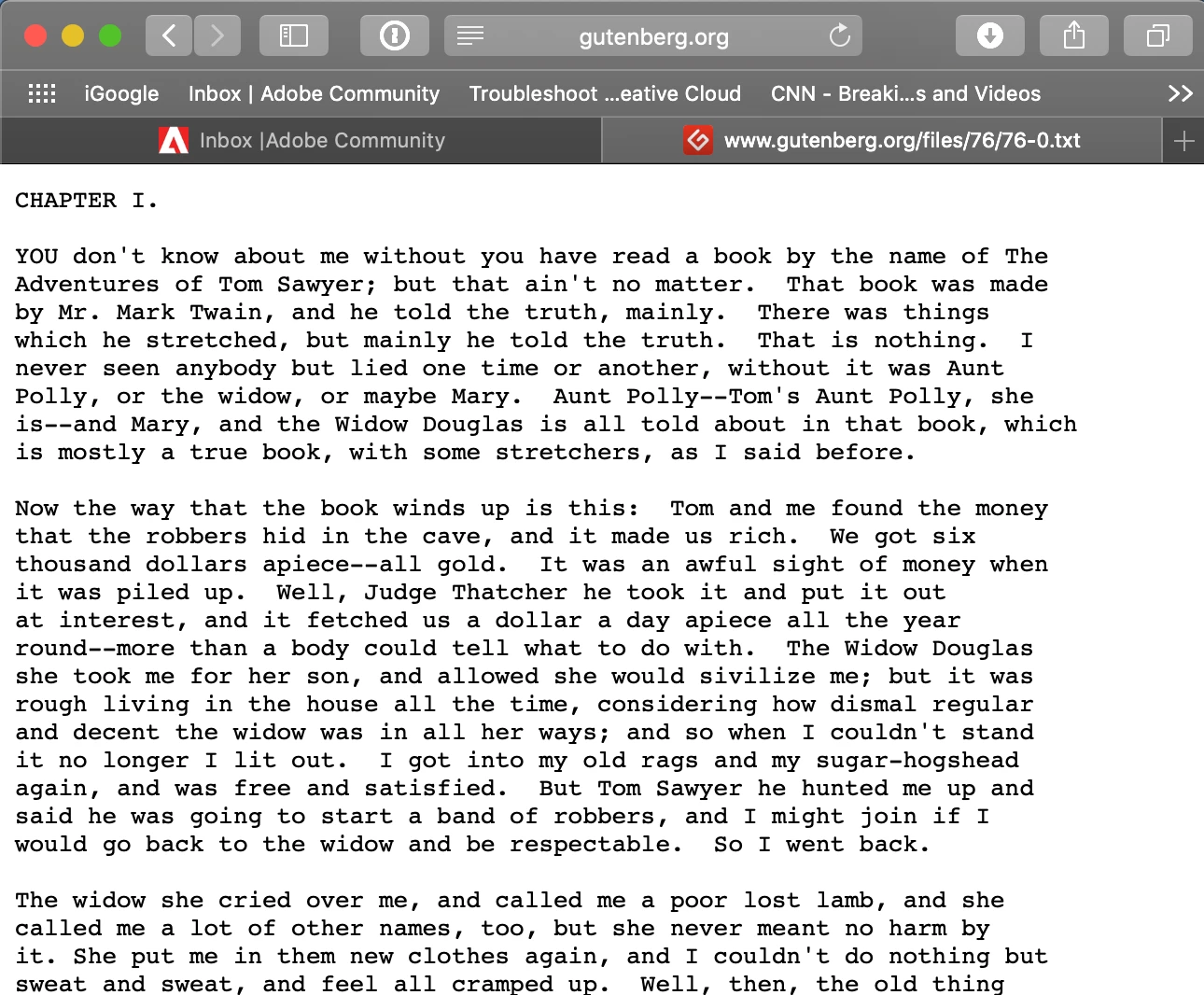
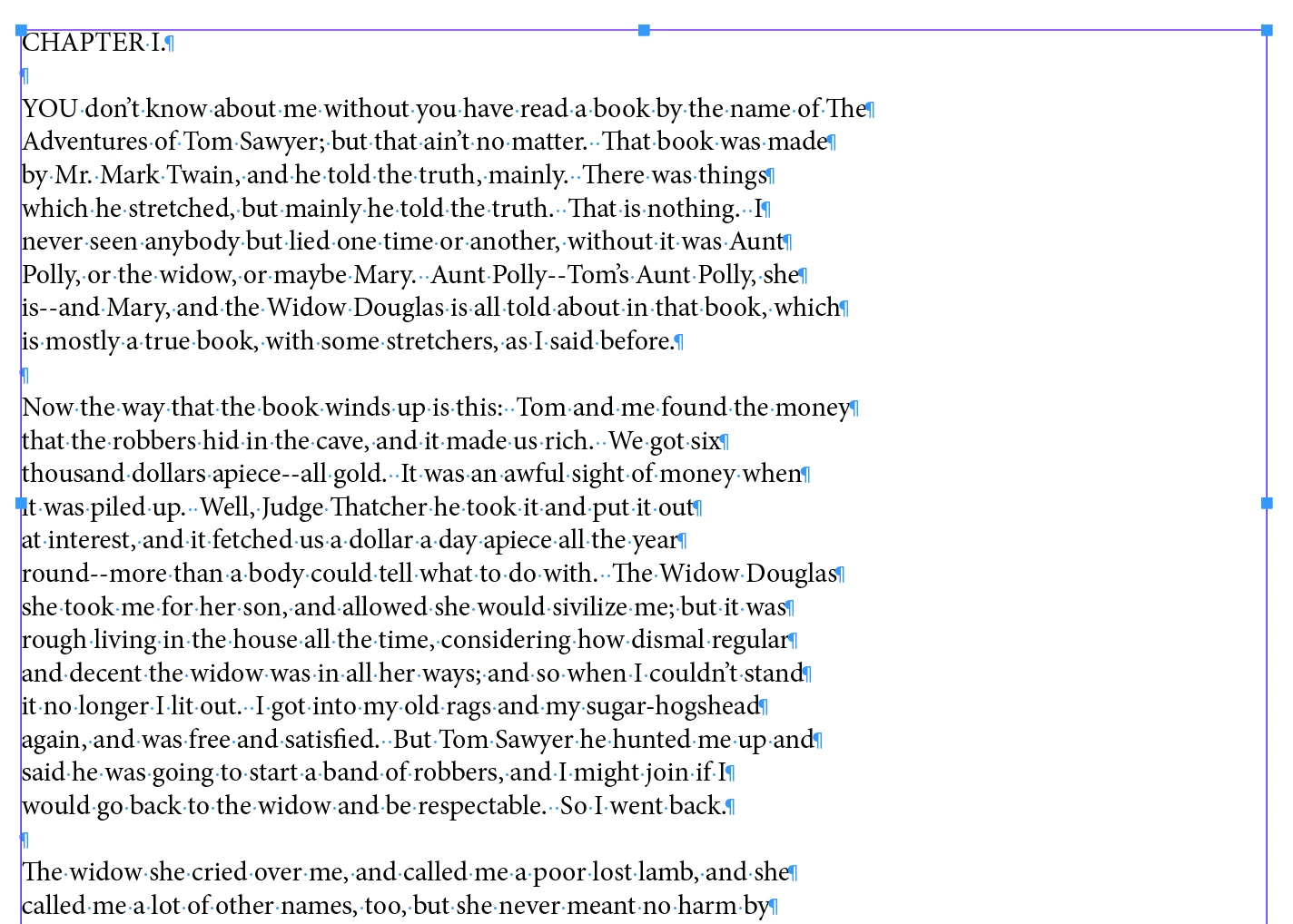
    Actually, all the content I looked at on gutenberg.org at has double returns ¶¶ between paragraphs, which makes the clean-up very simple.

    on gutenberg.org

    Pasted in InDesign:

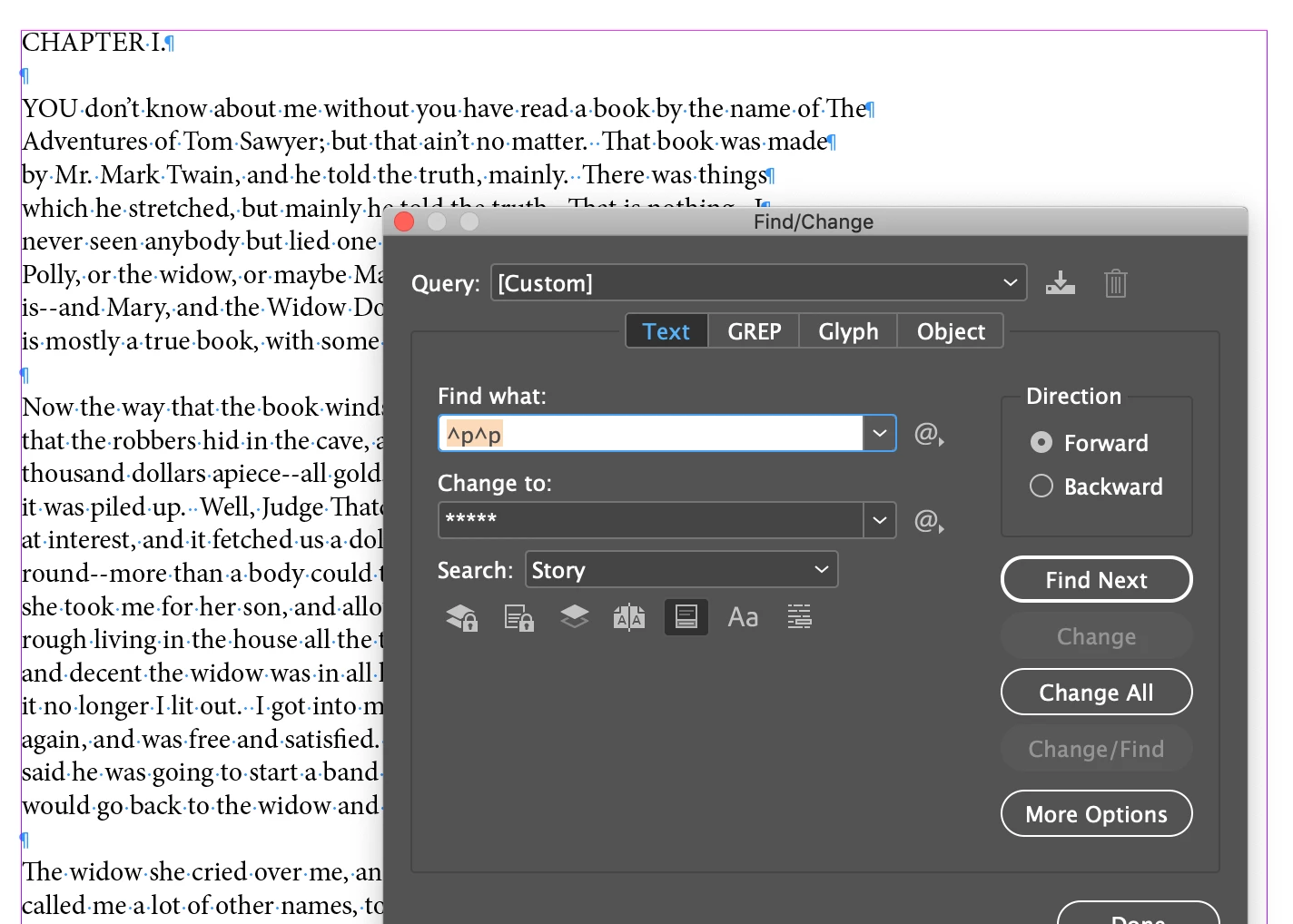
    Run three consecutive Find/Changes:

    Find: ^p^p

    Change to ***** (pick something that isn't in the file)

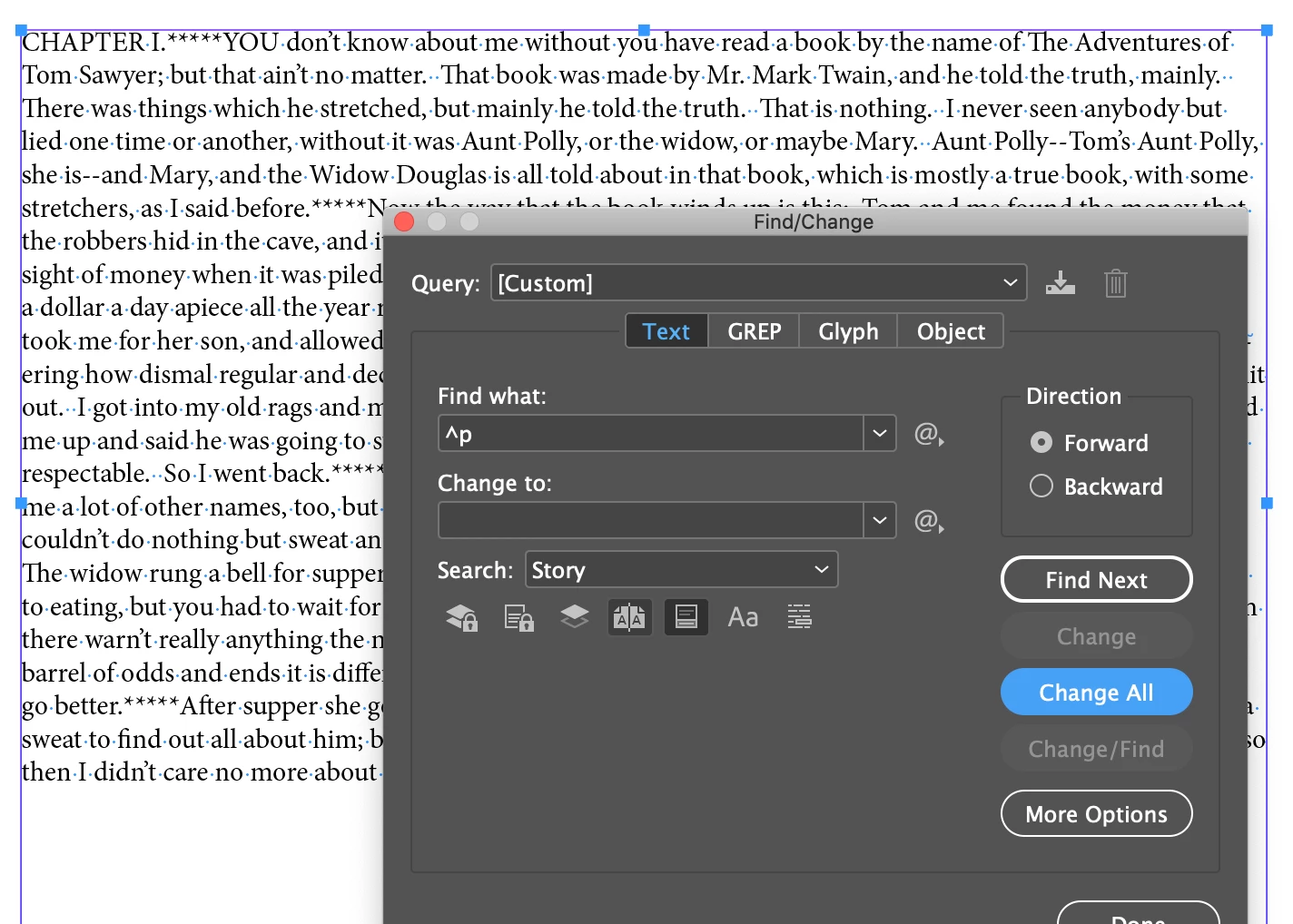
    Then
    Find: ^p
    Change to: [press the spacebar once]

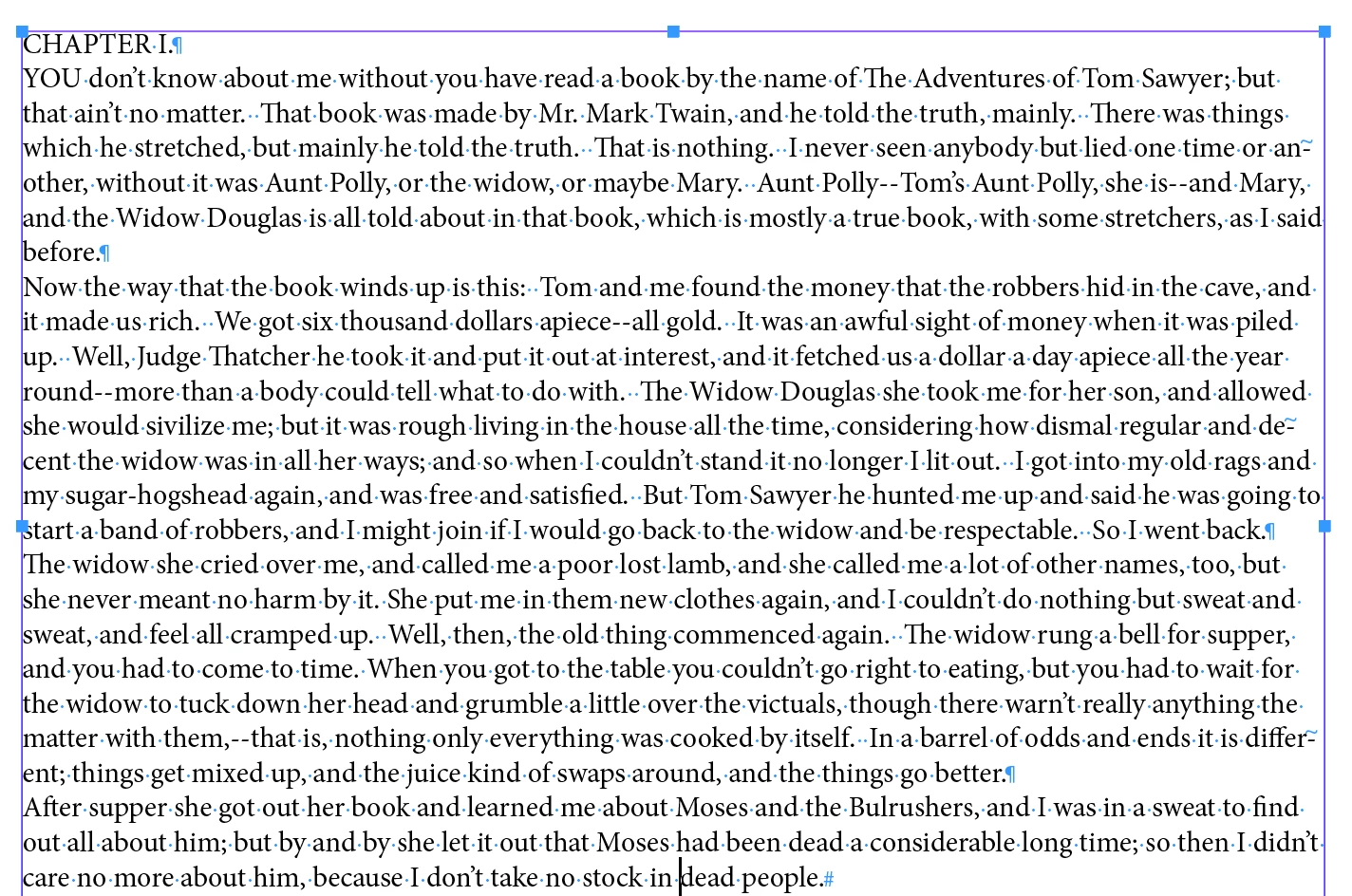
    Finally

    Find: *****

    Change to: ^p

    ~Barb

    3 replies

    Barb Binder
    Community Expert
    Barb BinderCommunity ExpertCorrect answer
    Community Expert
    February 26, 2019

    Hi Richard:

    Actually, all the content I looked at on gutenberg.org at has double returns ¶¶ between paragraphs, which makes the clean-up very simple.

    on gutenberg.org

    Pasted in InDesign:

    Run three consecutive Find/Changes:

    Find: ^p^p

    Change to ***** (pick something that isn't in the file)

    Then
    Find: ^p
    Change to: [press the spacebar once]

    Finally

    Find: *****

    Change to: ^p

    ~Barb

    ~Barb at Rocky Mountain Training
    Jongware
    Community Expert
    Community Expert
    February 27, 2019

    > ... which makes  the clean up easy ...

    Isn't there an Import option for plain text just to fix this?

    Barb Binder
    Community Expert
    Community Expert
    February 28, 2019

    Turns out that's a yes, [Jongware]—but you knew that. I haven't imported a .txt file for so long it didn't even occur to me to check the import options. I just remembered what I used to do years before InDesign was a glimmer in PageMaker's eye.

    ~Barb

    ~Barb at Rocky Mountain Training
    maxwithdax
    Community Expert
    Community Expert
    February 26, 2019

    You could also use Grep to find and replace only instances where a ^p is not preceded by a period. This would get you very close. The only thing is that if for some chance the hard return at the end of a line has a period at the end of it but is not the end of the paragraph you would have to keep watch for those.

    -Dax

    Steve Werner
    Community Expert
    Community Expert
    February 26, 2019

    Unfortunately if there's exactly one paragraph return at the end of every line, there's nothing to search for. If you manually add double returns where a real paragraph ends, then you can Find/Change and change two returns (^p^p) into something else temporarily like XXX. Then Find/Change ^p to a space. Then Find/Change XXX to a paragraph return.