Participating Frequently
September 1, 2022
Question

Frames/stroke visible in printouts, invisible in preview.

  • September 1, 2022
  • 1 reply
  • 893 views

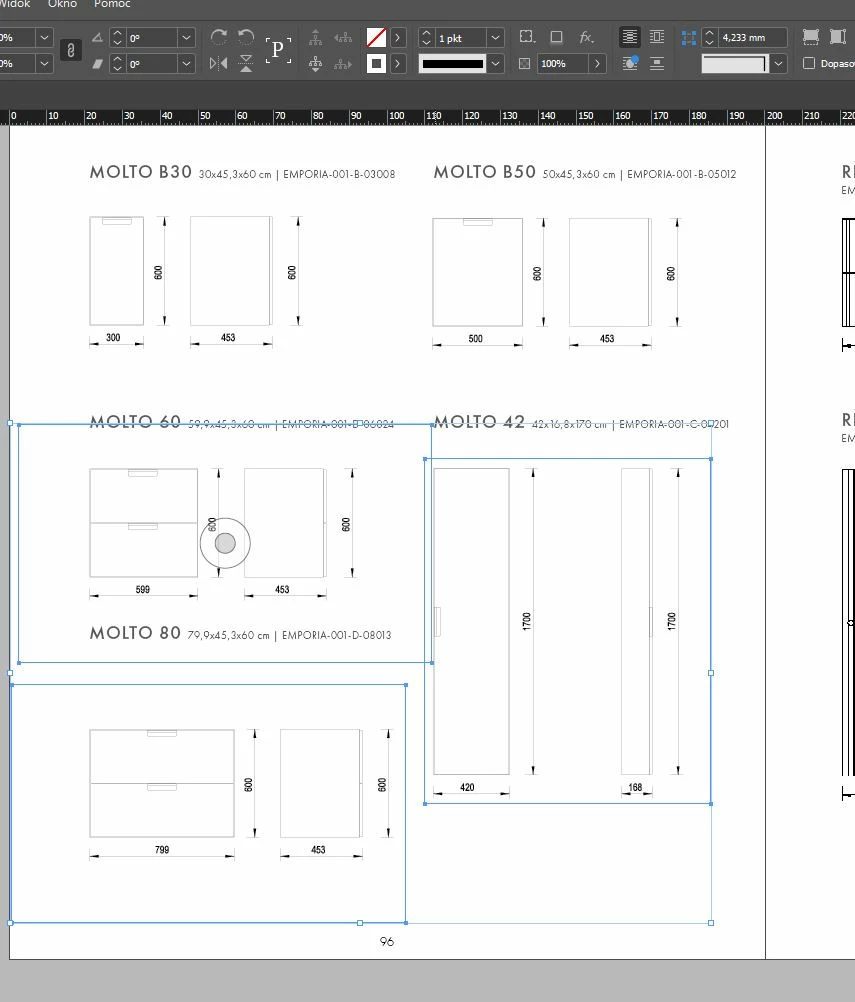
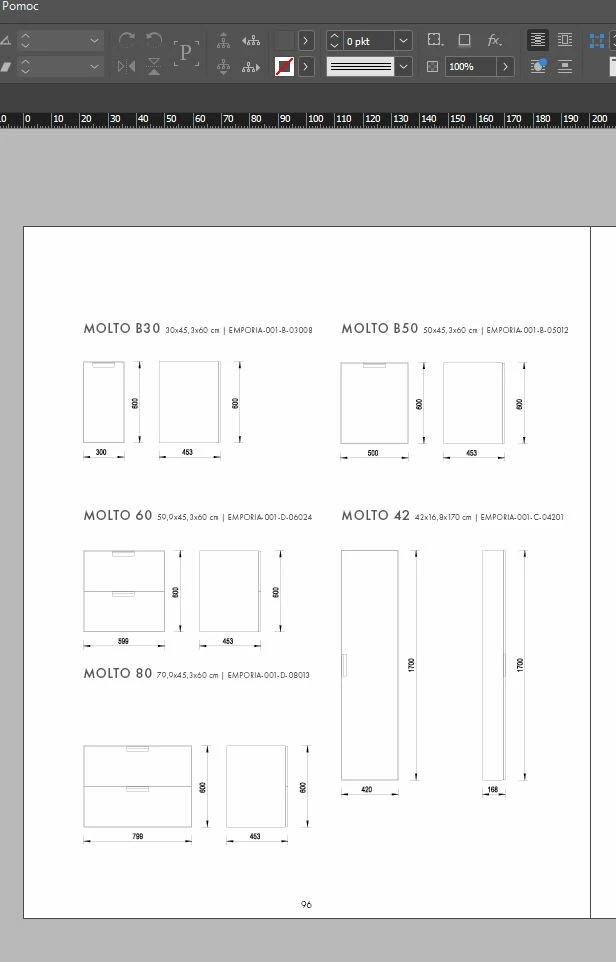
I have been having problems with Indesign printouts for a week now. I set up frame edges with stroke off, but borders are physically printing. In PDF preview they're unvisible. But printed from PDF frames come out black.What's more...When I change the frames to white it is ok. When the images lose the link is also ok - frames aren't visible. 


This also happens on my colleague's computer. We did not change anything in the settings.
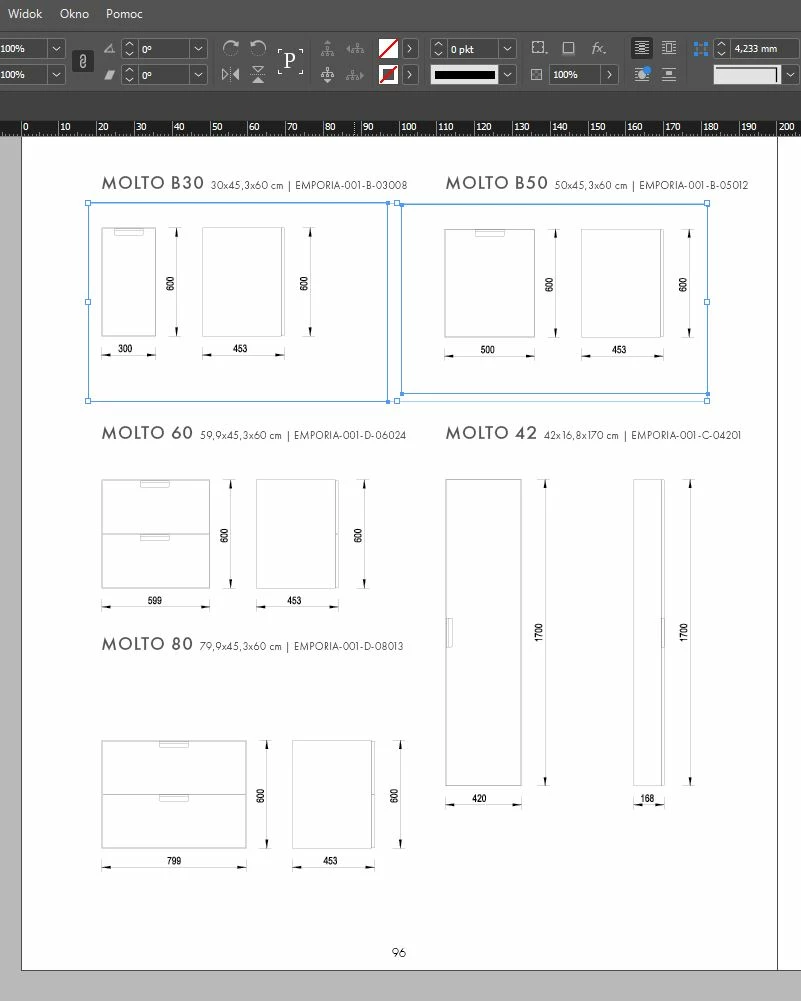


PDF exported from Indesign - preview - below. 
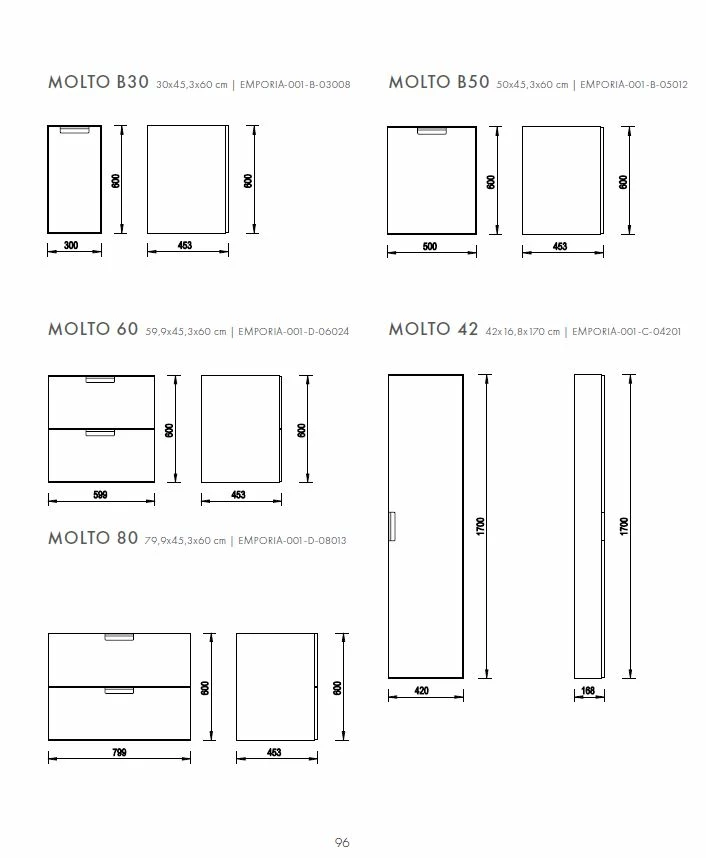
 

Printouts scan below.
 

This topic has been closed for replies.

1 reply

Peter Spier
Community Expert
Community Expert
September 1, 2022

What program are you using to view/print the PDF?

PGC_KateAuthor
Participating Frequently
September 2, 2022

From the beginning, even before the problem began, I used Adobe Acrobat Pro DC. 

Peter Spier
Community Expert
Community Expert
September 2, 2022

Now I have embedded the links and the frames in the printout have disappeared. But I still don't know why with unembedded links the frames print. 


Package .indd with links below:

https://we.tl/t-MYHnPM8Ml1 


I tried printing your original PDF posted above as well as making a new one after unembedding the images using press quality since I don't know your original settings, but they don't seem to adhere to PDF/X standards. Both printed fine to my cheap Samsung printer.