
AG_Bendac
Participant
January 25, 2021
Answered

Frosted Glass effect in InDesign

  • January 25, 2021
  • 2 replies
  • 18649 views

Hi InDesign Community. 

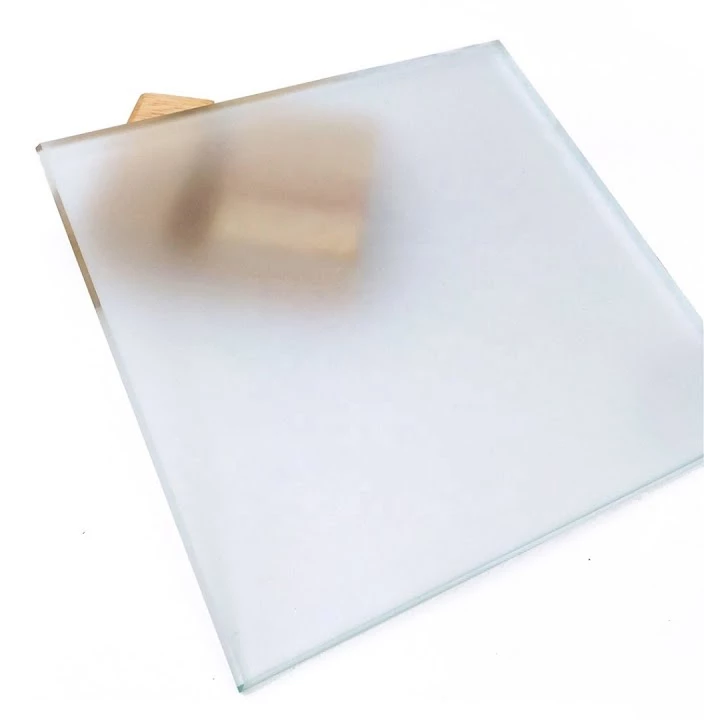
I am trying to achieve frosted glass effect which can be achieved in XD. Is there a workflow to achive this blurred object effect?

Correct answer AG_Bendac

Anyone intrested, please upvote the blurring feature request here.

2 replies

Derek Cross
Community Expert
Community Expert
January 26, 2021

The workflow is to use the correct tool for the job.

InDesign is used for assembling assets. So for creating effects to photographs you use Photoshop and then Place the PSD (in RGB color mode) in InDesign where you add text and possible other images (which may be created from other applications, such as Illustrator).
You will also need to consider the final output(s); is it for print or for digital and if so which format(s).


Jourdan W
Participant
February 28, 2024

I know this thread is long dead, but this would be a useful feature. It's definitely possible to do it in Photoshop, but it would be useful in Indesign for the same reason that it exists in XD. I frequently want to use a frosted glass effect behind text boxes in ID—it's frustrating and time consuming to set these up in Photoshop, especially when revisions to the copy mean it needs to be resized down the line. It takes a 30 second edit and turns it into 5 minutes.

HARSHIKA_VERMA
Community Manager
Community Manager
March 6, 2024

Hi there,


Thank you for reaching out and sharing your feedback/suggestions. We will ensure that will share your suggestion with the team. Meanwhile, would you mind upvoting the similar request idea raised on our InDesign UserVoice page if you haven't done so already? Please add your voice and upvote the request.


Thanks,

Harshika

Jens Trost
Inspiring
January 26, 2021

Hi @AG_Bendac,
the technique described in the video uses the Background Blur of Adobe XD – this effect is not available in InDesign.

You could either use
– Illustrator (Effect -> Blur filters) and place your .ai file inside ID,
– Photoshop (Filters -> Blur) and place .psd,
– export a PDF out of XD using this effect (I don't think you can place .xd files nativly in ID?), this technique has the disadvantage that you can't quickly edit the effect and resave, you always have to export a PDF.

AG_Bendac
AG_BendacAuthor
Participant
January 26, 2021

Thank you for your workflow alternatives. I am going to put a feature request for blurring for InDesign. 

AG_Bendac
AG_BendacAuthorCorrect answer
Participant
January 26, 2021

Anyone intrested, please upvote the blurring feature request here.