
Question
GPU mode fragments my documents and causes Macbook to crash?!
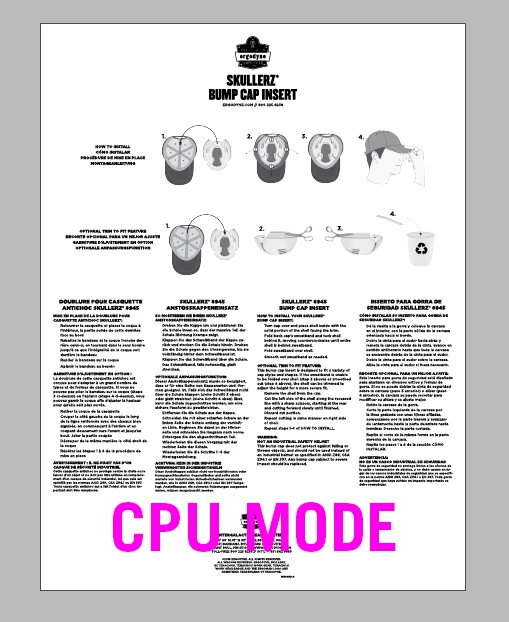
Ever since updating to the newest CC programs, I've been having issues with InDesign, and Illustrator as well. The program starts automatically in GPU mode, but no matter what document, it appears "fragmented" and so distorted, it's almost unreadable. If I change to CPU mode, everything is fine. But isn't GPU supposed to be the superior mode? It took me awhile to realize CPU mode fixed it, and when I leave it on GPU mode, my Macbook would crash up to 10 times a day.
macOS High Sierra, Version 10.13.3
MacBook Pro (13-inch, 2016, Four Thunderbolt 3 Ports)
Processor: 2.9 GHz Intel Core i5
Memory: 8 GB 2133 MHz LPDDR3
Graphics: Intel Iris Graphics 550 1536 MB



 AdChoices