
Participant
December 1, 2021
Question

GPU view shows wrong colors

  • December 1, 2021
  • 1 reply
  • 1818 views

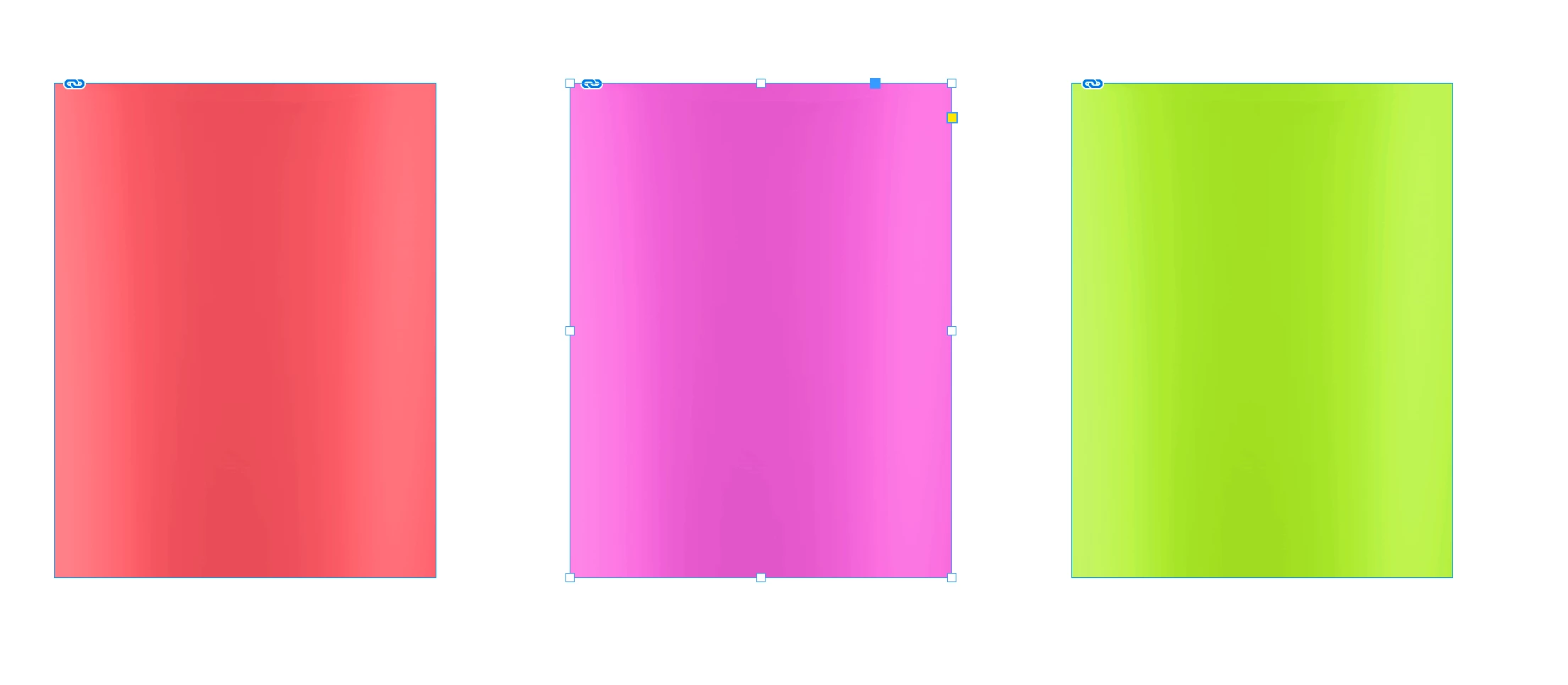
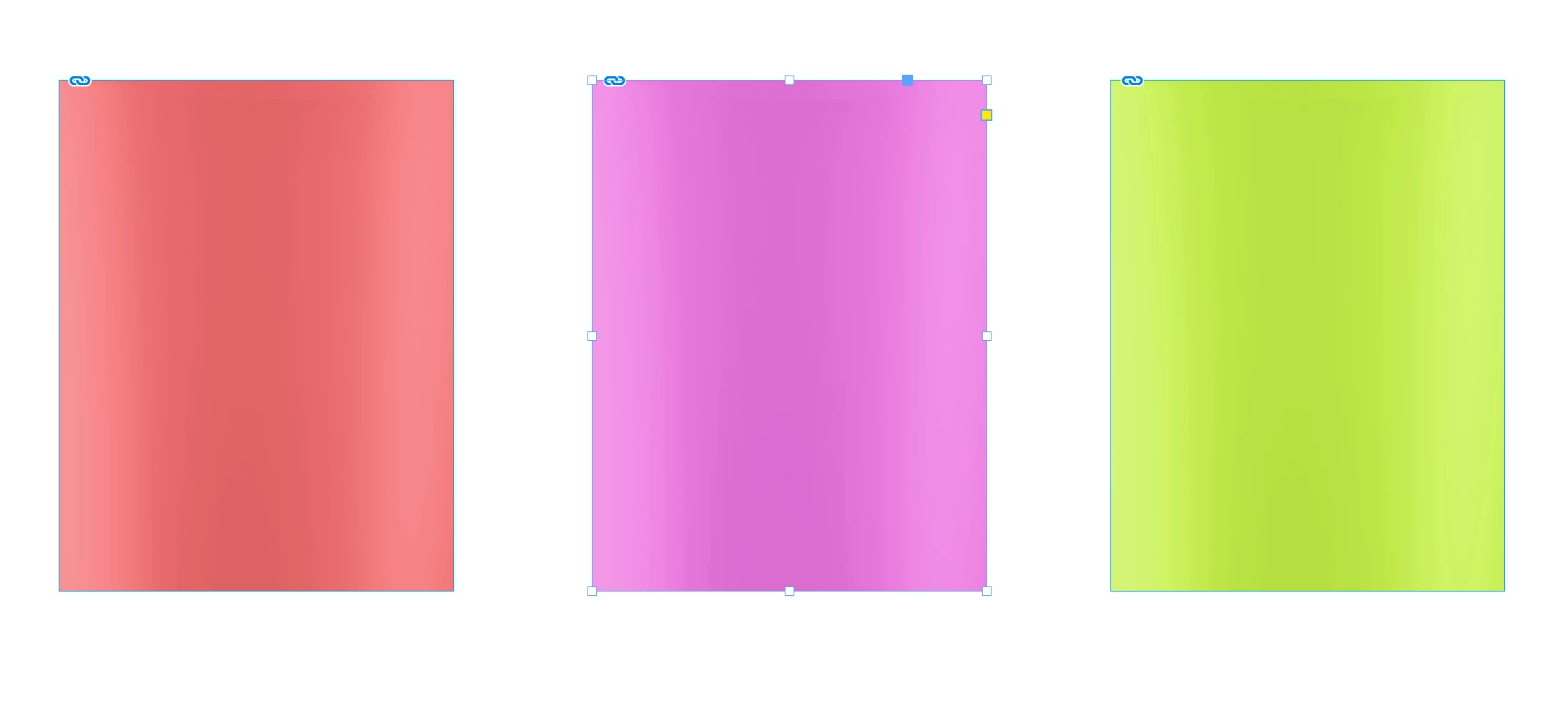
- Since latest InDesign updates 17.0 ... the GPU view shows less saturated colors of imported PSD files.
- Switching to CPU view, correct bright PSD colors are shown.
- Color profiles are synced with Bridge.
- Mac Book Pro 2019, AMD Radeon Pro 5500M 8 GB
How can I fix it? Anyone an idea?
This topic has been closed for replies.

1 reply

Ashutosh_Mishra
Inspiring
December 6, 2021

Hi there,


Sorry to hear about your experience. Would you mind sharing the exact version of the OS & InDesign? Do you see this behavior with some specific PSD documents? If yes, would it be possible for you to share some sample PSD files with us? 

We'll be happy to take a look.


Regards,

Ashutosh

Participant
December 9, 2021

Hi Ashutosh,
here my system specs:
- Big Sur 11.6.1
- InDesign 17.0.1
- PSD 23.0.2

I see this problem with all PSDs and also with other pics placed in Indesign.
I've attached my test indd and used links (PSDs and files from web).
Thank you in advance

Anshul_Saini
Community Manager
Community Manager
January 14, 2022

Hi @Saskia22030308n53n,


Thanks for sharing the files, and sorry for the delayed response. I would request you to, please try changing the Transparency Blend Space to Document RGB in InDesign (Edit > Transparency Blend Space > Document RGB) to see if the colors match with that in Photoshop. Let us know how it goes.


Regards,

Anshul Saini