ElizabethGailLittle
Inspiring
May 12, 2020
Answered

Half-page booklet

  • May 12, 2020
  • 2 replies
  • 7533 views

I have a 12-page half-page booklet.  Everything looks good on screen.  Content of pages is centered.  Then I need to print.  If I Print Booklet from Indesign, everything's centered, but outsides of the double spreads are upside down from the insides.  If I export ro pdf & print, everything faces the same way, but the margins on the fold side are about 1/3 that of the cut side.


I love using InDesign to design my booklet, but I set it up as a Print job, and don't understand why I can't get it printed properly.  Help, please!


Thanks!
This topic has been closed for replies.
Correct answer rob day

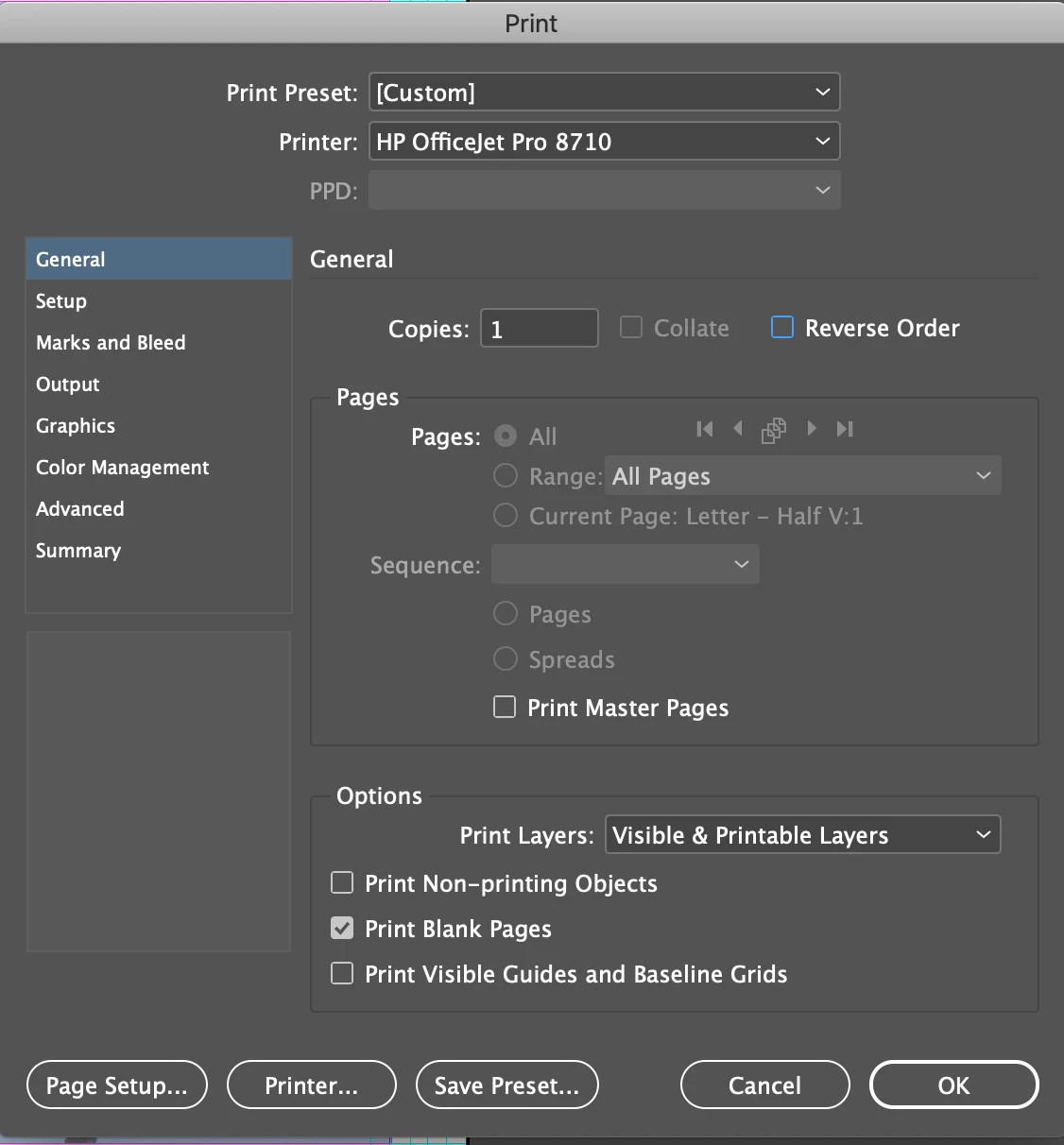
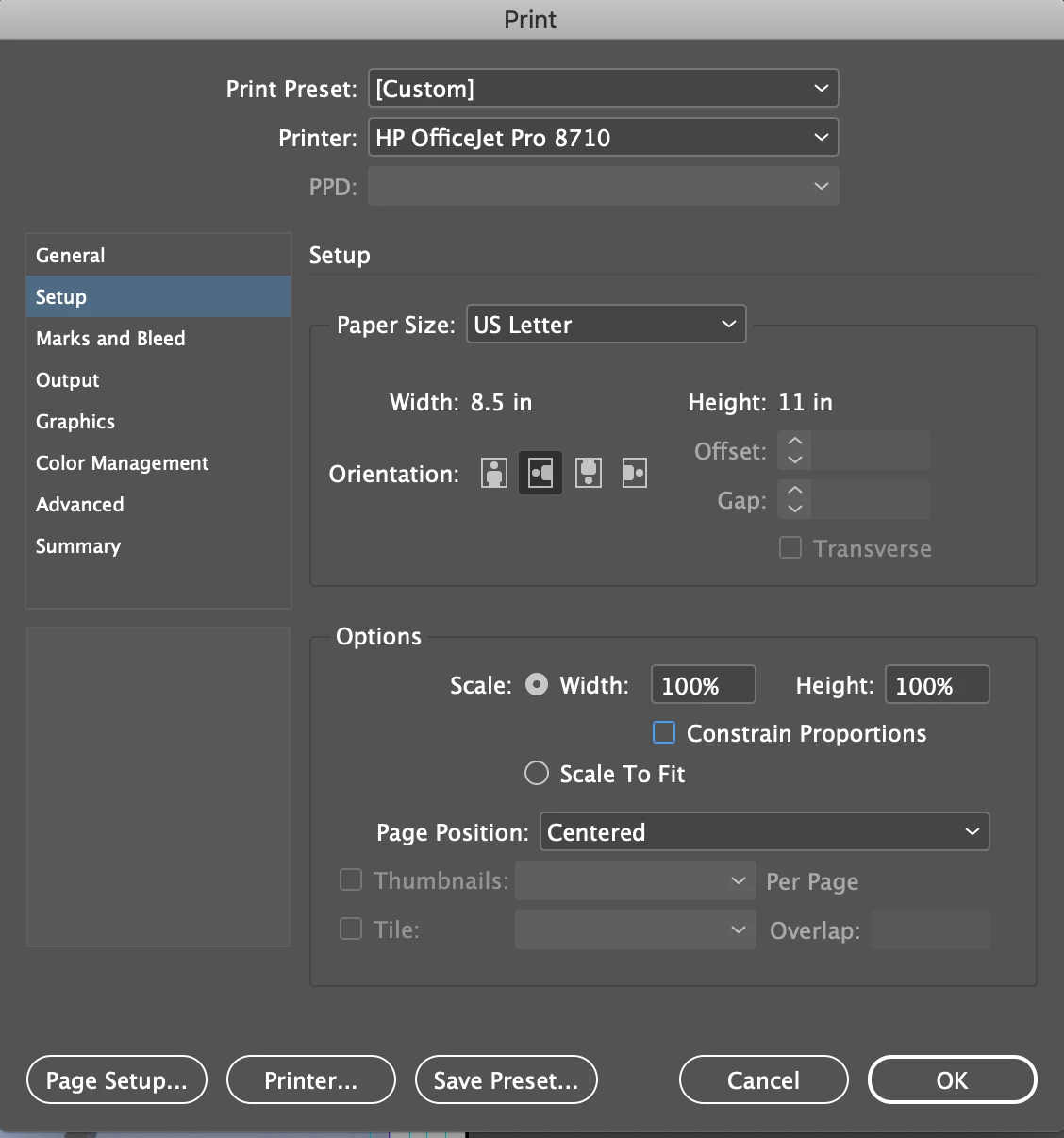
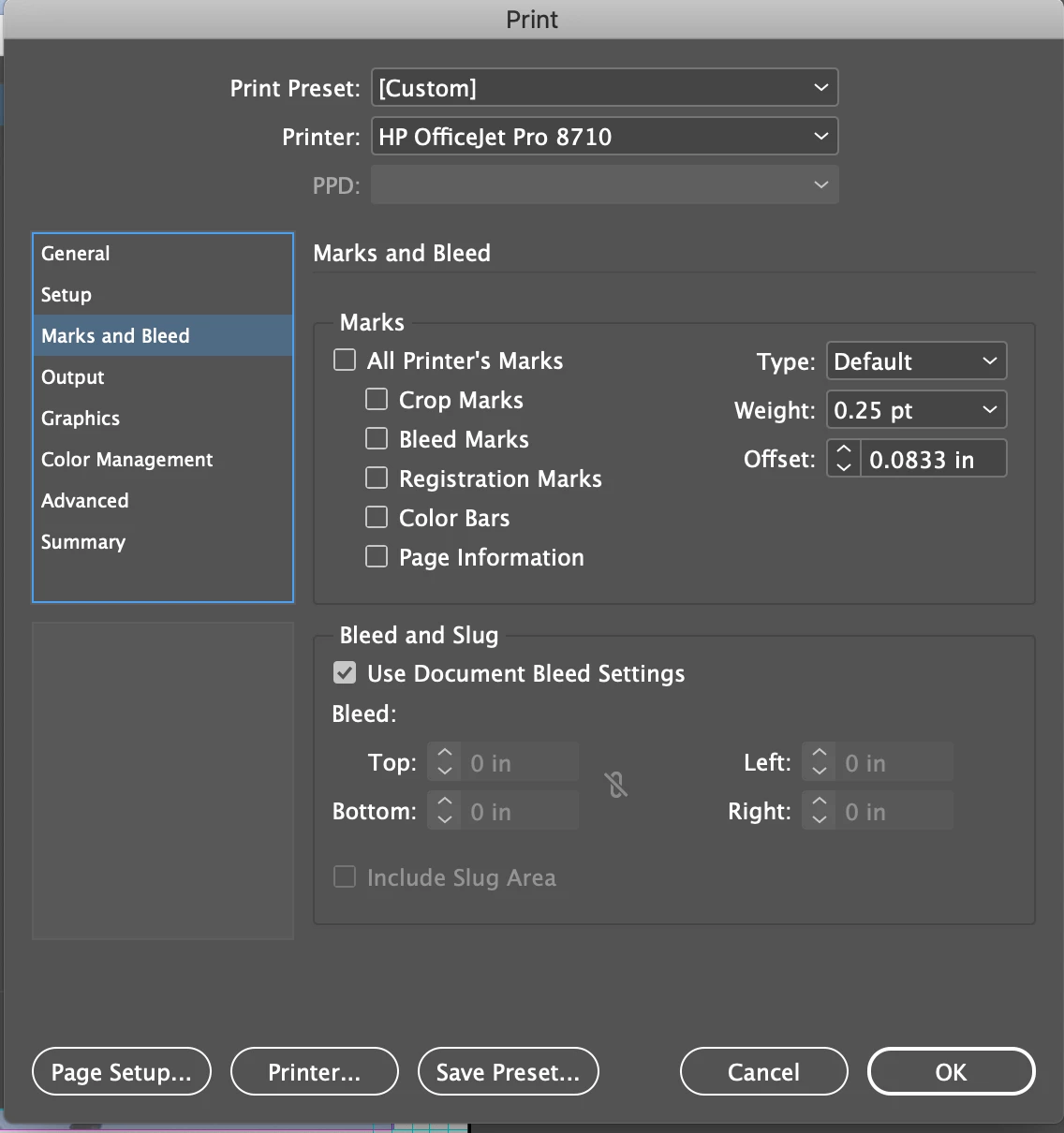
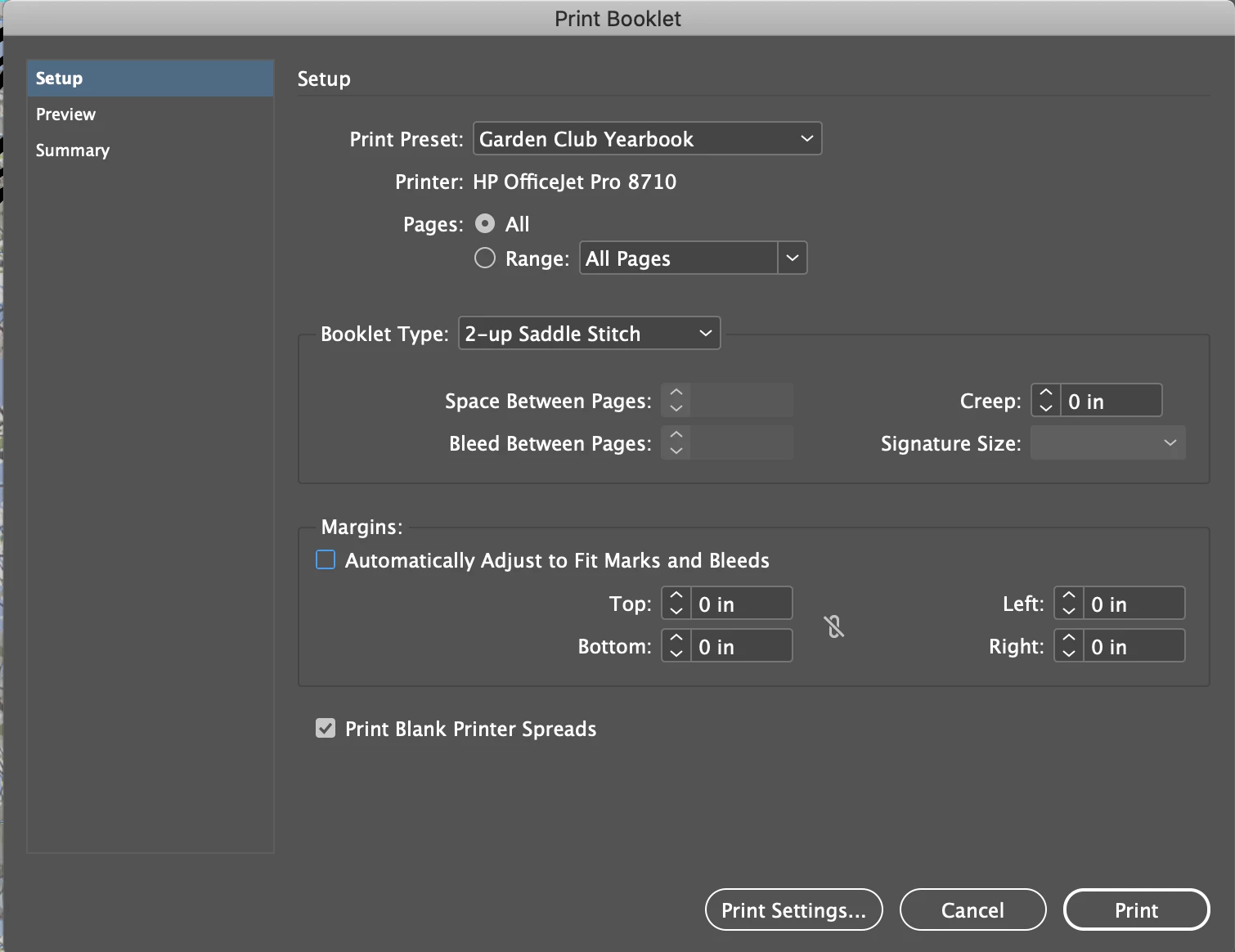
I am not using bleed or crop in the document.  My page size is supposed to be half the sheet size and prints that way as booklet from InDesign.  I followed your link for HP, but apparently there is no driver available.  The printer is 4 years old.  I'm attaching screen shots I used for printing as booklet from InDesign.  All is good but reverse sides of paper are upside down and I can't figure out how to print only 1 side at a time, which would solve the problem very easily.  I'd like to specify print spread, but that option is grayed also.


When I exported to pdf, everything was a mess.  Page 1 fine.  All others showed 4 pages per paper side!!!


Thanks for your help - I need it & appreciate it.


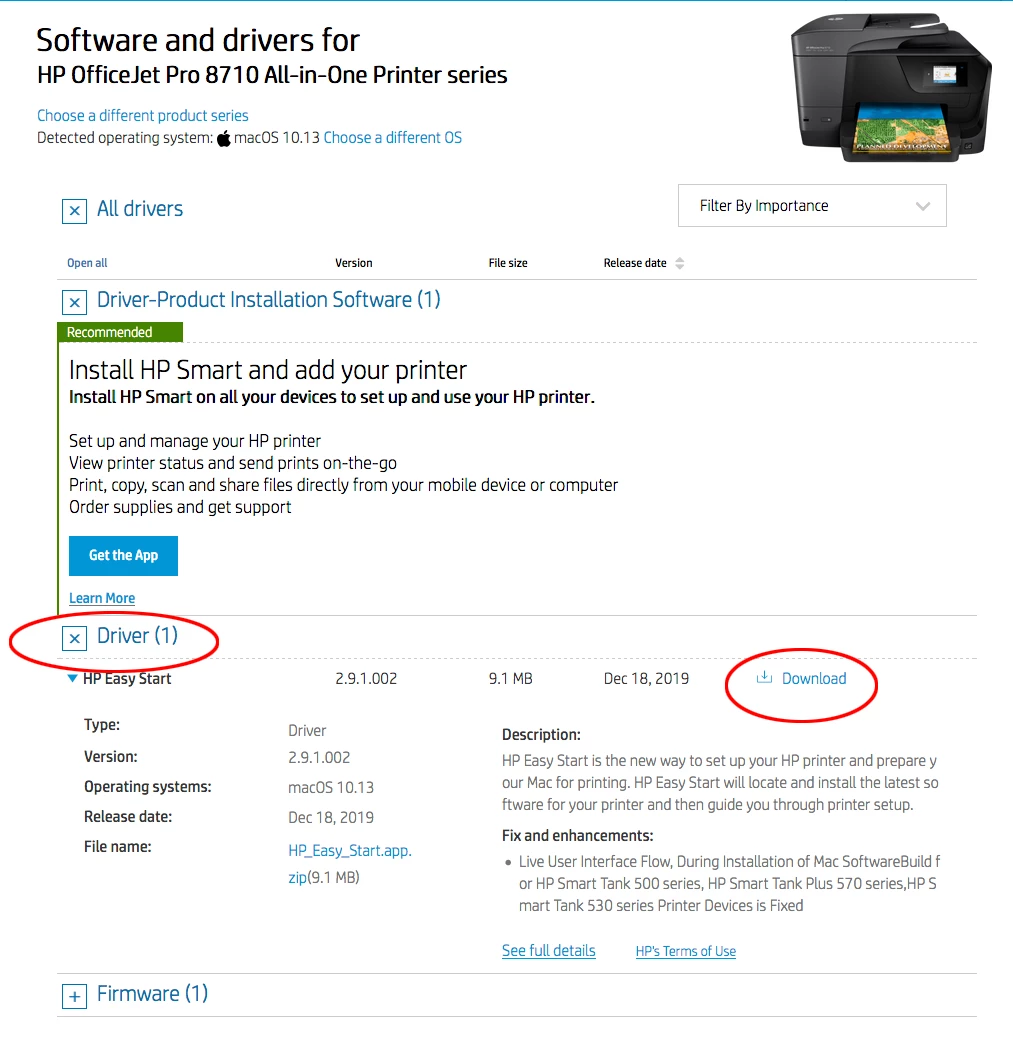
I followed your link for HP, but apparently there is no driver available. The printer is 4 years old.


I was able to download it—the latest driver was posted 12-2019. There’s also a recent Firmware update.


Make sure you click the + symbol to get to the Driver download link. InDesign does work best with postscript drivers where there is a PPD installed:


2 replies

Luke Jennings3
Community Expert
Community Expert
May 15, 2020

If the outsides are upside down, that suggests your print settings are wrong, however, printing a PDF from Acrobat is usually preferred over printing directly from InDesign. Print booklet from Acrobat should be working as long as your PDF does not have crop marks or inside bleed, If you need bleed and cropmarks, there is a work-around, here is a link to a related discussion:

https://community.adobe.com/t5/acrobat/booklet-and-bleed/m-p/9737476?page=1

ElizabethGailLittle
Inspiring
May 15, 2020
Printing from Acrobat works great! EXCEPT - centered pages have a small
margin on fold side and large margin on cut side. When I print from
InDesign, margins are great but alternate pages upside down. I was told it
was a printer driver setting. Didn’t know how to do that. Followed advice
from someone & called what I thought was HP support. Computer hacked,
credit cards now cancelled, charges pending, had to scrape the computer.
If it is a driver setting, PLEASE, someone, tell me how to get to it and
fix it!
Thanks!
Legend
May 15, 2020

The reason your pages are upside down has to do with the difference between Work and Turn vs. Work and Tumble (or Work and Flop to some). Some printers do one or the other, some do both, while others do neither (in which case you have to put the sheets printed on one side back through the printer for the back sides, and you have to know whether to put them in right-side-up or upside down). Here's some info on the subject:

https://www.inkondapaper.com/work-turn-vs-work-flop/

Mike Witherell
Community Expert
Community Expert
May 15, 2020

Setup your document as 5.5 x 8.5 portrait with facing pages. Make 12 pages in "Readers Order" imposition without trying to make a sorting of pages physically. Print Booklet will re-order the 12 pages into the correct "Printers Order" imposition.

Mike Witherell