Participant
January 8, 2024
Answered

Has Calibri disappeared from InDesign?

  • January 8, 2024
  • 2 replies
  • 2250 views

Calibri seems to have disappeared from my copy of InDesign? Can anyone advise on this?

This topic has been closed for replies.
Correct answer Bevi Chagnon - PubCom.com

Was Calibri available on the same computer? If yes, it means that you have a problem with your computer. You can hide the pink missing font indicator but you won't be able to print or export your file so it is not very useful. Since I am a Mac user I can't  tell you which font available on your computer is similar to Calibri.


Calibri is shipped with MS Windows and MS Office and it has been the default font used by MS programs for about 10 years.


It should be installed by MS in the C://Windows/Fonts directory. All fonts in that directory are available to all programs on the computer, including InDesign.


Search your fonts directory and see if you see Calibri listed there and let us know.

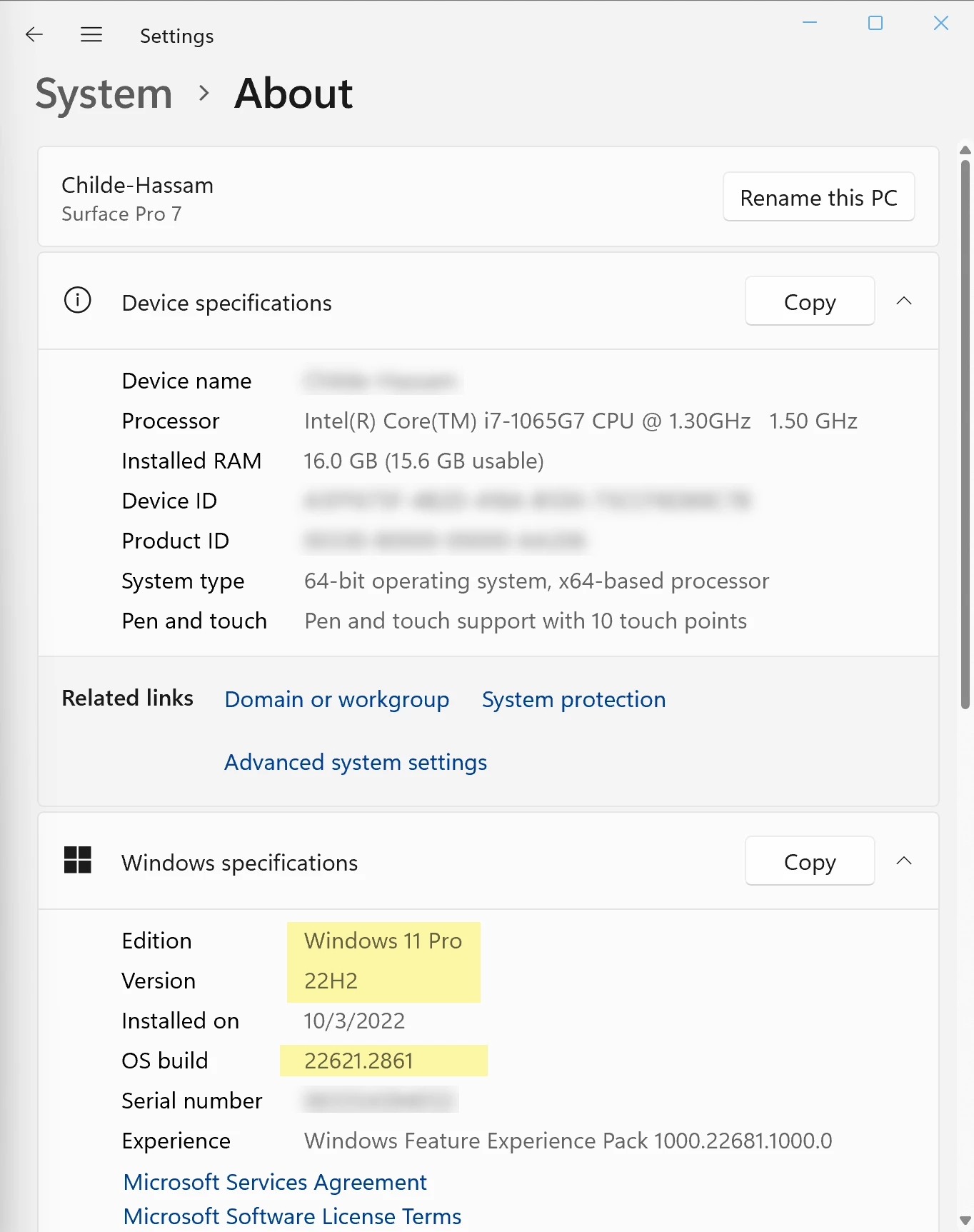
Also, which version of Windows are you using? You can find this in the Systems icon, About section:
 

2 replies

Willi Adelberger
Community Expert
Community Expert
January 8, 2024

THose fonts are from Microsoft. On the Mac they are not nstalled on a common place. MS installs its fonts inside the appicatiton symbol:

  1. Show the application in the Finder e.g. PowerPoint or Word or Excel
  2. Right Mouse click > Show Package Contents
  3. Contents > Ressiruces DFonts
  4. Choose those fonts you need for InDesign and copy them to one of the common font places on the Mac wher you would normally install any normal font.
jmlevy
Community Expert
Community Expert
January 8, 2024

Calibri has never been shipped with InDesign. It is a font installed by Windows.

Participant
January 8, 2024

Yesterday it was on my list of fonts and today all the text in my document is highlighted in red because of it. It's the font of choice for the company I am making documents for. 

Is there a way to hide the (very annoying) red? Or is there a similar font I can suggest to my client?

Inspiring
January 8, 2024

You certainly can hide the missing font:

Edit > Preferences > Composition and untick "Substituted Fonts".

But of course it isn't recommended, it's telling you something very important. The font is missing from your system and when you export the document it's not going to look as expected. You should be able to find a free version of Calibri to reinstall if that's what's happened.