
Participant
February 2, 2023
Answered

Has Overlay blending mode in InDesign & Illustrator changed recently?

  • February 2, 2023
  • 1 reply
  • 924 views

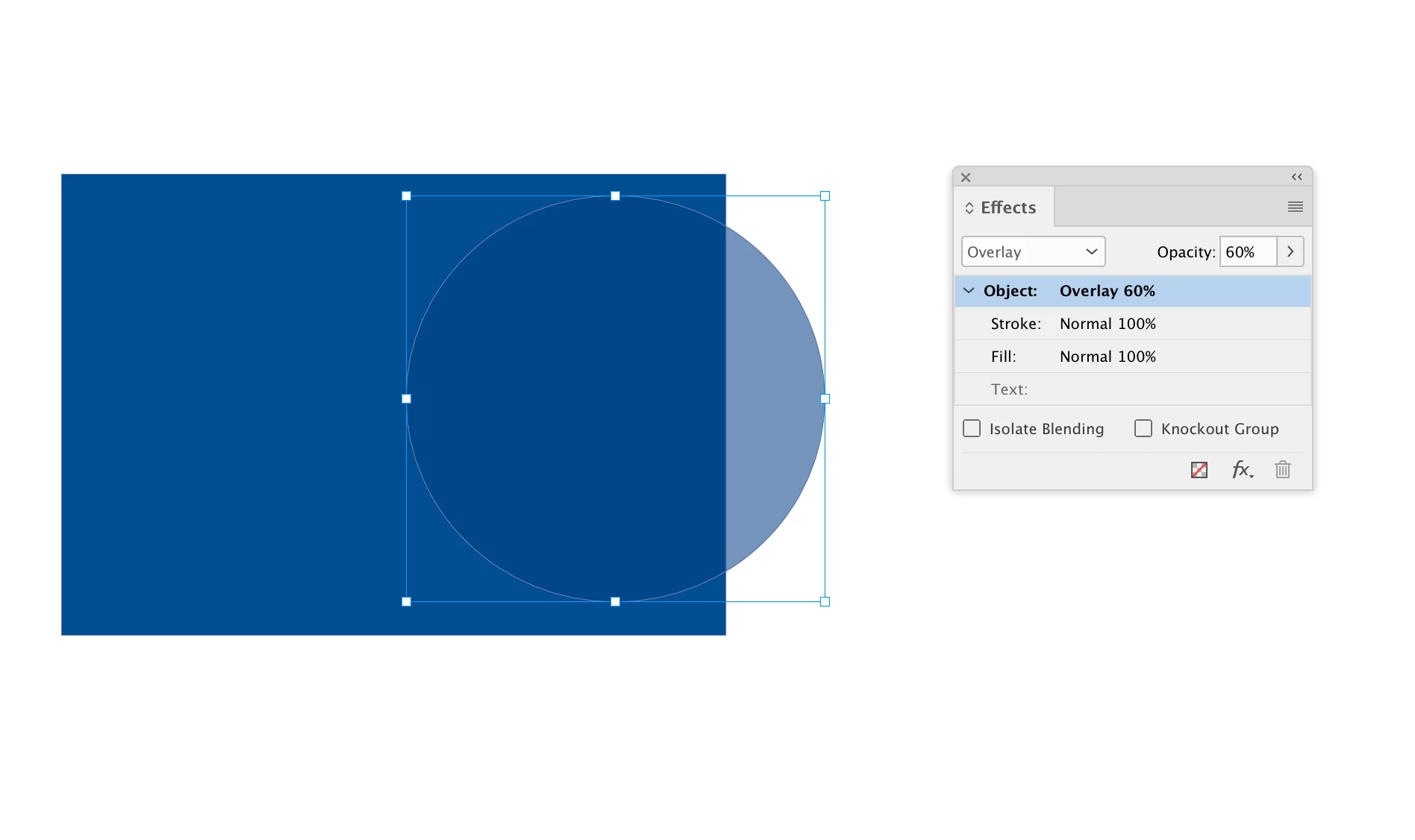
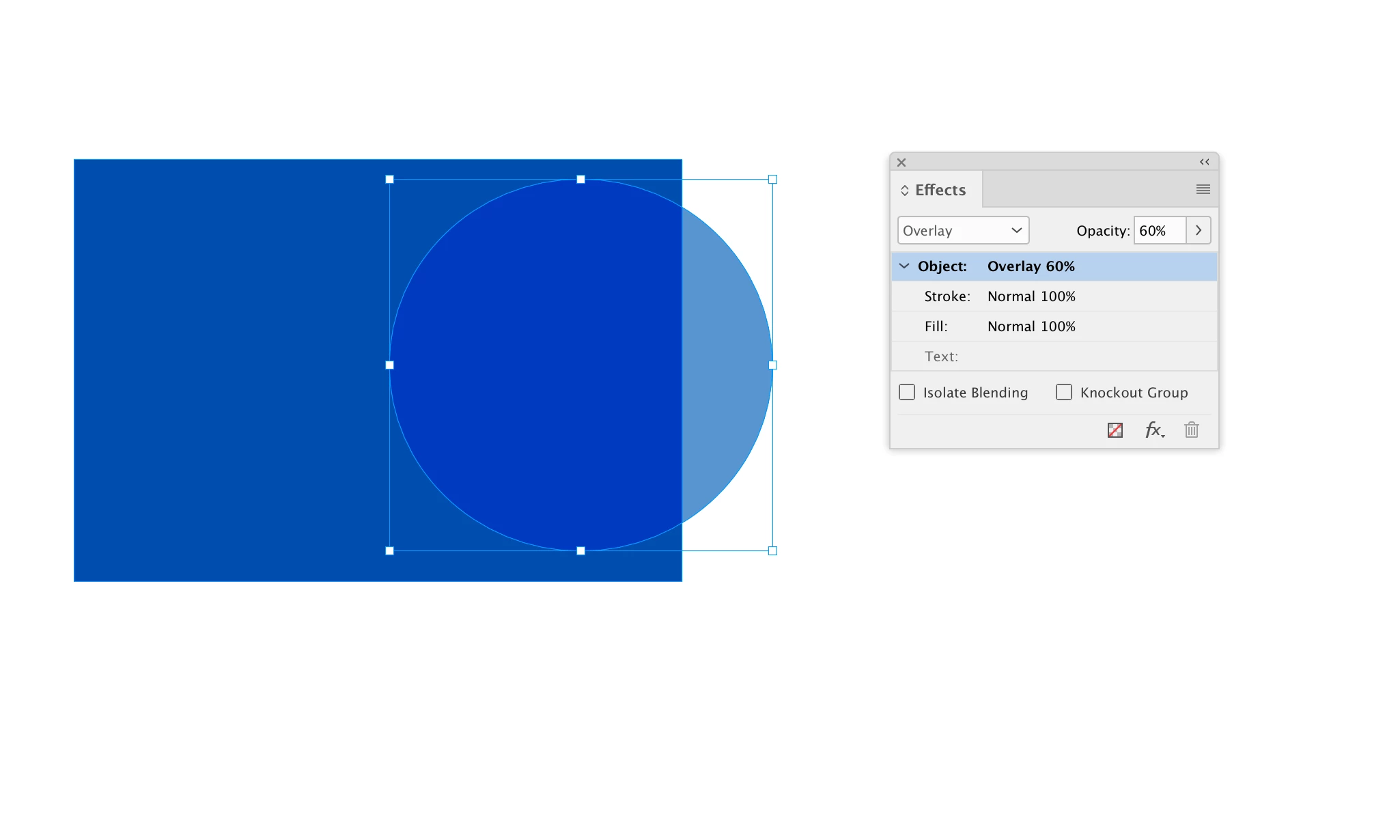
We are no longer getting the effect we used to get when applying Overlay blending mode at 30% opacity to an AI file, which is on a layer directly above a colored box. Even past PDF files exported from InDesign don't have the same effect as they used to have. Same issue in AI. The AI file, which is a vector pattern, now is no longer visible. It used to be. Did Adobe change the way Overlay blending mode renders?
This topic has been closed for replies.
Correct answer rob day

Hi @Kathy5FF7 , Blending Modes work differently depending on the chosen Transparency Blending Space in InDesign, or the Document Color Mode in Illustrator. Looks like your the way it used to be example is RGB and the other example is CMYK


CMYK Transparency Blending Space :


1 reply

rob day
Community Expert
rob dayCommunity ExpertCorrect answer
Community Expert
February 2, 2023

Hi @Kathy5FF7 , Blending Modes work differently depending on the chosen Transparency Blending Space in InDesign, or the Document Color Mode in Illustrator. Looks like your the way it used to be example is RGB and the other example is CMYK


CMYK Transparency Blending Space :


Kathy5FF7Author
Participant
February 3, 2023

So it turns out that I was unaware the original designer had uploaded an RGB file (he didn't know either), and not the CMYK that was saved on our server, so I wasn't thinking of the RGB/CMYK issue. Thank you @rob day for your reply! Mystery solved!