Participant
September 25, 2023
Question

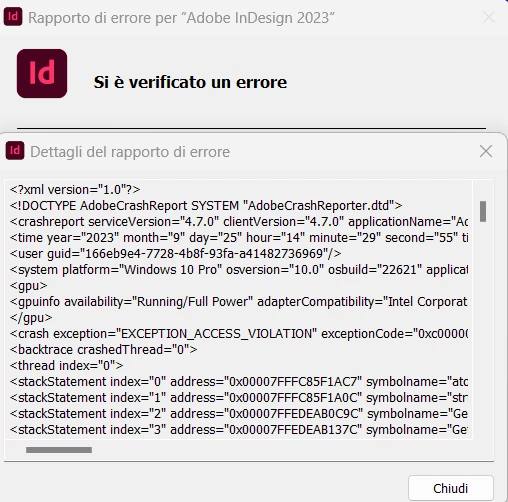
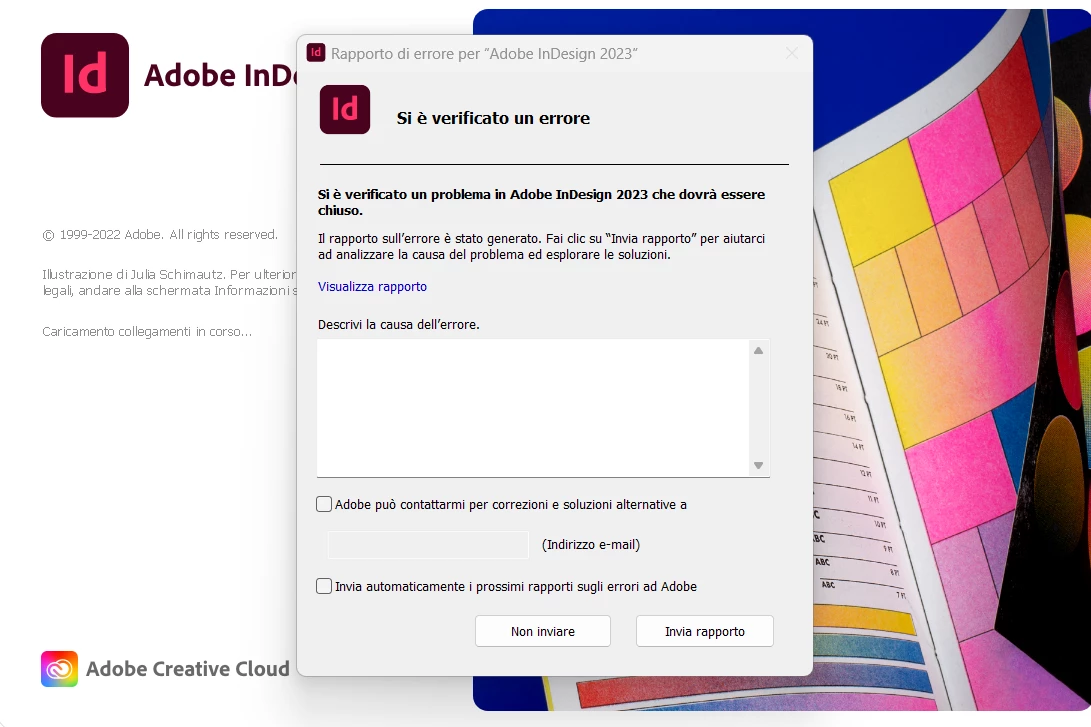
HELP! ID Crash

  • September 25, 2023
  • 1 reply
  • 126 views

Hello, no way to update and run ID since Friday on all devices of the account. What's happen?
 

This topic has been closed for replies.

1 reply

Community Expert
September 26, 2023

Try resetting your preferences:

Windows: Start InDesign, and then press Shift+Ctrl+Alt. Click Yes when asked if you want to delete preference files.
macOS: While pressing Shift+Option+Command+Control, start InDesign. Click Yes when asked if you want to delete preference files.
A dialog will appear asking to delete the InDesign Preferences, select 'Yes' on this dialog.
Further info and instructions here if needed:
https://helpx.adobe.com/in/indesign/kb/indesign-preferences-support-file-locations.html


===

Reinstalling rarely fixes everything - you can do a complete reinstall using the
Creative Cloud Cleaner Tool https://helpx.adobe.com/creative-cloud/kb/cc-cleaner-tool-installation-problems.html


====

Report bugs or make a feature request

https://www.adobe.com/products/wishform.html


===

Rollback to a previous InDeisgn version

https://helpx.adobe.com/download-install/using/install-previous-version.html#:~:text=Open%20the%20Creative%20Cloud%20desktop,down%20list%2C%20select%20Other%20Versions.