

Help with leader dots (I think)
- January 17, 2023
- 3 replies
- 1006 views
Hi
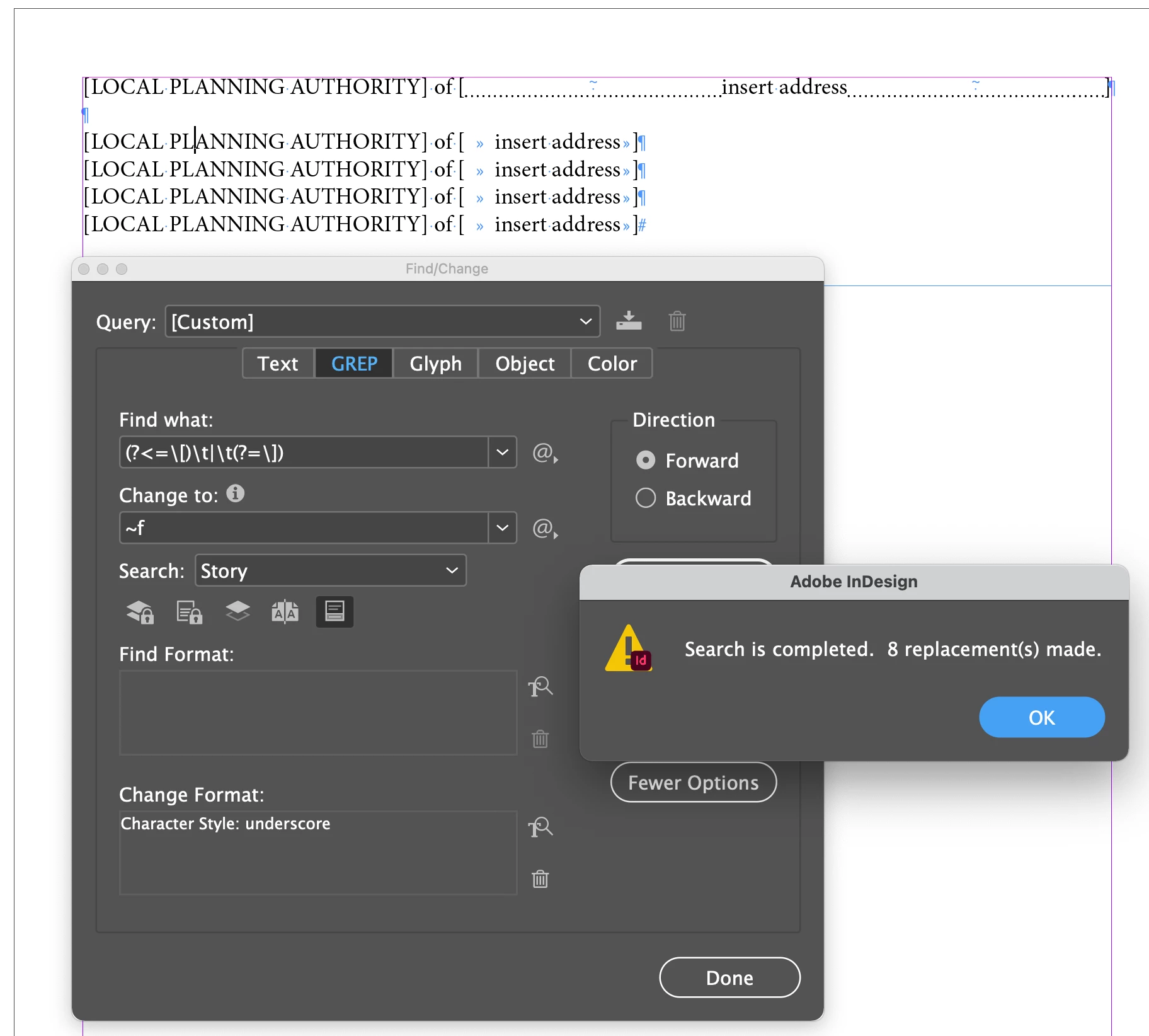
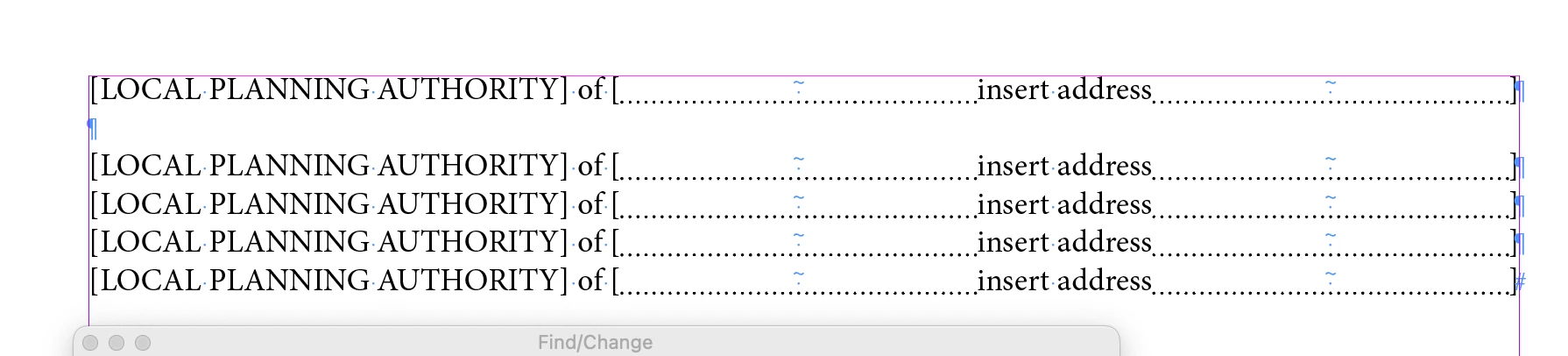
I am porting a large publication from a different piece of layout software and trying to replicate specific formatting. It has a feature whereby you can automatically insert what appear to be leader dots in multiple places in a line of text by using a tab character.
The way it works is that for each tab in the line of text, the remaining white at the end of the line is distributed equally amongst them. So if you had 2 tabs, they would each get 50% of the remaining space each, or if you have 3 tabs they would get 33.333% of the space, 4 tabs get 25% of the white space and so on... It kind of 'pushes' the text away from the tab characters on the lef tand right, filling the space with leader dots.
See screenshot below for example. You will see that numbered list items (2) and (3) both have 2 tabs with leader dots, but that they are of different length because the surrounding text on the line is a different length, so the leader dots fill the space equally on the line - they aren't set in place on the ruler using the Tab Stop settings within the Paragraph settings dialogue box.
Can anyone point me in the right direction or name the feature I should look for? Or if this is even possible? There will be thousands of instances like this in the publication so inserting the dots manually is too time-consuming.
Thanks

 AdChoices