
Help With Master Pages
Greetings,
I can't seem to find a solution to this probolem anywhere in the forums or online and would really appreciate anyone's assistance. In my template, which I use for designing book chapters, I have a pre-configured first page (not master page) and then left- and right-page pages for all the subsequent pages. Is there a way I can tell InDesign not to apply those master page elements to the first page. Here are some visuals:
This is my first page:
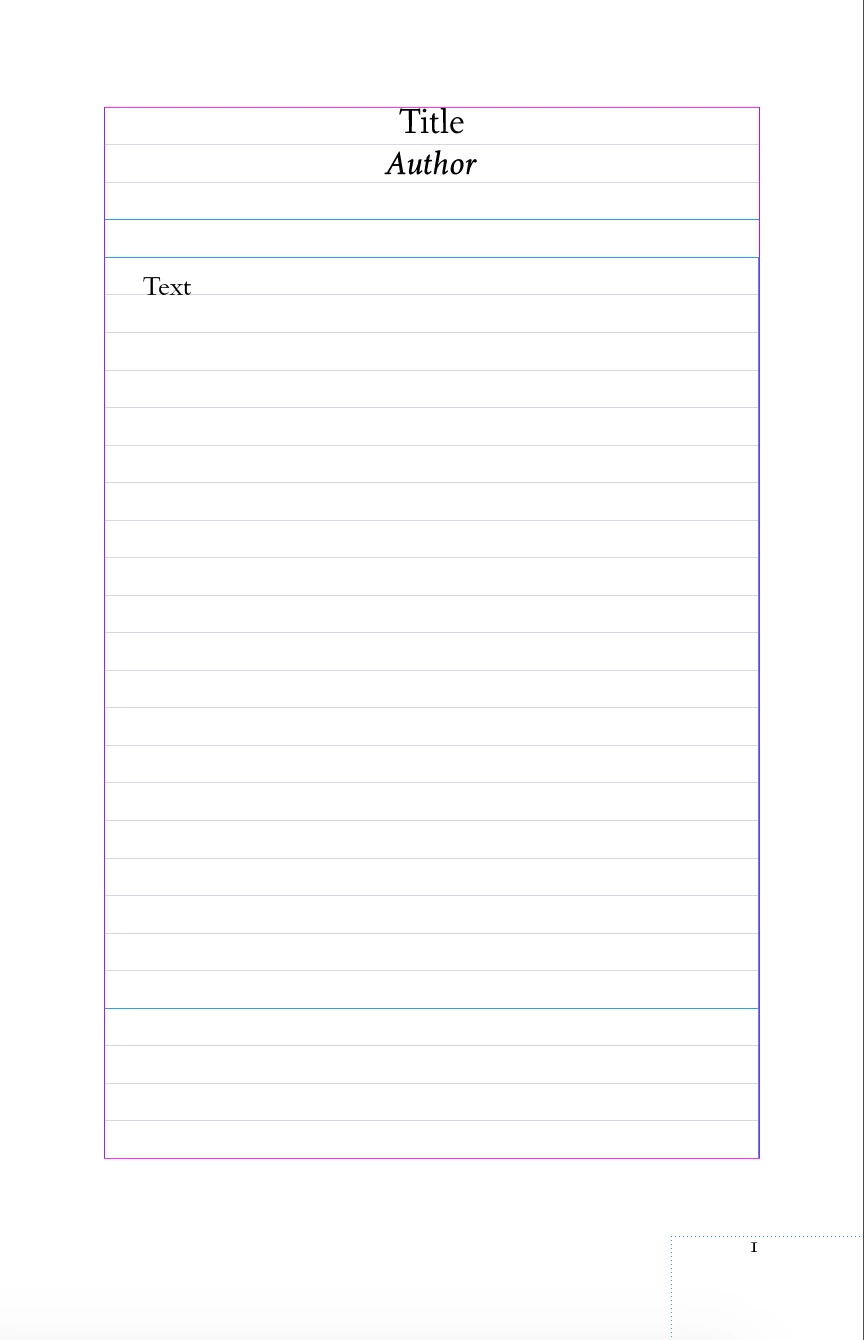
And this is my two-page A-Master
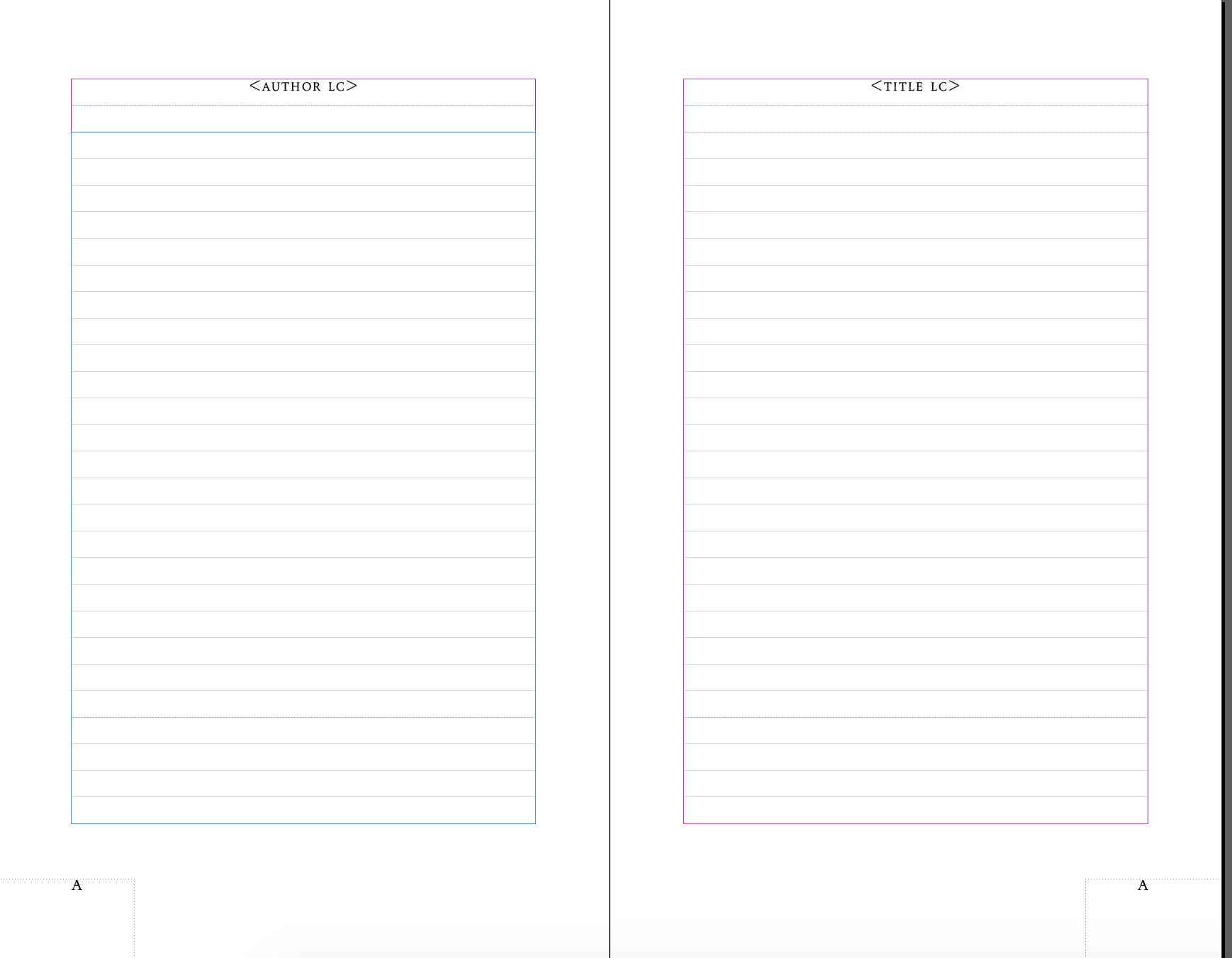
Usually, it works perfectly (with the master pages being automatically generated after the chapter expands and needs more pages. But sometimes this happens, whereby the master page element gets applied to the first page (notice the overlapping text at the top):
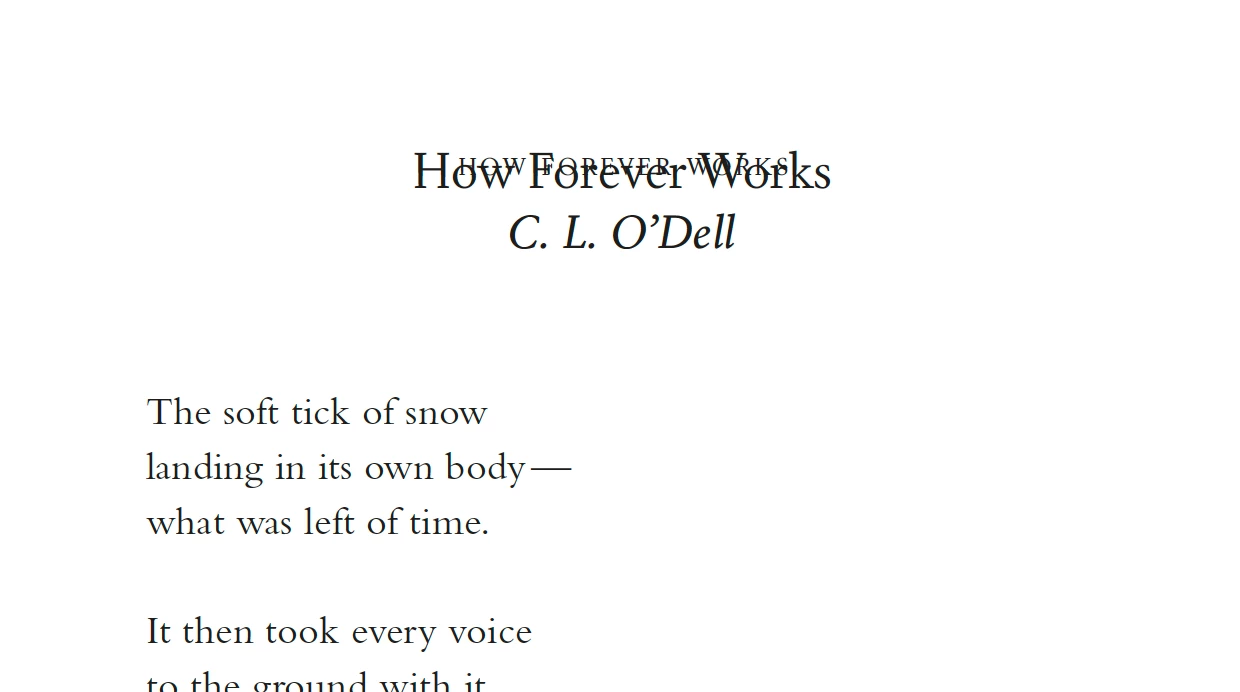
I know this would happen if I synchronize master pages, but it seems to happen from some other command sometime.
Thanks!
Warmly,
Jonathan


 AdChoices