
Participant
March 23, 2025
Question

Hilfe: Indesign Dateien werden nur "schreibgeschützt geöffnet"
  • March 23, 2025
  • 2 replies
  • 225 views


Ich hoffe, ihr könnt mir weiterhelfen:
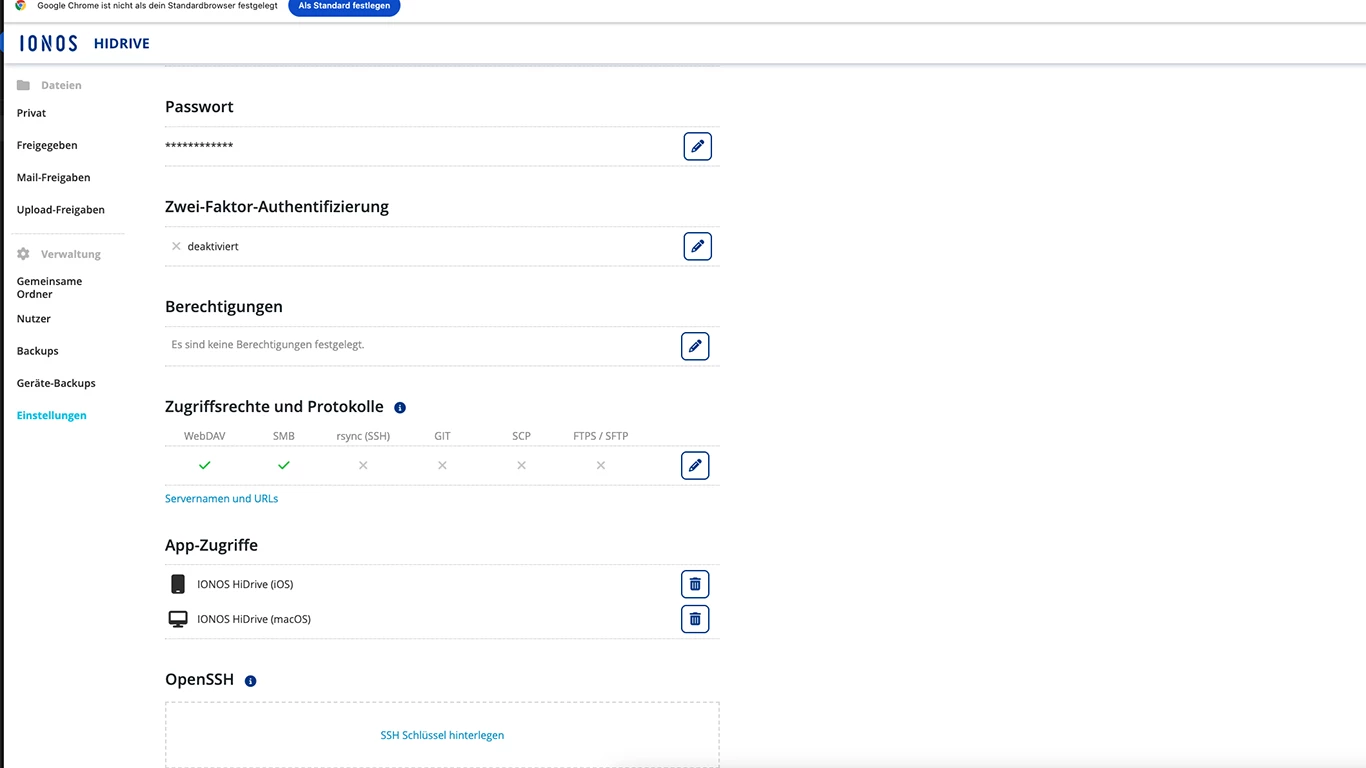
Meine Indesigndateien werden nur "schreibgeschützt" geöffnet. Die Dateien liegen bei IONOS Hidrive.
Sobald ich die Datei aber auf den Schreibtisch kopiere, kann ich sie dort öffnen (nicht mehr schreibgeschützt).
Bei anderen Programmen: Photoshop, Illustrator etc. funktioniert es über Hidrive einwandfrei.

Mac: macOS 15.3.2 (24D81). Hat jemand eine Idee, Tipp?
Danke schon jetzt:-)


2 replies

Robert at ID-Tasker
Legend
March 23, 2025

@Lucy2023


Most likely - your IONOS drive is too slow - or rather connection to it - InDesign is extremely sensitive to the "access time".


Or, are there idlk files - with the similar name to the name of your INDD file but with idlk extension? 


Those are "lock" files and if they are there: 

1) someone else is working on this file right now, 

2) when INDD file was edited last time - InDesign wasn't closed properly and wasn't able to "release" your INDD file = delete this lock file. 


If you're the only person working on those files = have access to this IONOS drive - you can safely delete them. 


But the next time you end working on your INDD document - let InDesign - and your system - to "end things" before you close your laptop - or disconnect from the Internet. 


Mike Witherell
Community Expert
Community Expert
March 23, 2025

Does Ionos Hidrive have a switched setting similar to most other online file storage providers: Something like "Make Available Offline"?

According to their website, you can "Share projects with anyone using a link, and give people read-only access or editing rights." I don't see a direct statement about "Make Available Offline" but they almost all do that.

https://www.ionos.co.uk/help/hidrive/

Mike Witherell