
Question
How can i copy the same design treatment of a cell in a table to another cell?
Hi Adobe Community,
So im doing a table in indesign which is like 30,000 cells and aprroximately more than 1K pages.
So i need to make my life easier since there are like thousands of row breaks. (See samples: ALFA ROMEO, 147(937), 156 (932).... etc.... which is basically the one you see in bolder and bigger font.
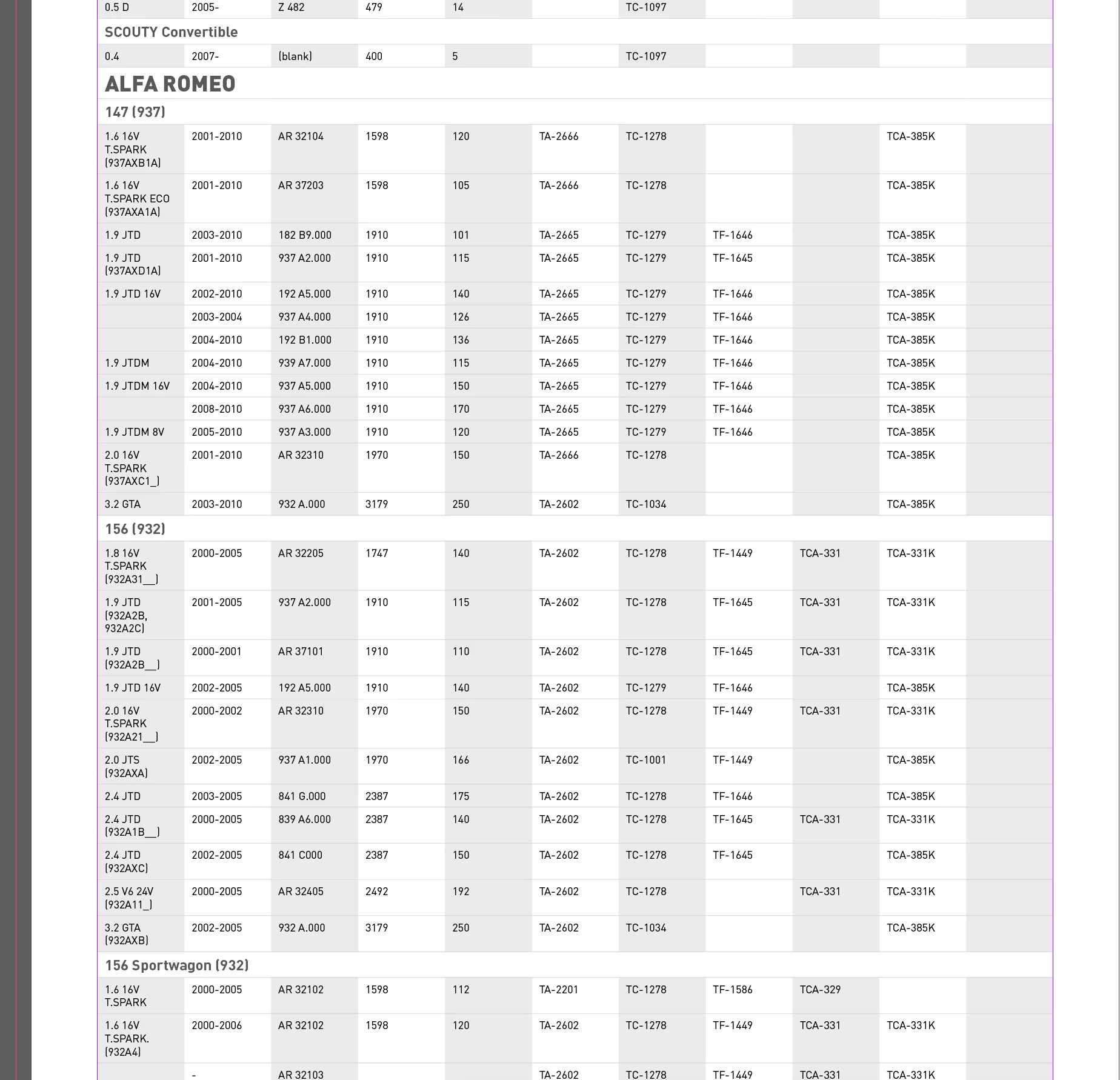
So all through out there is a lot of these and if i do it one by one to merge cell, make font bigger change the size etc etc it will take me forever, so is theres a way to actuall just copy the formula to other cell to apply to the next cell without manually editing it? or is there an easy way you can suggest? Thanks guys in advance for the help.
 AdChoices