Participant
May 25, 2022
Question

How can I have two overlapping lines without it appearing darker?

  • May 25, 2022
  • 4 replies
  • 565 views

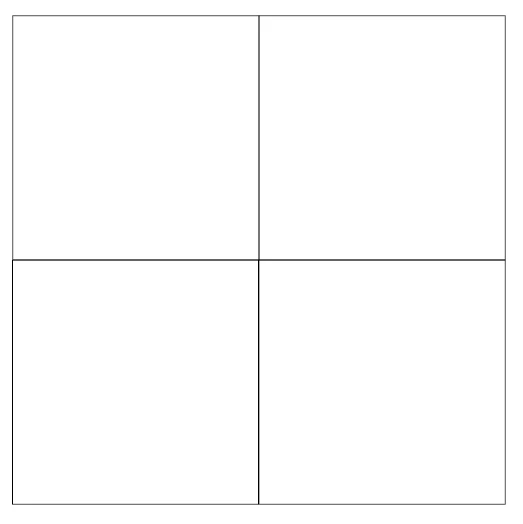
I am creating four boxes, and certain lines overlap one another. The problem is, wherever they overlap it makes that line look darker or heavier and I don't want that.

 

This topic has been closed for replies.

4 replies

Michael Bullo
Community Expert
Community Expert
May 26, 2022

Are you seeing this issue...

  • on screen
  • in print
  • both
Peter Spier
Community Expert
Community Expert
May 25, 2022

What is the color of those lines? How are the aligned to the object? Inside, outside or centered?

I'm suspicious the alignment is other than centered, which would cause the stroke weight to double along common edges.

Willi Adelberger
Community Expert
Community Expert
May 25, 2022
  1. Create an Object Style with NO STROKE (0pt)
  2. Draw those rectangles with that Object Style.
  3. At the end change the Object style to the stroke width you want at the end and use the center line to stroke option.

Now are the lines exactly overlapping.

Legend
May 25, 2022

Make a four-cell table, and set the cell strokes to the weight you want.