
Participating Frequently
August 19, 2022
Answered

How do I change the size of my pages to A0

  • August 19, 2022
  • 3 replies
  • 1724 views

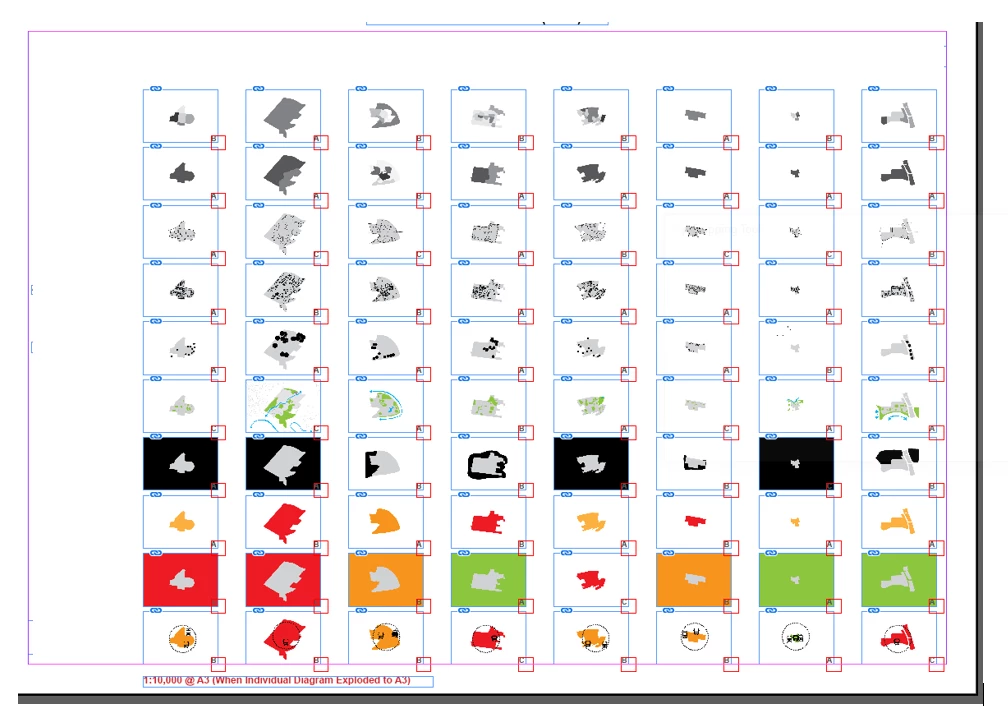
So I have a conundrum. My surpervisor has advised me that the page size is too small at A3. He suggests changing to A0. All of my diagrams have been inserted to the page. Is it possible to just export to PDF at A0 size by making the whole page bigger. I don't want to have to manipulate each image to make it the right size. See the page below. There are about 6 pages in the document.


This topic has been closed for replies.
Correct answer jmlevy

There are many ways to do this. You could create an empty A0 document and import the A3 InDesign document, then you simply have to scale the imported file to match the A0 size. You can also use the “Adjust layout” feature

https://www.youtube.com/watch?v=7XRkt_dOASs


The option was PDF -comments or similiar. Could not see an option for pdf alone

File > Import (the same as you do to import any image file)

3 replies

Community Expert
August 19, 2022

Hi @defaultpod0lxx2f0t6 ,

you could either place InDesign pages or exported PDF pages with A3 to a new A0 document.

Do this automatically and in the same process scale the imported pages using the MultipageImporter Script for InDesign. As you can see from the screenshot below you could scale the pages and also set other parameters like where the pages should be positioned on a given document:


The script was initially written by Scott Zanelli and is now curated by Mike Edel:

https://github.com/mike-edel/ID-MultiPageImporter/releases


Regards,
Uwe Laubender
( Adobe Community Professional )

jmlevy
Community Expert
jmlevyCommunity ExpertCorrect answer
Community Expert
August 19, 2022

There are many ways to do this. You could create an empty A0 document and import the A3 InDesign document, then you simply have to scale the imported file to match the A0 size. You can also use the “Adjust layout” feature

https://www.youtube.com/watch?v=7XRkt_dOASs


The option was PDF -comments or similiar. Could not see an option for pdf alone

File > Import (the same as you do to import any image file)

Participating Frequently
August 21, 2022

Perfect! That video was brillian too. Very straight forward and the exact outcome I was after. Thanks. And thanks everyone else for your posts.

Community Expert
August 19, 2022
Participating Frequently
August 19, 2022

But can I change in my indesign file or export a A3 indesign file to A0 pdf.


I tried the link and got this error upon import:


Community Expert
August 19, 2022

How are you importing the pdf?

-Manan

-Manan