



Answered
How do I exclude page numbering for front cover?
I have created a photo book. It has a front cover, and two page spreads. The problem is auto-numbering starts on the front cover but I want it to start on the first page with content. Have speant an hour or so googling and reading threads here but not found a solution.
Have tried adding a master with no styles to page #1 (front cover). Section doesn't start from it (context-click shows Start Section greyed out).
I context-click page #2 and see:
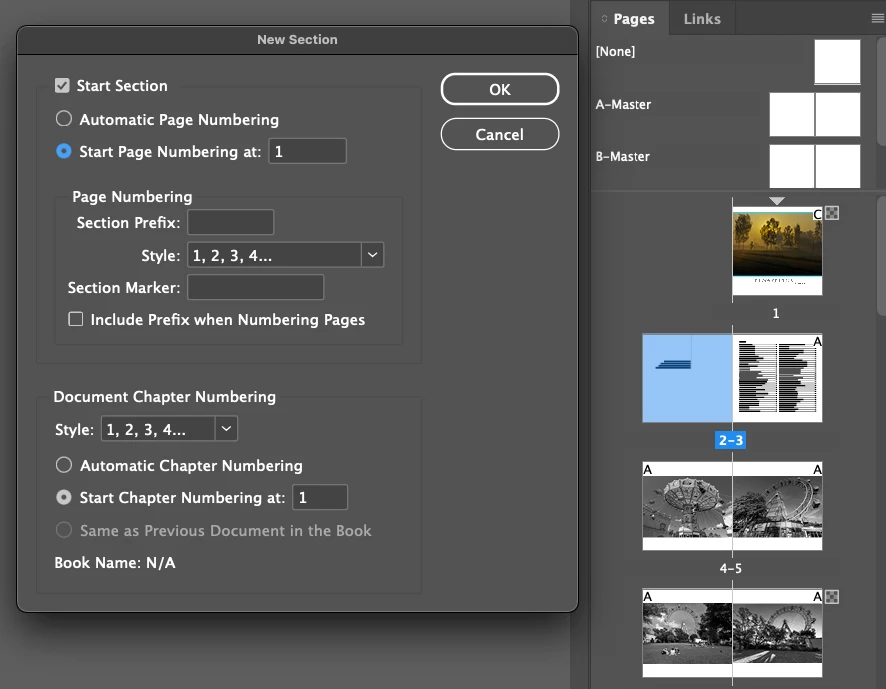
I start section but ID complains there is already a page number one. I ignore it and click OK but then my pages are shuffled, and I end up with two single pages. I cannot rearrange pages:
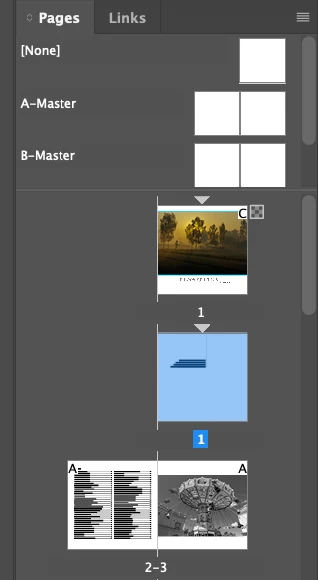
Any help much appreciated.
 AdChoices