
Answered
How do I fix overset text across multiple pages?
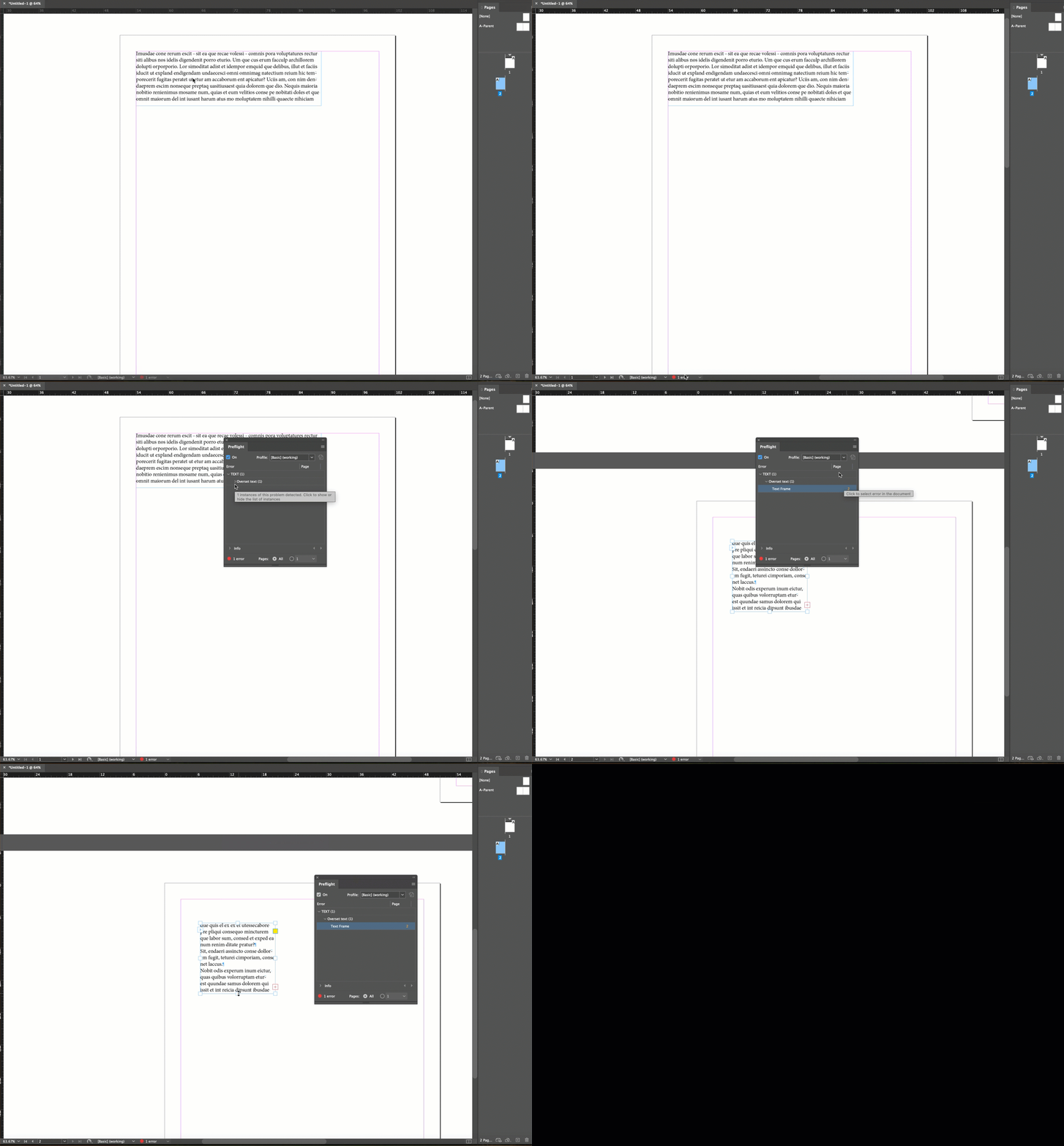
I'm working on a multi-page document in InDesign and keep encountering overset text issues across several text frames. I’ve tried resizing the text boxes and adjusting the font size, but the problem persists, especially when linked across pages. How can I efficiently locate and fix overset text throughout the entire document without manually checking each page? Is there a better way to automate or streamline this process?
 AdChoices