dublove
Legend
November 12, 2025
Answered

How do I know I've selected all text in the entire article?

  • November 12, 2025
  • 2 replies
  • 373 views

Hi everyone.
When my cursor is in the current text box, it looks like this.
At this point, my current target of action, sel, is the current text box.

var doc = app.activeDocument;
var item = doc.selection[0];
var items;
alert(item.constructor.name);

if (
    ("InsertionPoint" == item.constructor.name
        || "Character" == item.constructor.name
        || "Text" == item.constructor.name
        || "Word" == item.constructor.name
        || "Paragraph" == item.constructor.name)
    && "Table" != item.parent.parent.constructor.name
) {
    items = item.parentTextFrames;
    sel = items;
    alert(items);

If I select all content in the current article,
Now, I want my selection target (sel) to be every text Frame of this article.


To be more precise, my target is the text box containing the selected text.
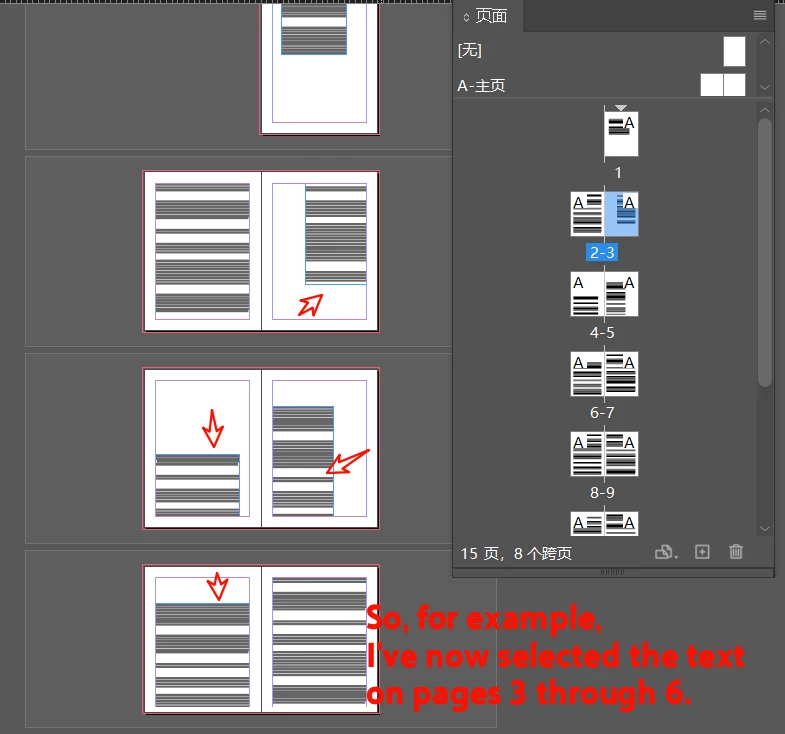
For example, if an article has 10 text boxes and I select content from boxes 3 through 6, then my target objects are Frame3, Frame4, Frame5, and Frame6.


How can I represent this with code?

Thank you.
Correct answer rob day

If I've selected all text in the entire article,


Hi @dublove , You can check if the selection’s length matches the stories lenght like this:

 
var s = app.activeDocument.selection[0]

if (s.hasOwnProperty('parentTextFrames')) {
    if (s.insertionPoints.length === s.parent.insertionPoints.length) {
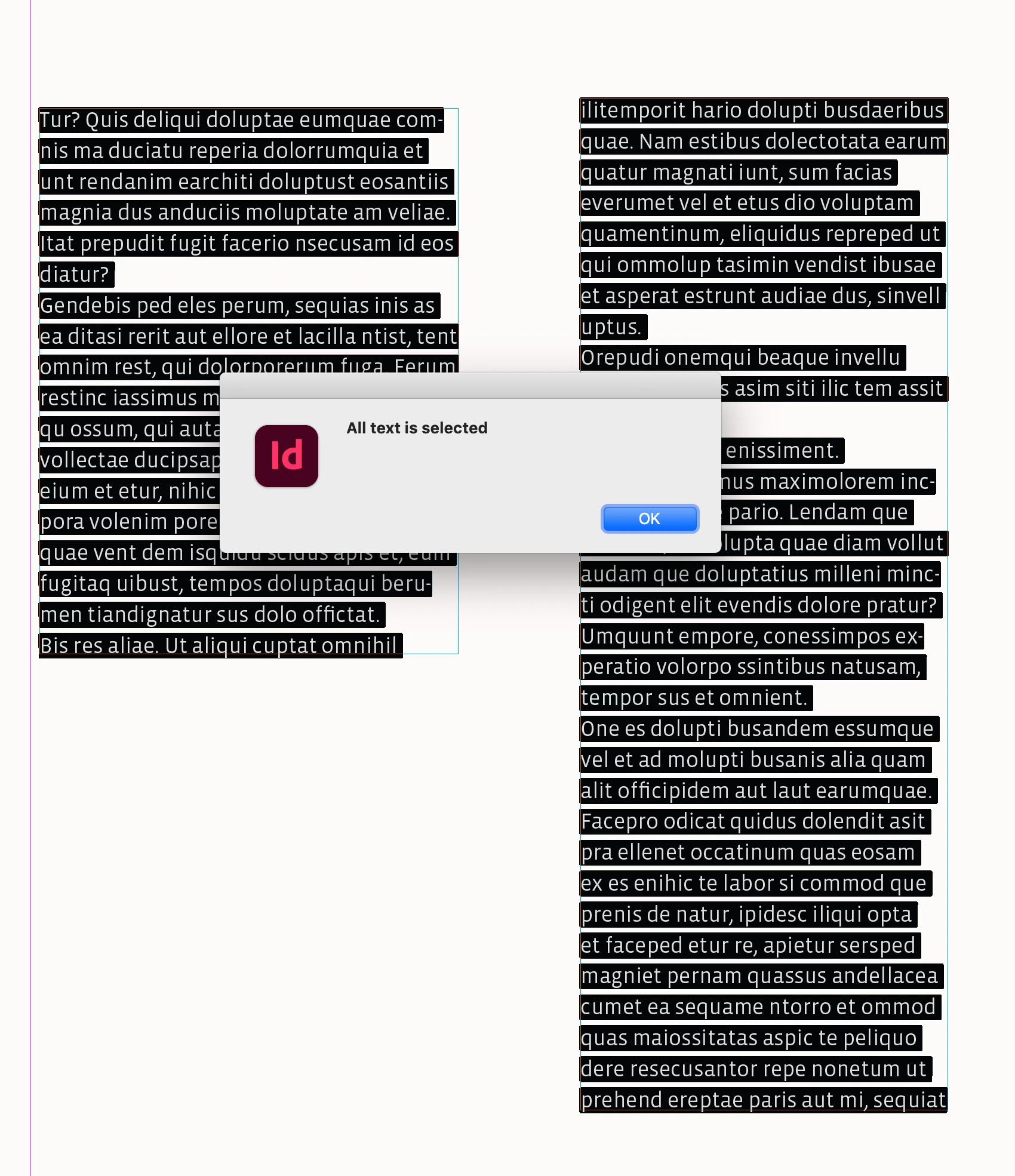
        alert("All text is selected")
    } else {
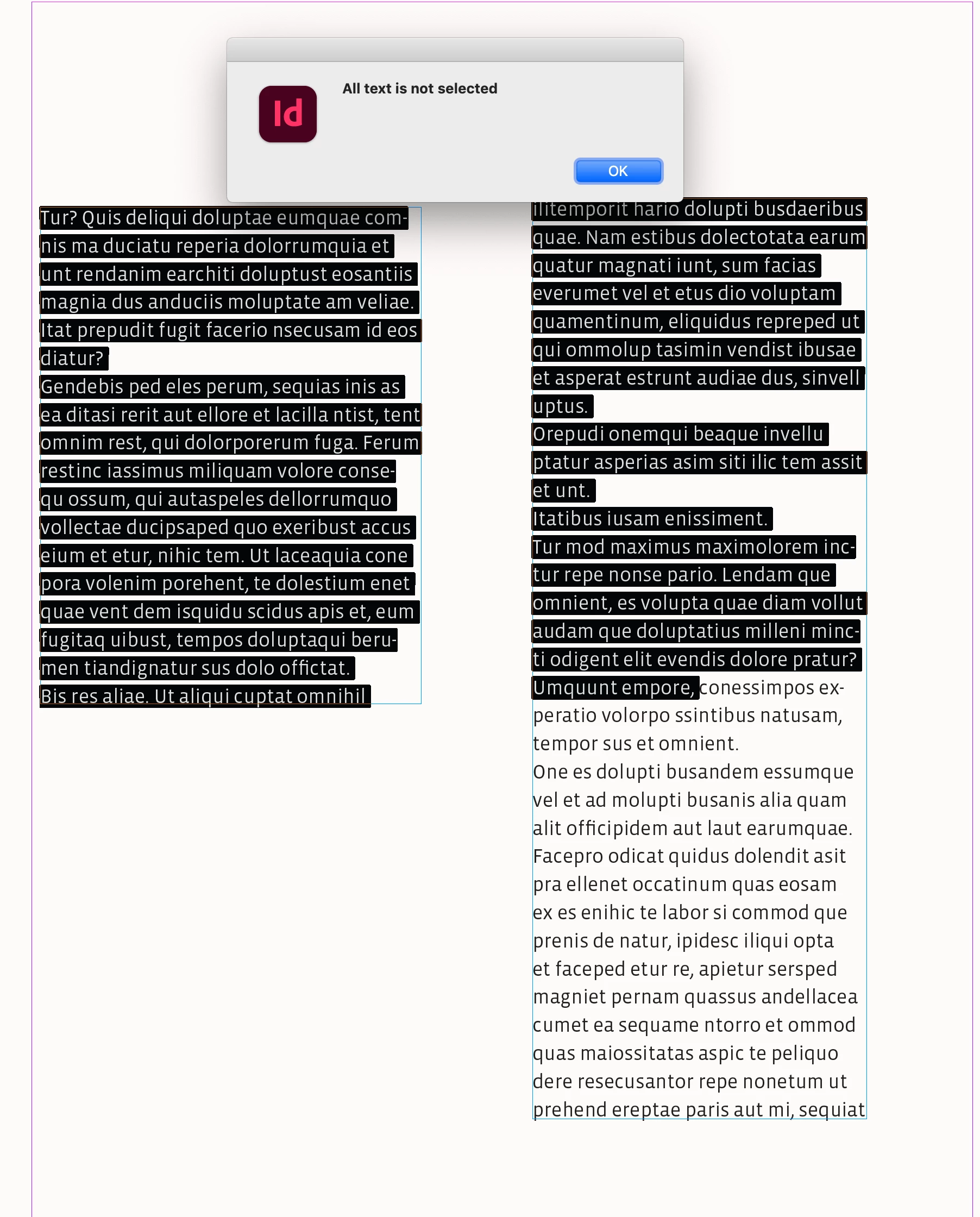
        alert("All text is not selected")
    }
} 


2 replies

rob day
Community Expert
rob dayCommunity ExpertCorrect answer
Community Expert
November 12, 2025

If I've selected all text in the entire article,


Hi @dublove , You can check if the selection’s length matches the stories lenght like this:

 
var s = app.activeDocument.selection[0]

if (s.hasOwnProperty('parentTextFrames')) {
    if (s.insertionPoints.length === s.parent.insertionPoints.length) {
        alert("All text is selected")
    } else {
        alert("All text is not selected")
    }
} 


dublove
dubloveAuthor
Legend
November 12, 2025

Hi @m1b  @rob day 

Sorry, I didn't express myself clearly.
I've updated the original post.
It's basically what Rob Day meant.

Also, about the code I provided above—
why does  " item.parentTextFrames" only display the current text frame(only 1 text frame)? It doesn't include all the text from the stories. 

dublove
dubloveAuthor
Legend
November 13, 2025

So if the curser is inside a table, what do you want the script to return? The text frame that contains the CELL of the selected text or insertion point? Or every text frame that contains the whole table?


We must be VERY specific, because the code will be different.


@m1b 

I've shifted my approach.
My function now only accepts objects.

Previously, I only needed to check the selection status and convert the selection area into an object target.


There are three scenarios:
Cursor in text.
Cursor in table.
Selected image (white arrow pair and black arrow).
Plus geometric shapes.


Your original getTextFrames implementation sometimes included unexpected cases, complicating matters.
Meanwhile, getTables occasionally seemed to omit elements, failing to capture everything.

I've reverted to the most basic validation approach.
For instance, with text boxes, it only returns the parent text box.

m1b
Community Expert
Community Expert
November 12, 2025

Hi @dublove I don't understand you exactly. Does this help?

var doc = app.activeDocument;
var text = doc.selection[0];

var textFrames = [];

if (text && text.hasOwnProperty('parentTextFrames'))
    textFrames = text.parentTextFrames;

alert('You have selected text spanning ' + textFrames.length + ' text frames.');