dublove
Legend
November 12, 2025
Answered

How do I know I've selected all text in the entire article?

  • November 12, 2025
  • 2 replies
  • 373 views

Hi everyone.
When my cursor is in the current text box, it looks like this.
At this point, my current target of action, sel, is the current text box.

var doc = app.activeDocument;
var item = doc.selection[0];
var items;
alert(item.constructor.name);

if (
    ("InsertionPoint" == item.constructor.name
        || "Character" == item.constructor.name
        || "Text" == item.constructor.name
        || "Word" == item.constructor.name
        || "Paragraph" == item.constructor.name)
    && "Table" != item.parent.parent.constructor.name
) {
    items = item.parentTextFrames;
    sel = items;
    alert(items);

If I select all content in the current article,
Now, I want my selection target (sel) to be every text Frame of this article.


To be more precise, my target is the text box containing the selected text.
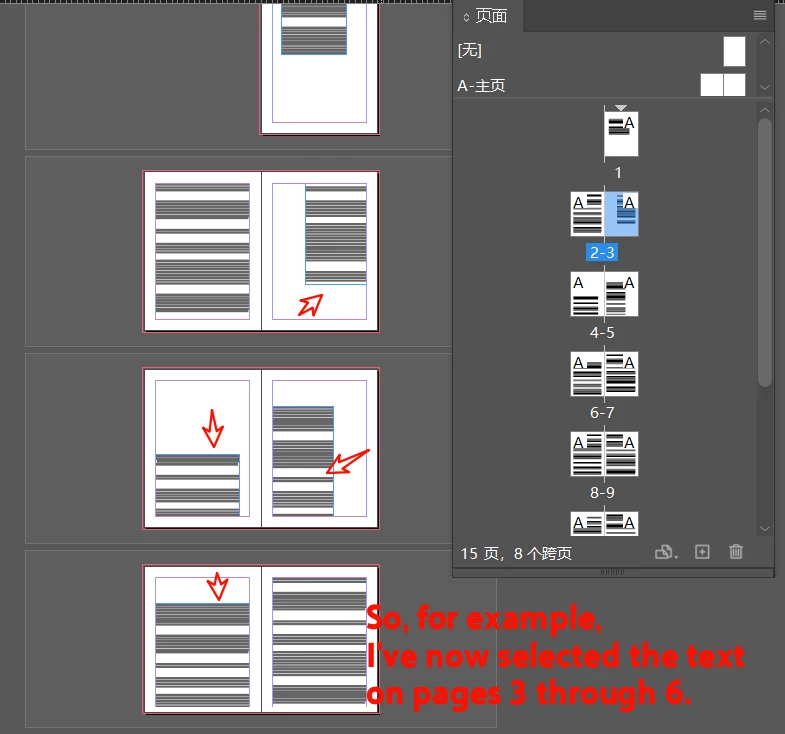
For example, if an article has 10 text boxes and I select content from boxes 3 through 6, then my target objects are Frame3, Frame4, Frame5, and Frame6.


How can I represent this with code?

Thank you.
Correct answer rob day

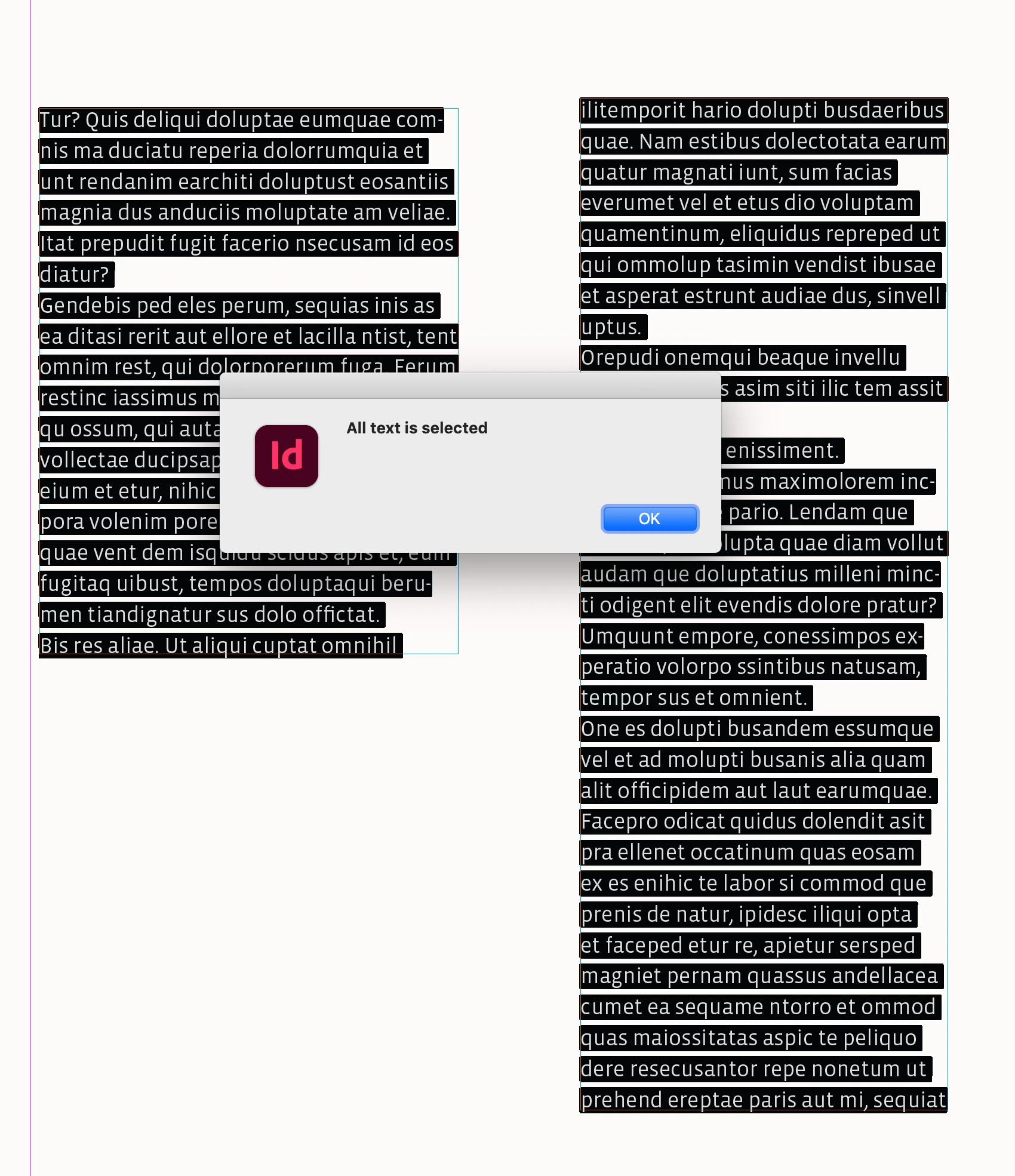
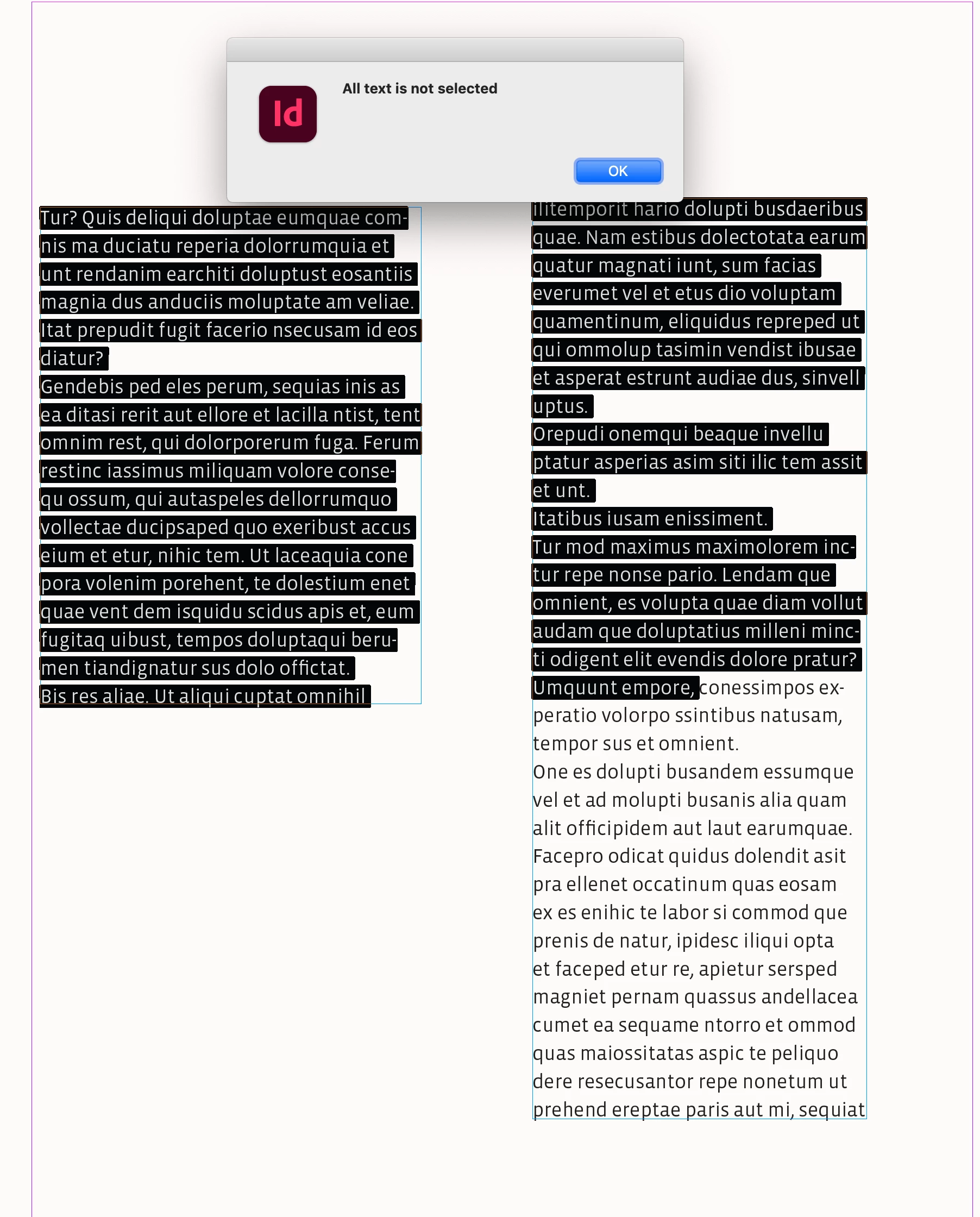
If I've selected all text in the entire article,


Hi @dublove , You can check if the selection’s length matches the stories lenght like this:

 
var s = app.activeDocument.selection[0]

if (s.hasOwnProperty('parentTextFrames')) {
    if (s.insertionPoints.length === s.parent.insertionPoints.length) {
        alert("All text is selected")
    } else {
        alert("All text is not selected")
    }
} 


2 replies

rob day
Community Expert
rob dayCommunity ExpertCorrect answer
Community Expert
November 12, 2025

If I've selected all text in the entire article,


Hi @dublove , You can check if the selection’s length matches the stories lenght like this:

 
var s = app.activeDocument.selection[0]

if (s.hasOwnProperty('parentTextFrames')) {
    if (s.insertionPoints.length === s.parent.insertionPoints.length) {
        alert("All text is selected")
    } else {
        alert("All text is not selected")
    }
} 


dublove
dubloveAuthor
Legend
November 12, 2025

Hi @m1b  @rob day 

Sorry, I didn't express myself clearly.
I've updated the original post.
It's basically what Rob Day meant.

Also, about the code I provided above—
why does  " item.parentTextFrames" only display the current text frame(only 1 text frame)? It doesn't include all the text from the stories. 

dublove
dubloveAuthor
Legend
November 13, 2025

It is difficult because you do not carefully list all your cases for us.


getTextFrames deliberately tries to get every possible text frame from the input. If you want something else you must be very specific.


If getTables fails for some tables I would love to have a test document showing it, so I can improve the function.


Anyway a very basic implementation is fine, if you understand it's limitations. I think you are learning a lot from this process. Keep it up!


I'm reposting this question to clarify the structure.

m1b
Community Expert
Community Expert
November 12, 2025

Hi @dublove I don't understand you exactly. Does this help?

var doc = app.activeDocument;
var text = doc.selection[0];

var textFrames = [];

if (text && text.hasOwnProperty('parentTextFrames'))
    textFrames = text.parentTextFrames;

alert('You have selected text spanning ' + textFrames.length + ' text frames.');