
Answered
How do I make the background of this indesign back to grey?
I'm not sure what I did but the background behind the page used to be grey. Now it is white and I don't know how to change it back.
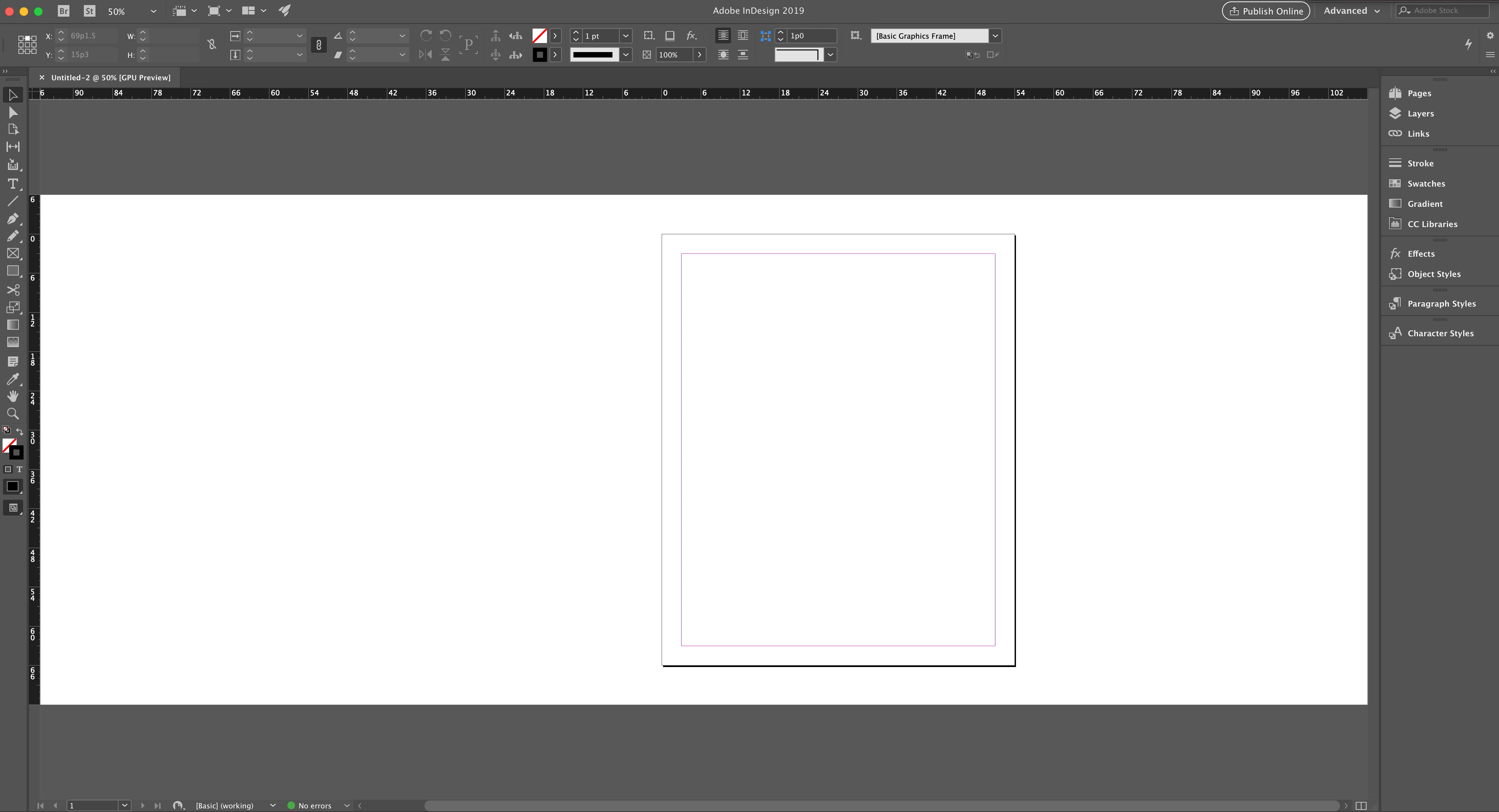
Under Preferences > Interface, the colour theme is already the charcoal colour. In preview mode, the background is the light grey which is fine. But on normal view, the background is white and I would like it to be changed back to grey. How do I change this?
Thanks!
 AdChoices