

Answered
How do I stop unusual gray shapes from appearing in text frames?
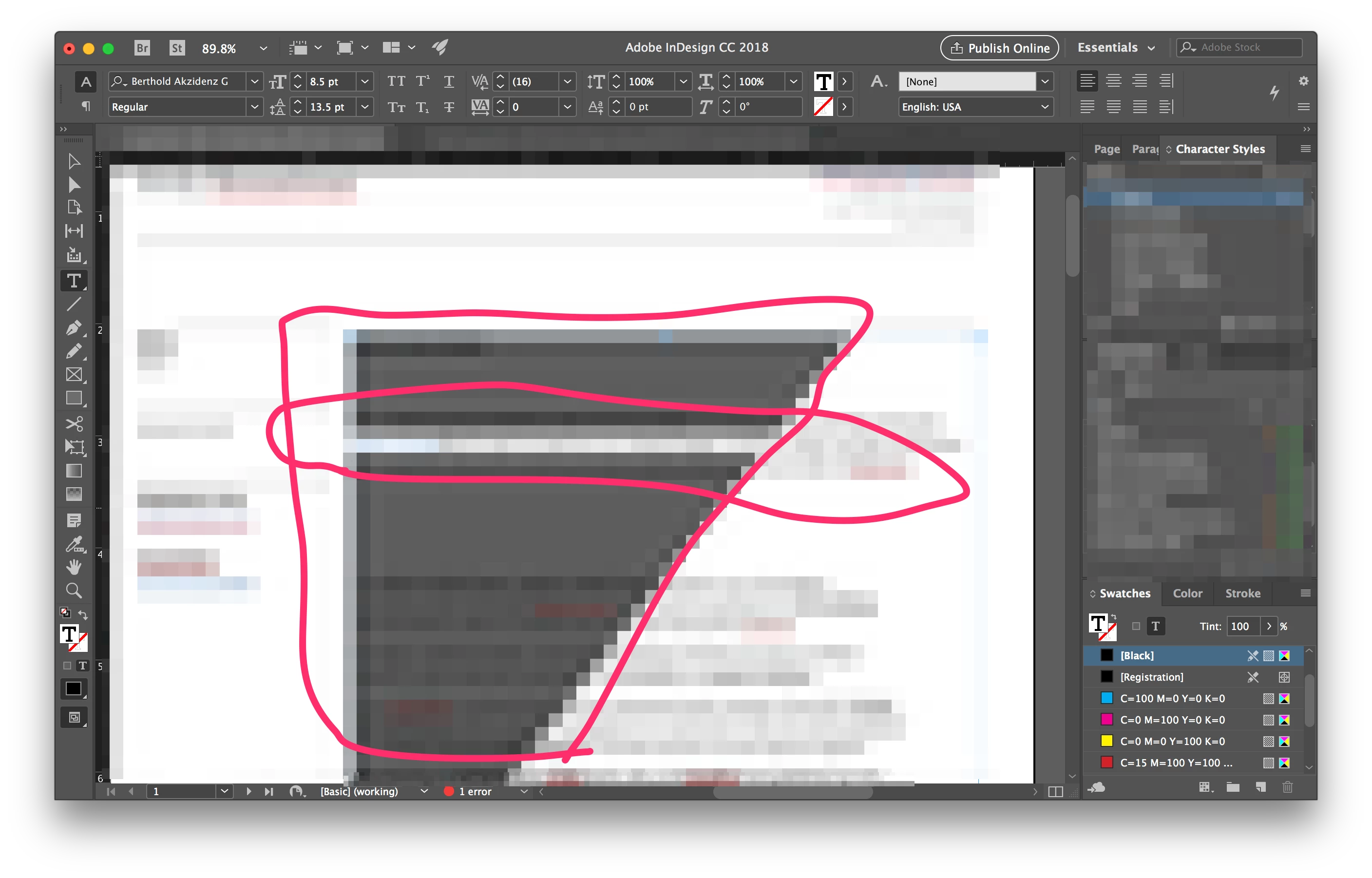
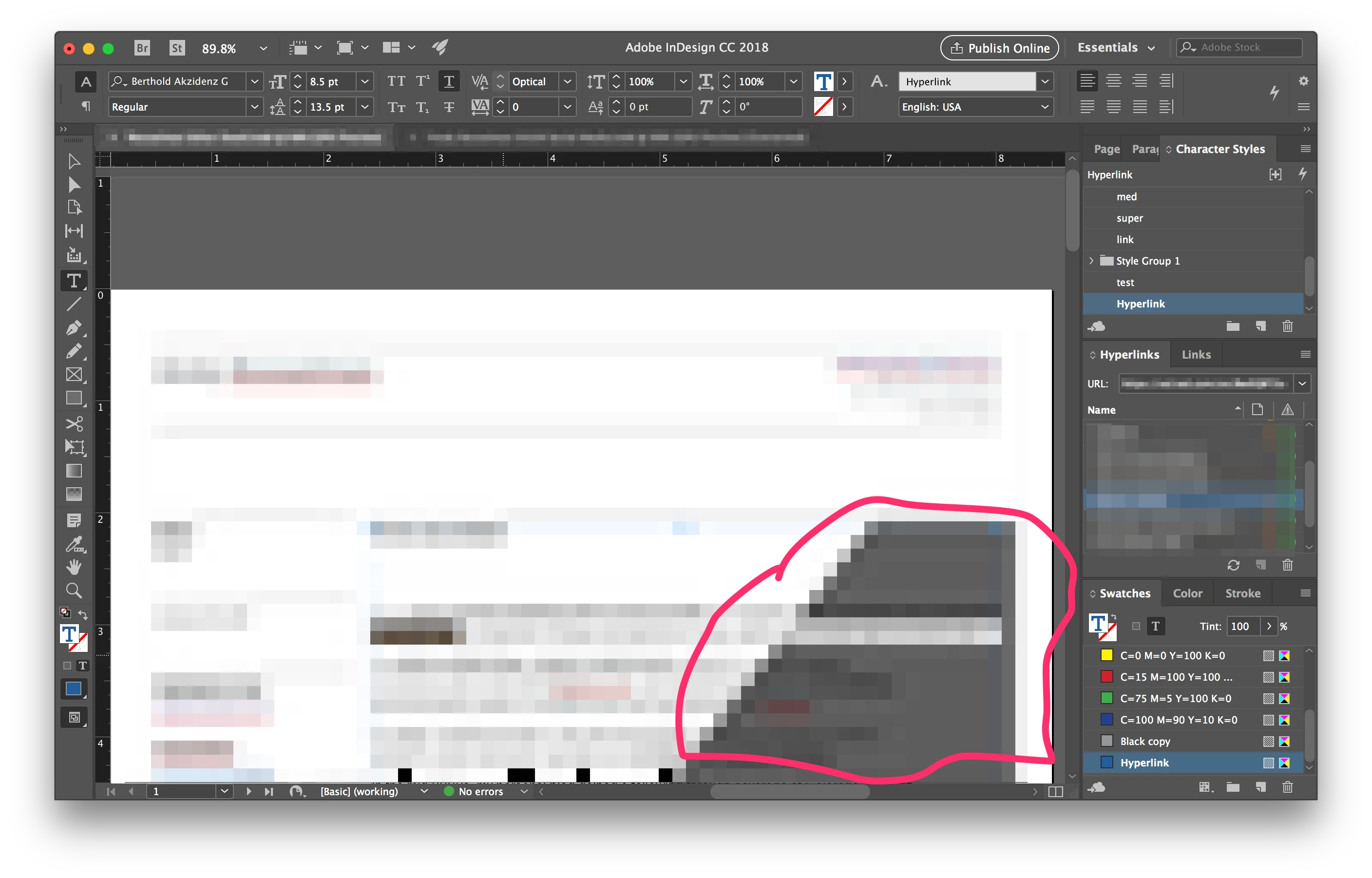
In InDesign, when I'm working with text, strange gray shapes take over the text frame. Sometimes the text gets garbled, too (see screen grabs, I pixelated the text but you can see what I'm talking about).
If I scroll the page up and down it usually goes away — but moments later it returns in a new shape.
I've tried messing around with the Display Performance and Display Performance settings but the problem has persisted for years.
Does anyone know of a fix? Is this a bug? If so, why has it continued over so many updates to InDesign CC?
 AdChoices