Hi Leslie;
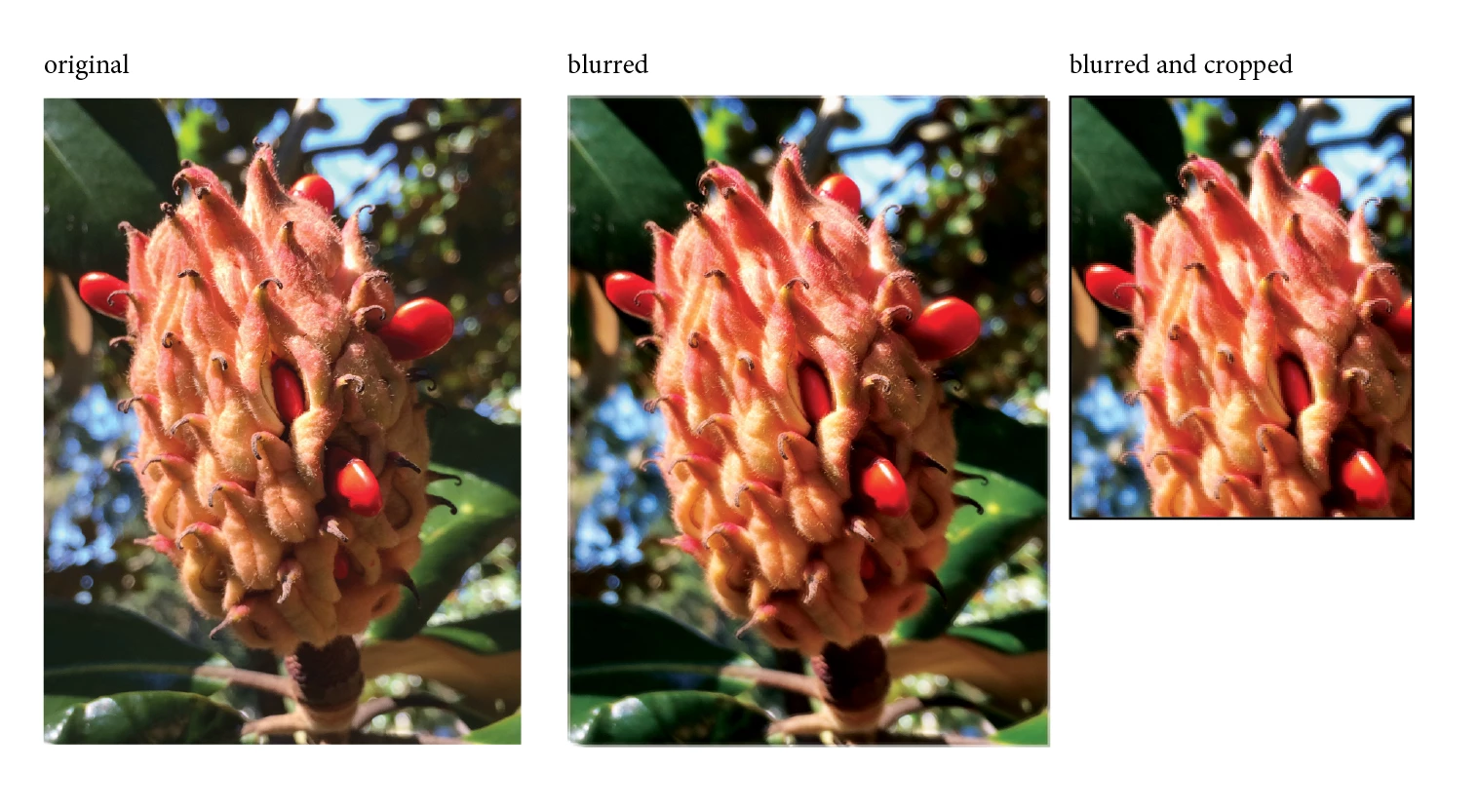
Since you can't actually do a Gaussian blur in InDesign you could try faking a blurry effect:
- Select the image, copy it, then choose Edit > Paste In Place.
- This will put a copy of the image right on top of the original.
- Nudge the new copy left and up. Maybe just one tap each on the keyboard to start, more later if you want.
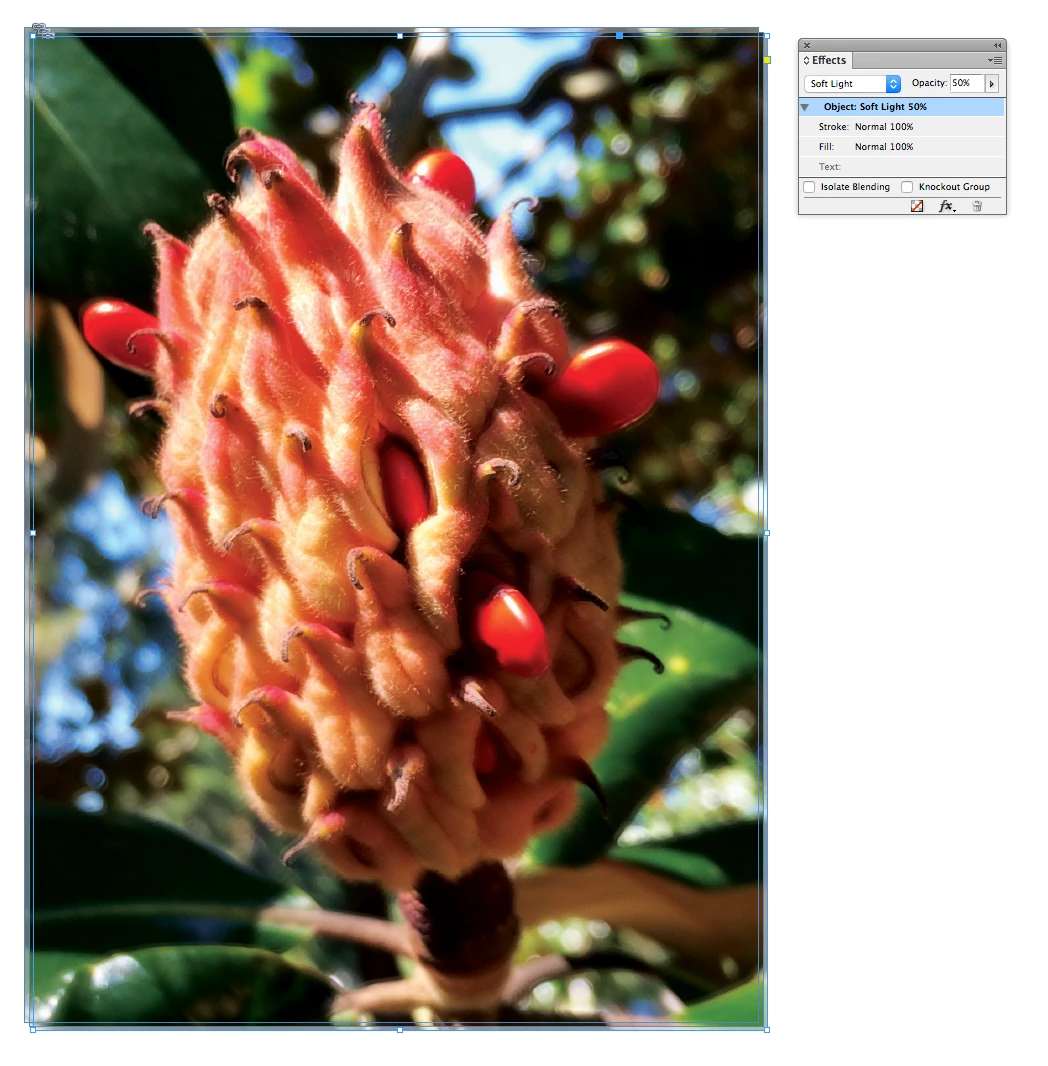
- With the top (new) image selected, open the effects panel (Window > Effects).
- Apply (for instance) opacity of 50% and layer blend mode: "Soft Light."
- Repeat the process: this time do Edit > Paste in Place then nudge the image down and to the right.
You can adjust the "blur" by changing the amount of opacity and how offset the image is. Note that Layer Blend Modes like "Soft Light" can add some subtlety to the effect but can also change the color and tone of the image.
Finally, if you want to crop the image or just hide the overlapping edges:
- Select the overlapping images
- Go to Object > Group, then Edit > Copy
- Draw a new Rectangle Frame and with it selected go to Edit > Paste Into.

 AdChoices