Sorry, I misunderstood what you were looking to accomplish. If the section numbering is used as headings/subheds in your document, it's pretty easy:
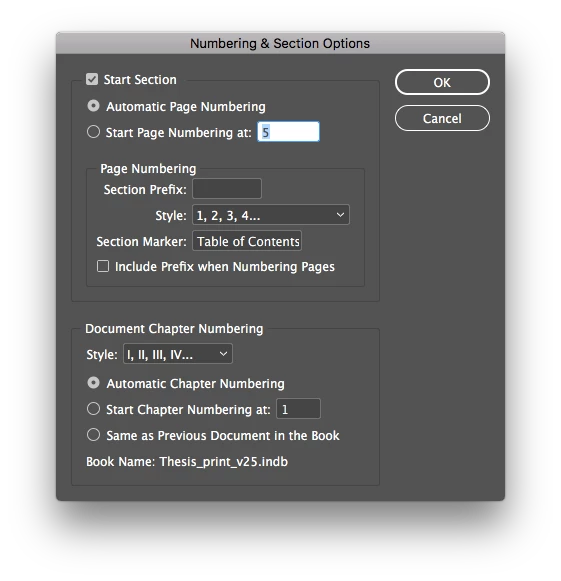
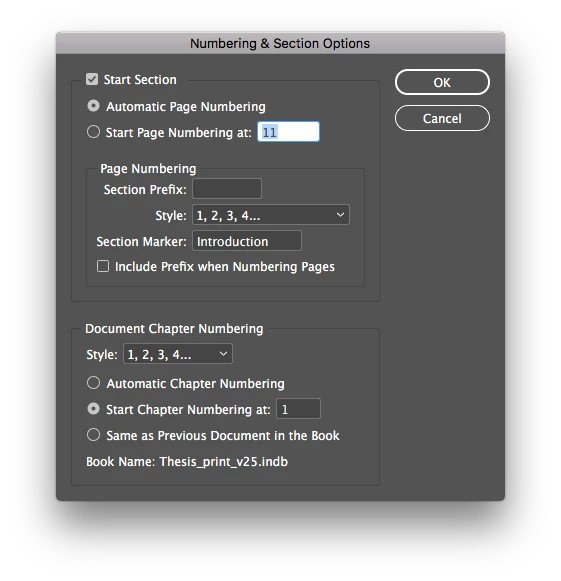
1) Make the Section prefix numbering (Roman numerals I.,II., Arabic numbers 1.,2.,3., etc.) part of the headers, just as you have made the 2.1, 2.2 sub-headers part of them. Highlight them and make them consistent Paragraph Style(s) throughout your document. You'd likely want that consistency between the headers in the body of your book and the Table of Contents. If that's not aesthetically pleasing to you, you can "opaque" them by making the numbers [Paper] colored in the headers within your document and use Tab alignment to line up the headers the way you want them with "invisible" characters hanging off the design. don't be thrown off by the + showing up in your Paragraph Styles panel when you hide the numbering.
This works because InDesign reads the text characters in the header-paragraph, not the color or font of them.
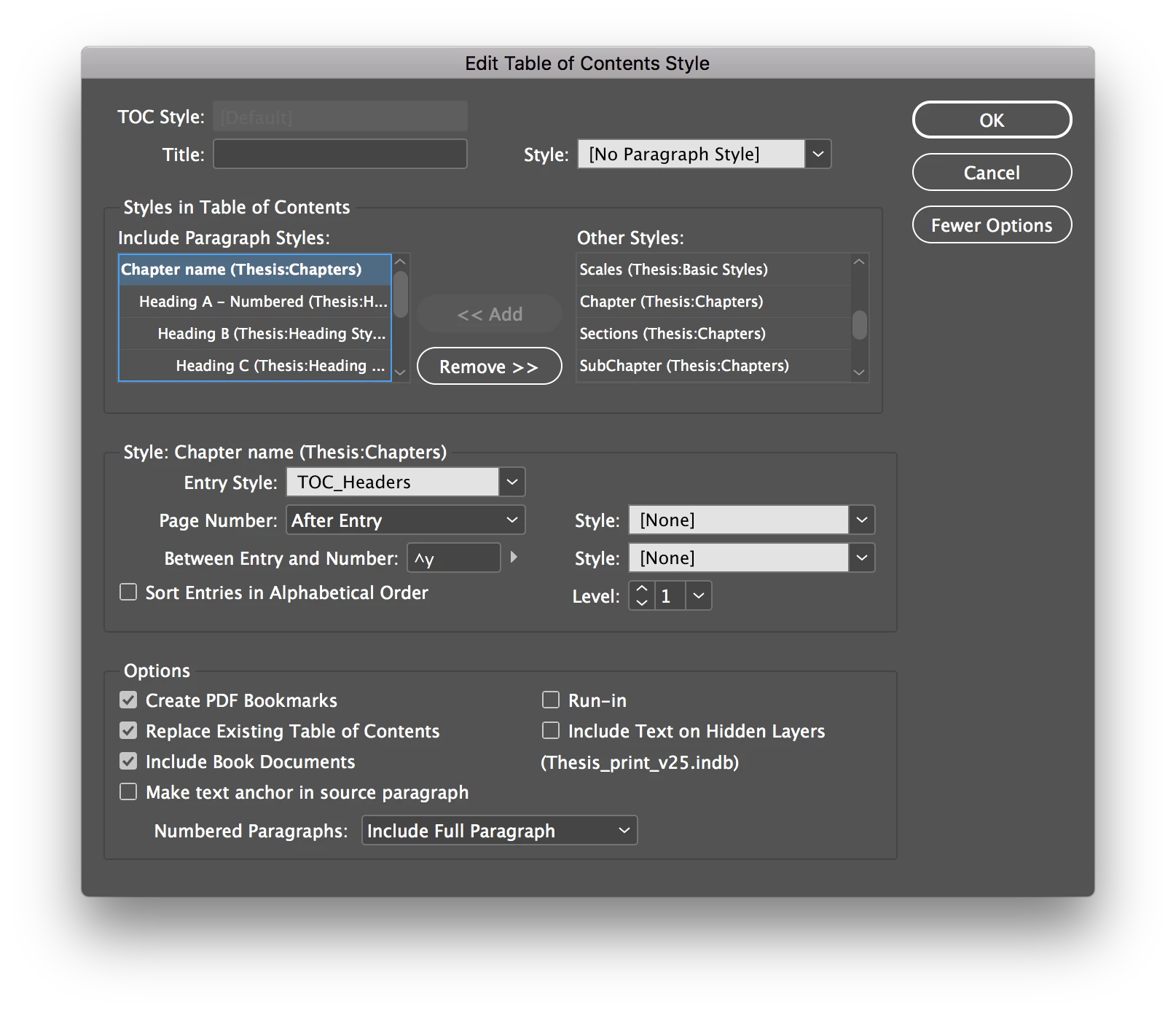
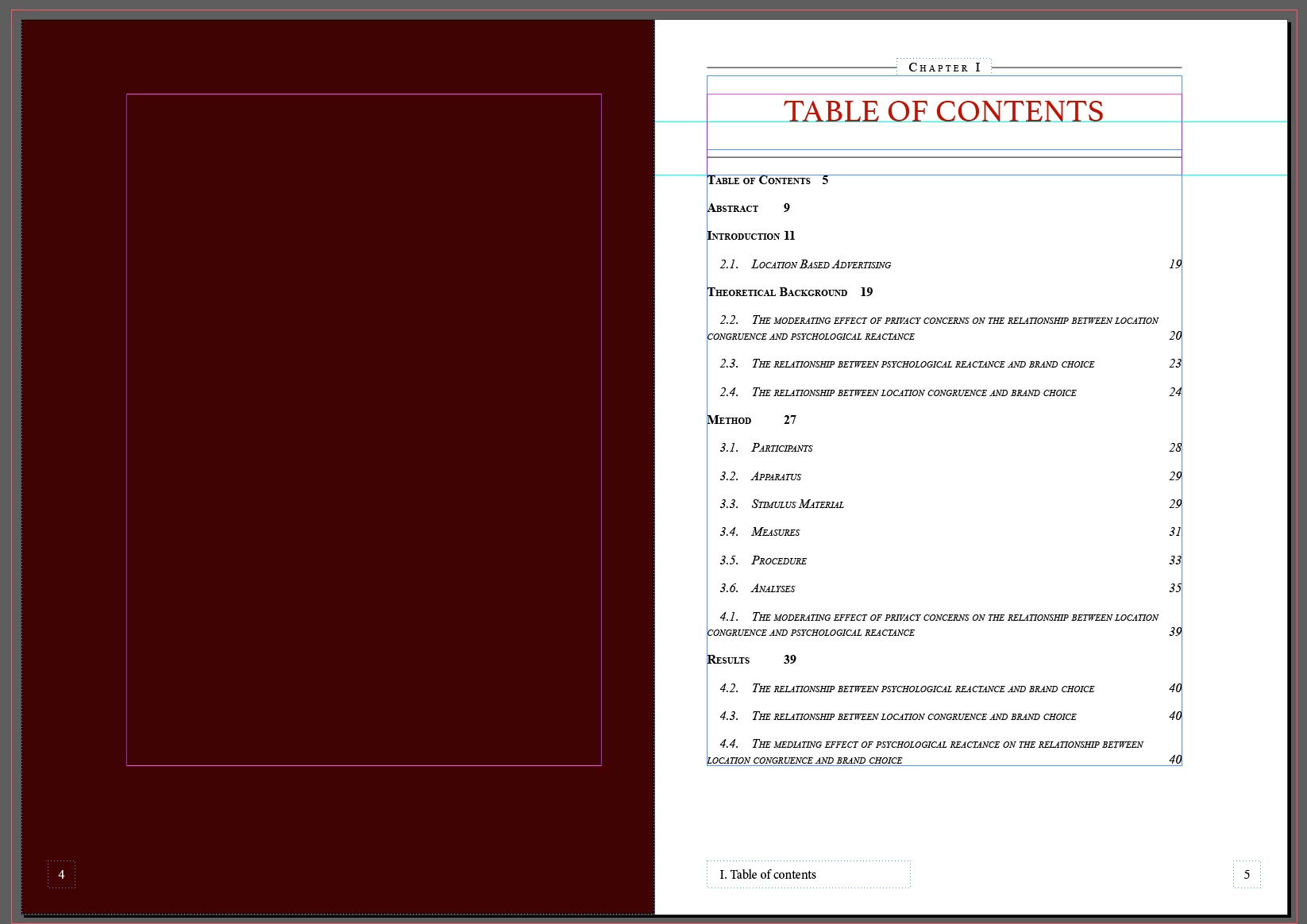
2) When you generate your ToC, It will pick up all the characters in each "paragraph" labeled with the respective paragraph styles you use. If you choose to have "invisible" section numbering, it will still create visible numbering when the ToC is generated in the default TOC Body Text style. Generate your ToC and marvel at the results.
Does this work better for you? If you give this a shot, I think you'll be happy with the results. The other result, of course, is to add the numbering manually when you complete the book and create the final Table of Contents.
Good luck,
Randy

 AdChoices