Known Participant
November 26, 2022
Answered

How to attach a line to an object in InDesign?

  • November 26, 2022
  • 3 replies
  • 1568 views

Is it possible with InDesign to attach or snap a line to an object? That is, glue one end of a straight line to an object (a block of text let's say) and when I move that object, it pulls the line in the direction I move that object, but leaving the other end of the line stationary?

Thanks in advance.


<Title renamed by moderator>

This topic has been closed for replies.
Correct answer Eugene Tyson

Great options from @Peter Spier and @Steve Werner 


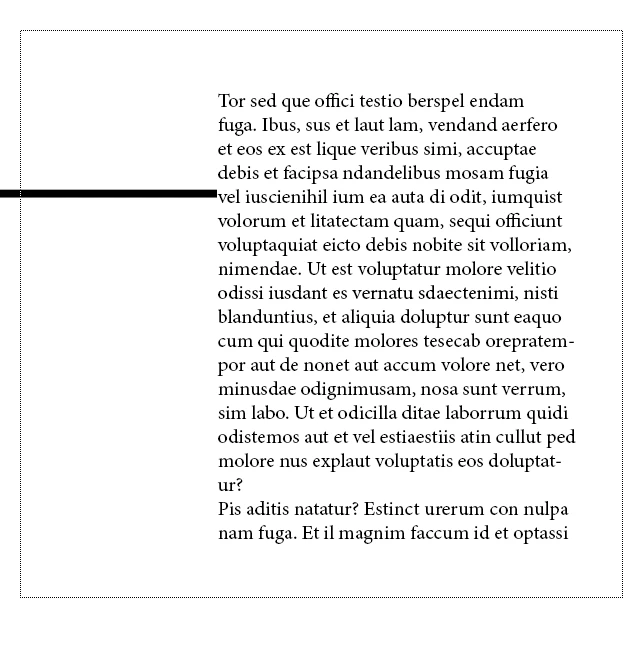
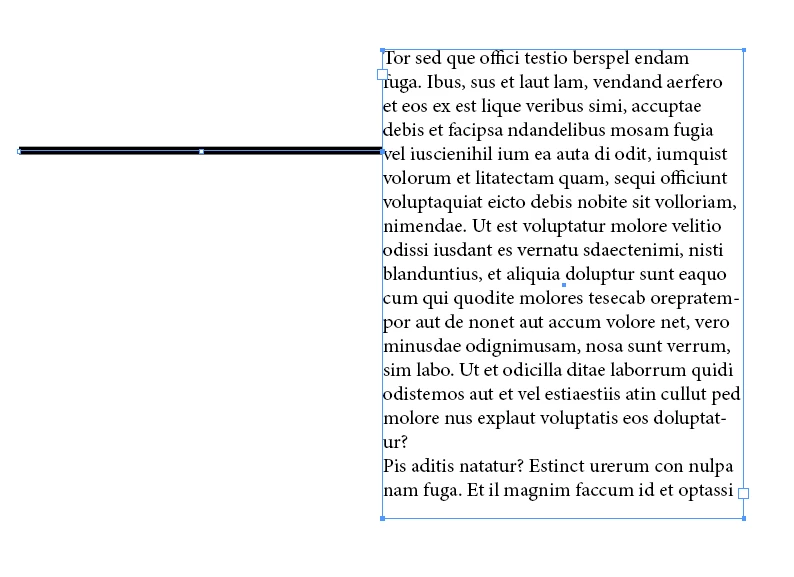
Here's how I'd approach it.


Use the Direct Selection Tool ( White Arrow tool )- and marquee all that is to be moved - except the node that has to stay put. 


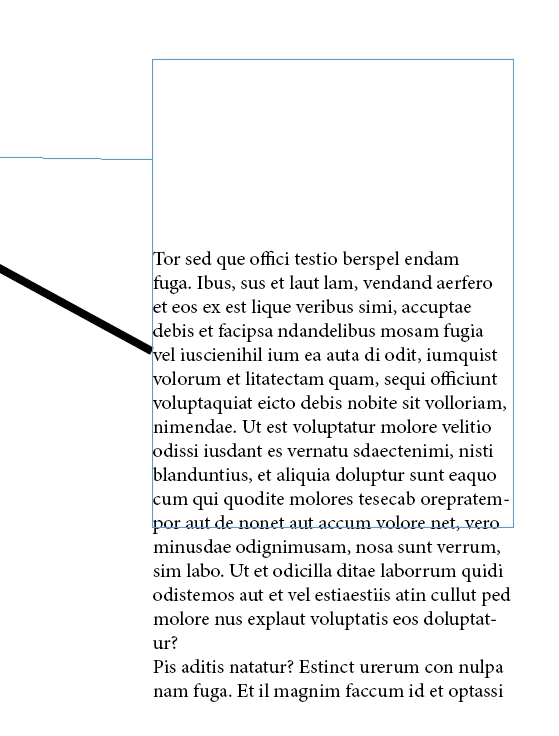
Drag it down by clicking and dragging the Frame Edge


And you're done.


Also works when grouped.


3 replies

Eugene TysonCorrect answer
Community Expert
November 27, 2022

Great options from @Peter Spier and @Steve Werner 


Here's how I'd approach it.


Use the Direct Selection Tool ( White Arrow tool )- and marquee all that is to be moved - except the node that has to stay put. 


Drag it down by clicking and dragging the Frame Edge


And you're done.


Also works when grouped.


giobdAuthor
Known Participant
November 27, 2022

I get it! It works. Thank you!

Robert at ID-Tasker
Brainiac
November 26, 2022

Could be scripted...


Steve Werner
Community Expert
November 26, 2022

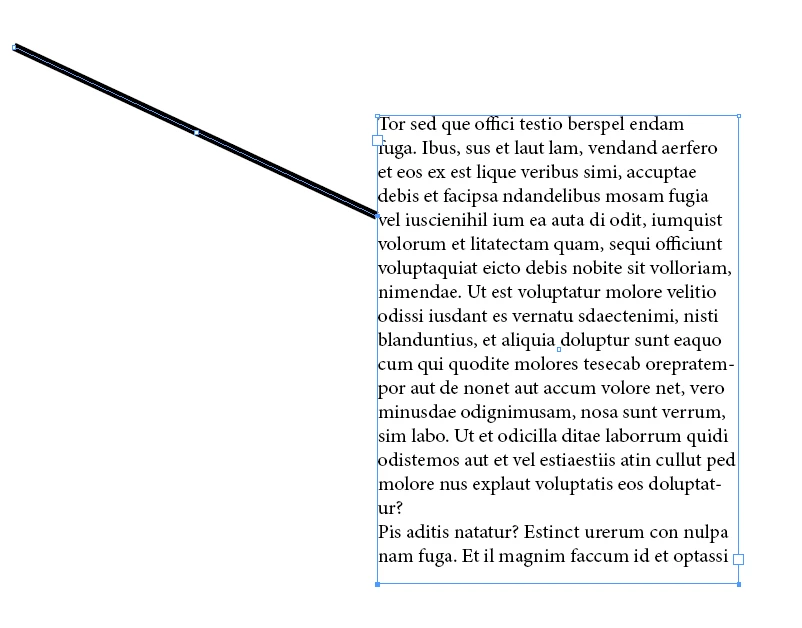
The only way I can think of doing it is to place one end of the line (created by the Line Tool) to touch the edge of the text frame. Then, select the line and click the small square (color of the layer) and drag it to anchor to the text frame (you'll see a small T icon).


Reselect the bounding box of the line and drag the opposite corner away from the text frame:


Steve Werner
Community Expert
November 26, 2022

I think it would only work anchoring to a text frame, not a shape or graphic frame.