
Answered
How to complile and debug InDesign SDK samples on Visual Studio 2017 for C++ project?
Dear All,
I have downloaded the InDesign plugin SDK from InDesign SDKs and tools | Adobe Developer Connection. I have followed the guideline in folder “plugin\docs\html\index.html”. But I can't build the sample plug-in Visual Studio 2017. But I got some compilation error. 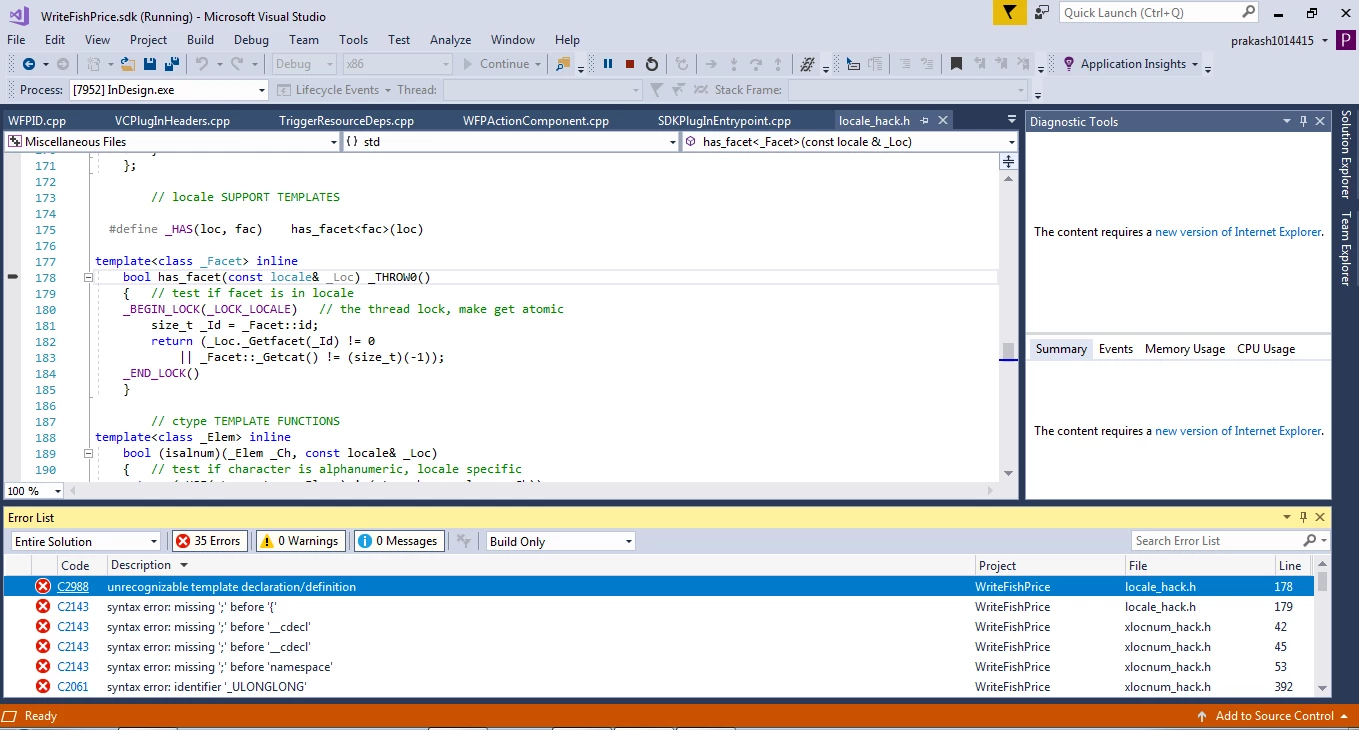
Please anyone suggest me to how to debug and build sample InDesing plug-in SDK in Visual Studio 2017.
 AdChoices