Hratch Derhagopian
Inspiring
March 26, 2018
Answered

How to do Arabic Auto Page Numbering

  • March 26, 2018
  • 3 replies
  • 6329 views

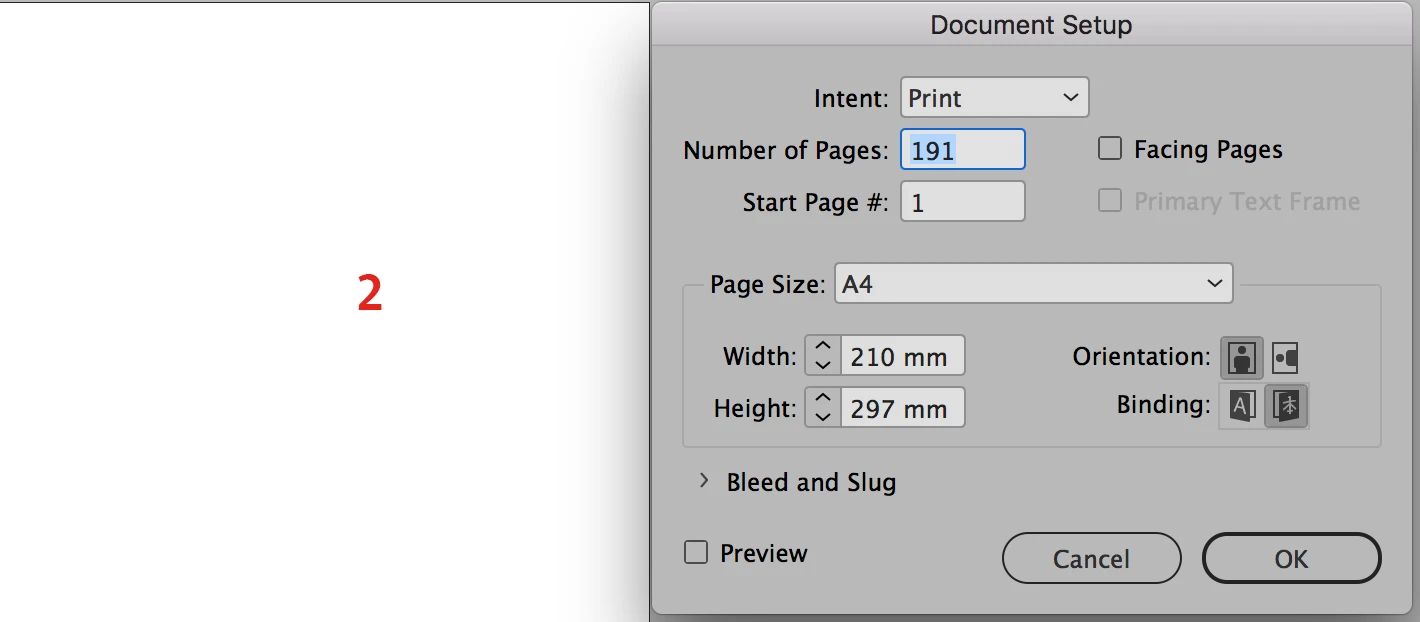
I have a right to left document setup with a single page document that I'm trying to apply an auto page numbering in Arabic numbers.

I have set the Arabic font and the language to Arabic in the master sheets, but still getting English numbers.

Anyone can help me to find a solution?

I've attached some details.
    This topic has been closed for replies.
    Correct answer Hratch Derhagopian

    Well there aren't any more to it. If the numbers are incorporated within the font, then they should appear once you switch to Hindi in the Character panel fly-out menu!


    Sorted out...

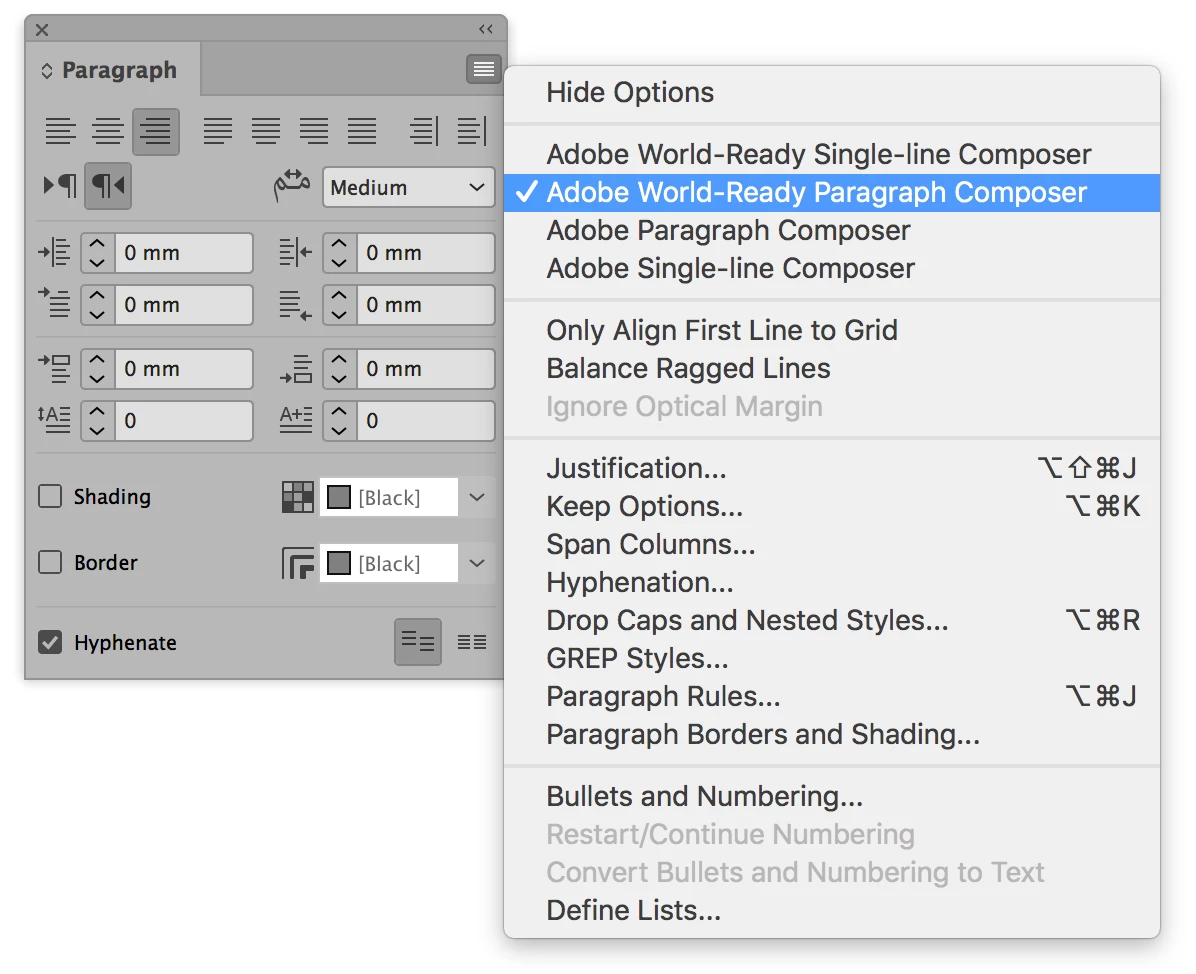
    Paragraph composer settings was set to "Adobe Paragraph Composer" changed it to "Adobe World-Ready Paragraph Composer" and it solved the issue.

    3 replies

    Participant
    October 10, 2020

    I thank you for the position

    Zaid Al Hilali
    Community Expert
    Community Expert
    March 26, 2018

    Right, first thing first, Arabic numbers are 1234, Hindi numbers which you're looking for I assume are ١٢٣٤ - it is crazy I know.

    I assume you did the following already… In the master page, create a text frame, then from the menu Type > Insert Special Character > Markers > Current Page Number.

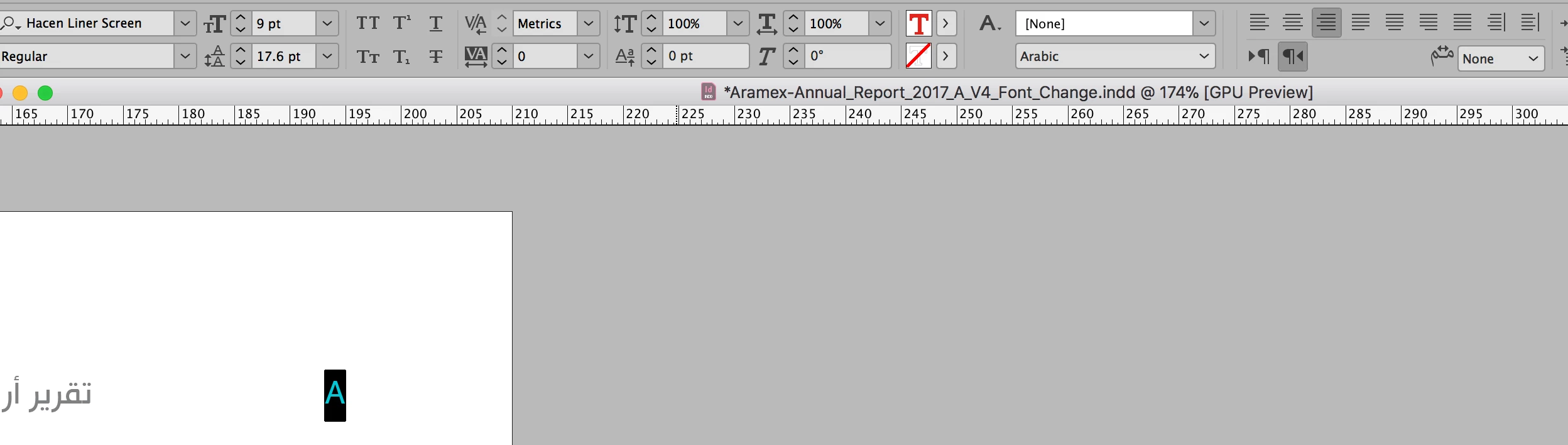
    Now highlight the letter A (if your Master is named "A Master") which was generated automatically, this represent the number on the pages and change the digits to Hindi as shown below

    Check your pages now. If however you want to have these Arabic numbers 1234, then you need to select "Arabic" from the list as shown above.

    Hratch Derhagopian
    Inspiring
    March 26, 2018

    Yes Ziad,

    Hindi numbers is what I want and already tried to change the digits manually.

    But still not working out.

    Hratch Derhagopian
    Hratch DerhagopianAuthorCorrect answer
    Inspiring
    March 26, 2018

    Well there aren't any more to it. If the numbers are incorporated within the font, then they should appear once you switch to Hindi in the Character panel fly-out menu!


    Sorted out...

    Paragraph composer settings was set to "Adobe Paragraph Composer" changed it to "Adobe World-Ready Paragraph Composer" and it solved the issue.

    Community Expert
    March 26, 2018

    Hi,
    just from my memory:

    Isn't there a preference in InDesign to use Arabic numbering for page numbering?

    ( Currently I'm using a German version so I cannot pinpoint your issue… )

    Regards,
    Uwe