

How to draw everything on baseline grid without needing to crop top of images with text beside them
I want to size all my objects (text, images, everything) to exact document grid increments for the sake of easy drawing/resizing of objects on new pages.
So I activated snap to document grid.
I never need to display my baseline grid because I have set its height to my document grid cell height, so it's incorporated in my document grid.
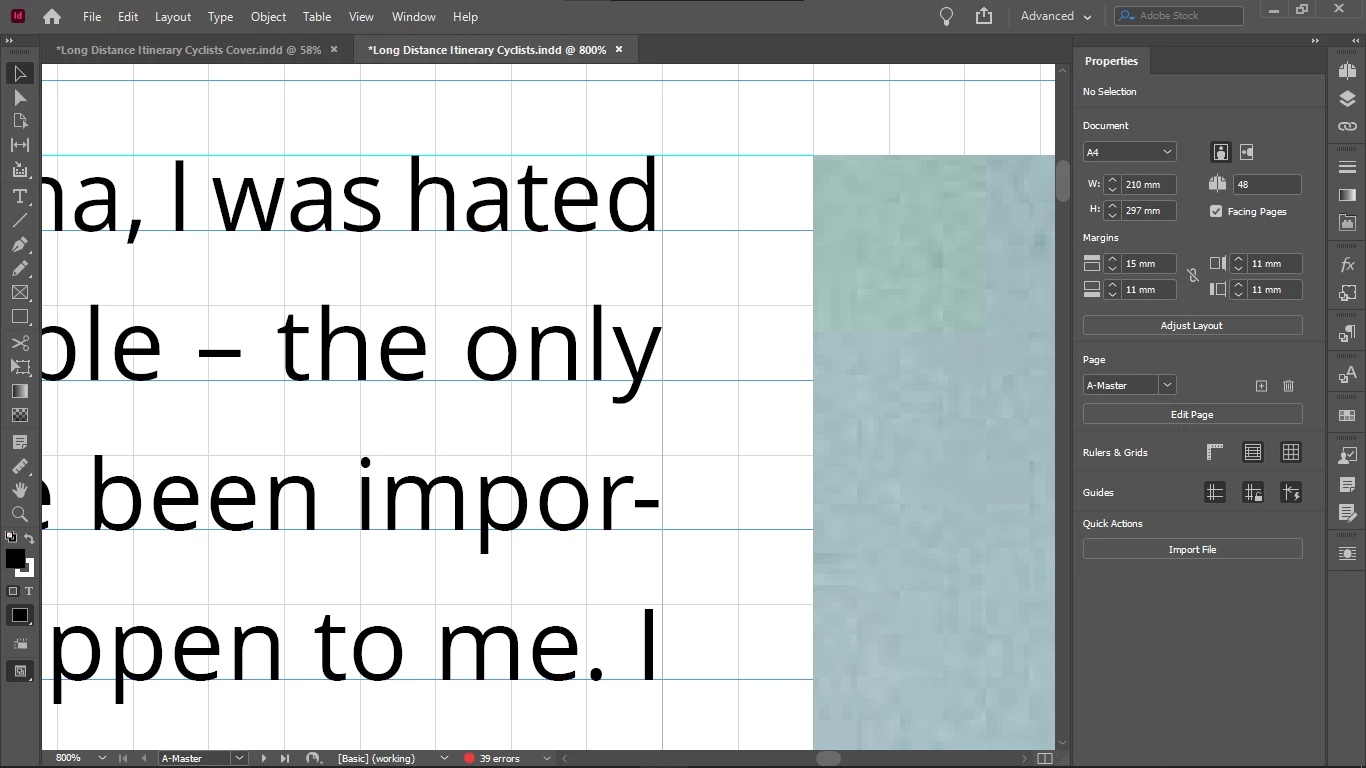
The irritating thing is that everything works well with the document grid increments objects (bottoms, sides) except the upper boundary of images.
So I always have to crop the top of all images with text on the side down to the median line of the the text line on the top, to get them top-aligned, the cropping shown by the arrow:
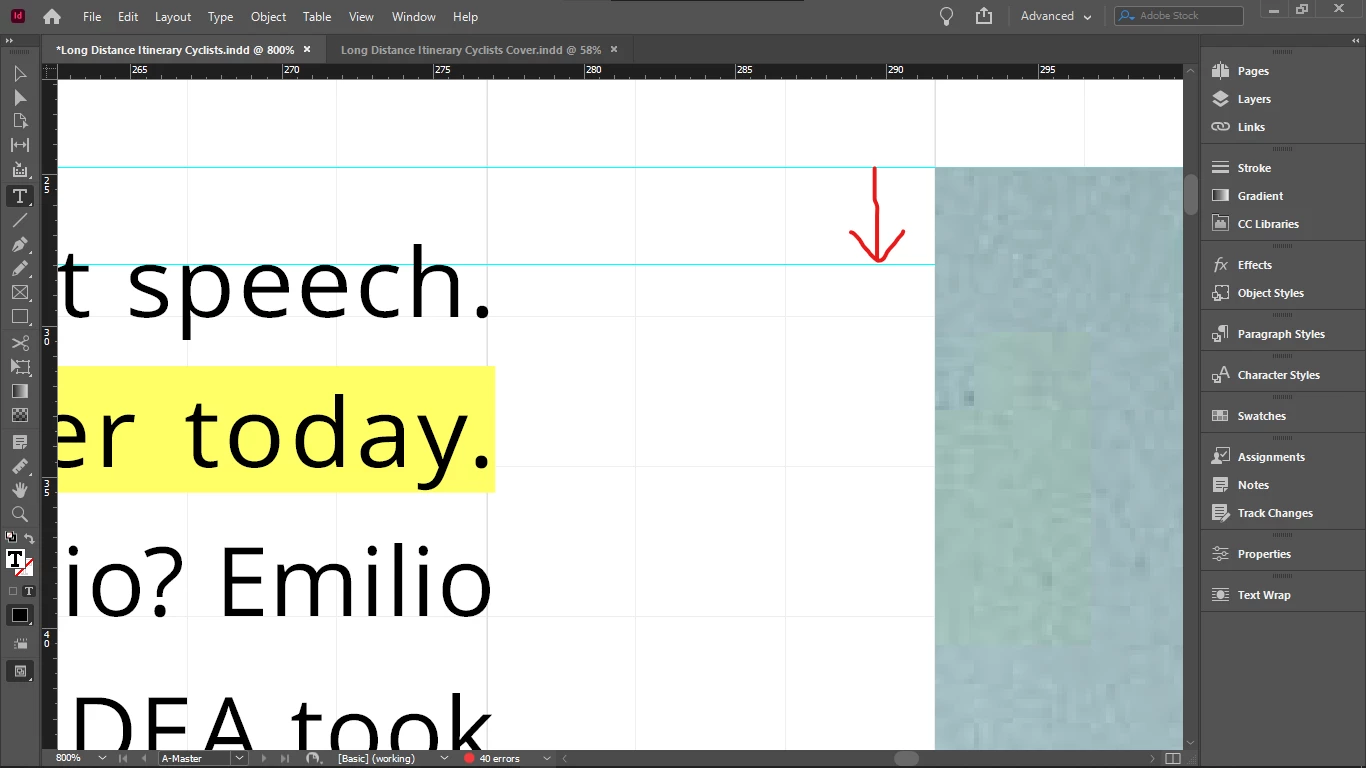
So if I do crop them (and I have to, because the disalignment is visible), then all object boundaries are layign on the document grid, except the top of images that have text on the side - so this is quite disappointing.
Because the point is to not see any lines between document grid lines.
The disalignment is especially visible now when I doubled the size of my document grid blocks / and height of my baseline. I did that to be able to see always the real number of baseline grid blocks, no matter the zoom level - because I use them as units, when drawing/resizing my objects on the grid. When my grid block was twice as small, InDesign displayed 4 blocks as 1 block in Fit Spread In Window mode, and that is the mode I use for drawing / resizing / editing - except the top cropping of images I mentioned above.
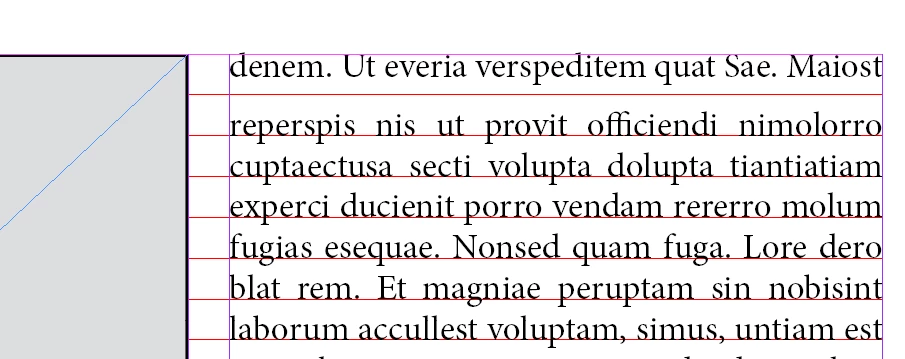
Forcing my text into every second baseline (for this I must revert my document grid block / baseline grid height to half to get a reasonable leading - which I can't because I must see the real number of blocks at any zoom level) does not solve this issue either, because even if the baseline height is not that tall, the top disalignment betwen the text frame and image is still visible, and additionally, having text in every second baseline only, it causes the top offsets of elements under the text box to be taller, if the number of lines in the text box is even, because then the one at the bottom will be forced to stay empty, adding the impression of extra height to the top offset of the element below it.
Does anyone know such a fix for this issue, that would enable me to keep everything: my large baseline height / document grid cell dimension, not forcing text in every second baseline, and not needing to crop the top of images with text beside them after placing those images - that would create lines inside docuemnt grid cells, and that's what I wanted to avoid by drawing exactly on the document grid, so it wouldn't mess up my vertical math when calculating in my grid units (which I would like to use also as real units, for example when setting offsets, because remembering all the decimals and dimensions of say 3 document grid blocks is not practical).
Thanks.
 AdChoices