
How to export a PNG at the correct pixel size with a higher resolution?
I am having difficulties creating some Google Ads from InDesign.
The reason I've used InDesign is because I have to replicate each ad in various languages, and have each ad with three different photographs, so it's easier to have alternate layouts instead of individual photoshop files. I am creating hundreds of ads in total, so Photoshop just isn't a viable option.
My problem is the way InDesign exports PNGs.
The client wants them to be an exact pixels dimension AND be high resolution AND be less than 150kb.
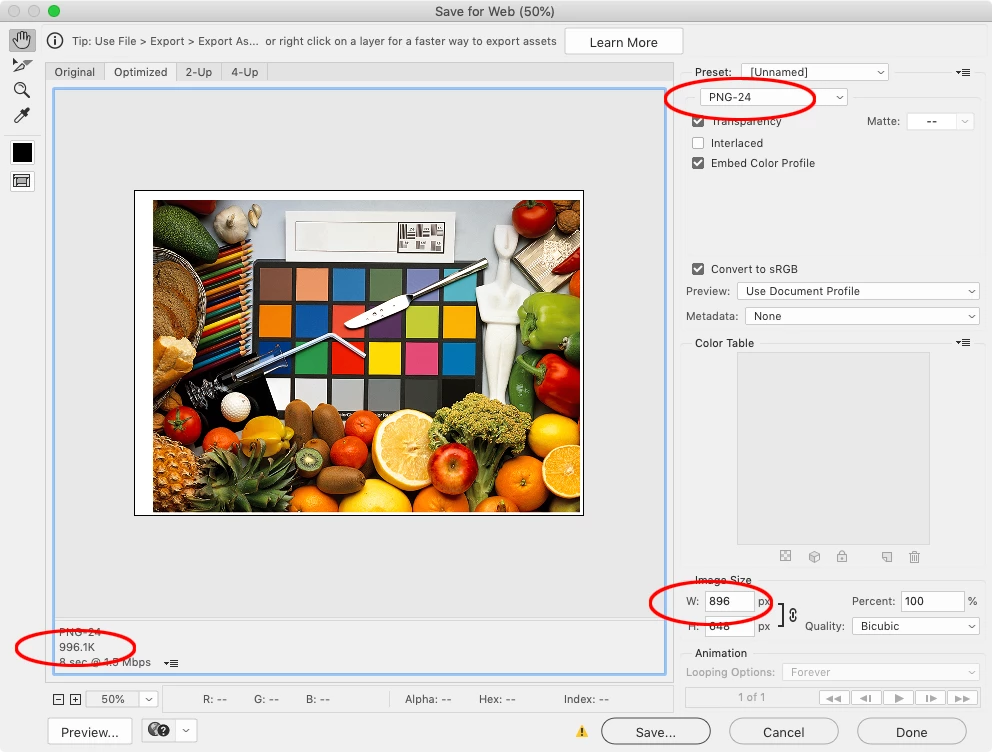
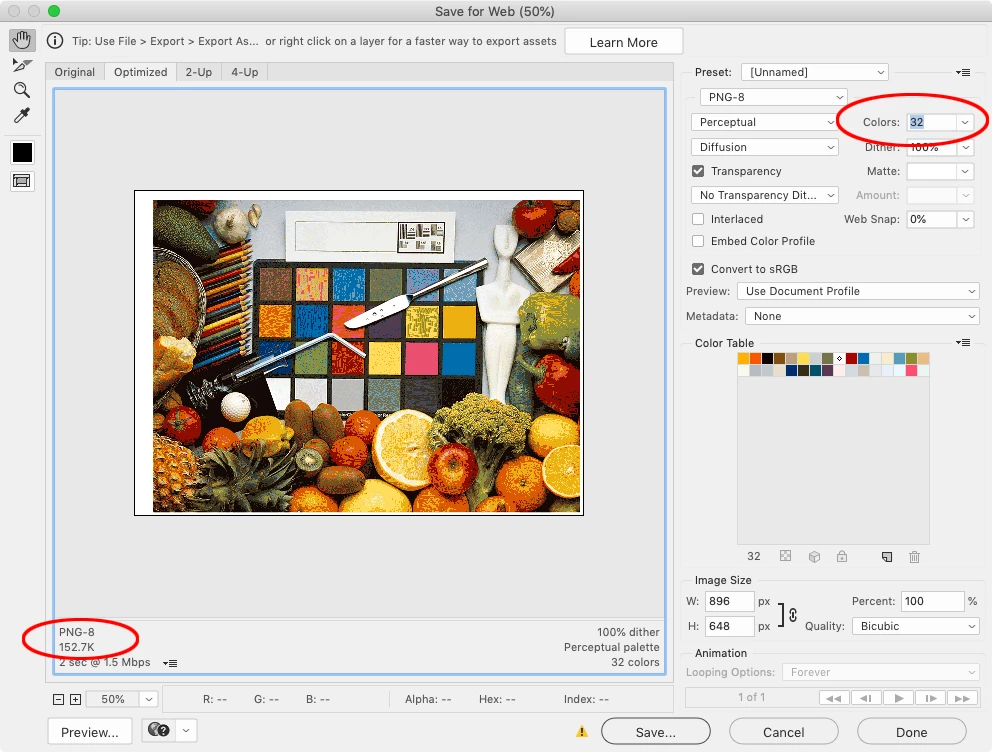
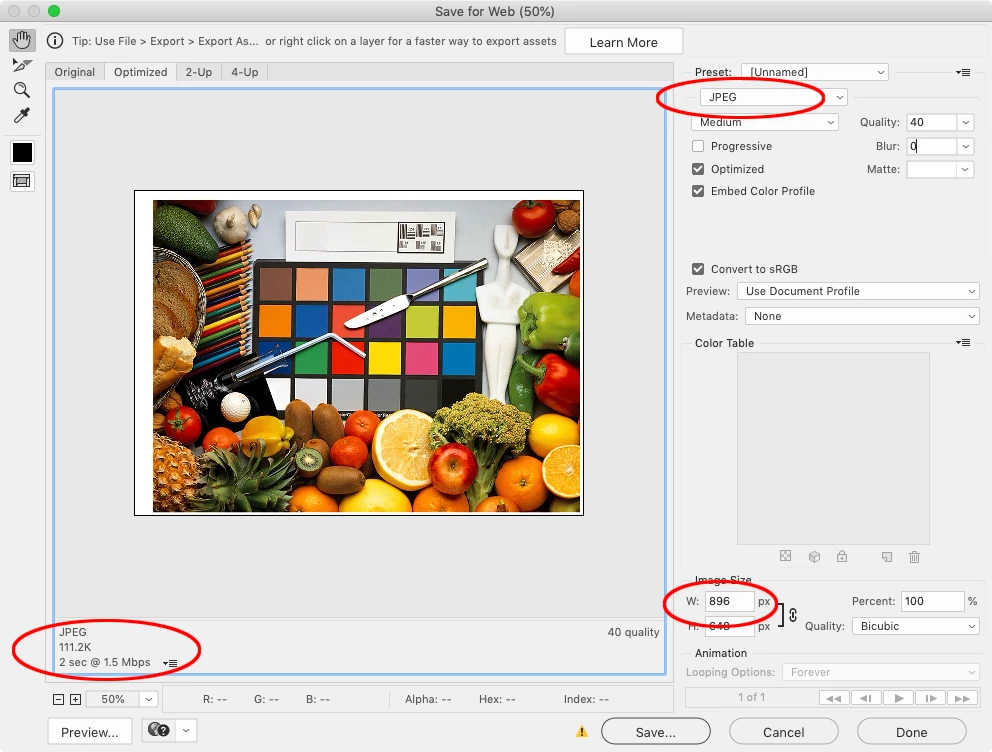
When I export at 72dpi, I get the correct pixel size, but some of the ads are 900px so are coming out much higher than 150kb. To combat this I have lowered the dpi - but then it changes the pixel size and the client is not happy.
I don't get why resolution changes the pixel size OR the file size in InDesign when it doesn't do either of those in Photoshop. Is there a better way that doesn't involve opening each indivual PNG in Photoshop to alter the resolution? Like I said, I have hundreds of individual ads and not a lot of time.
Also, some of the smaller ads have pixelated text (even when viewed at 100%) and the client has said; the file size is only 80kb, can you go up to 150kb to make the quality better? But then of course, that changes the pixel dimensions!
Overall, I'm finding this whole situation very frustrating. Any help would be greatly appreciated.
 AdChoices