

How to get "rule above paragraph" to stay within text frame
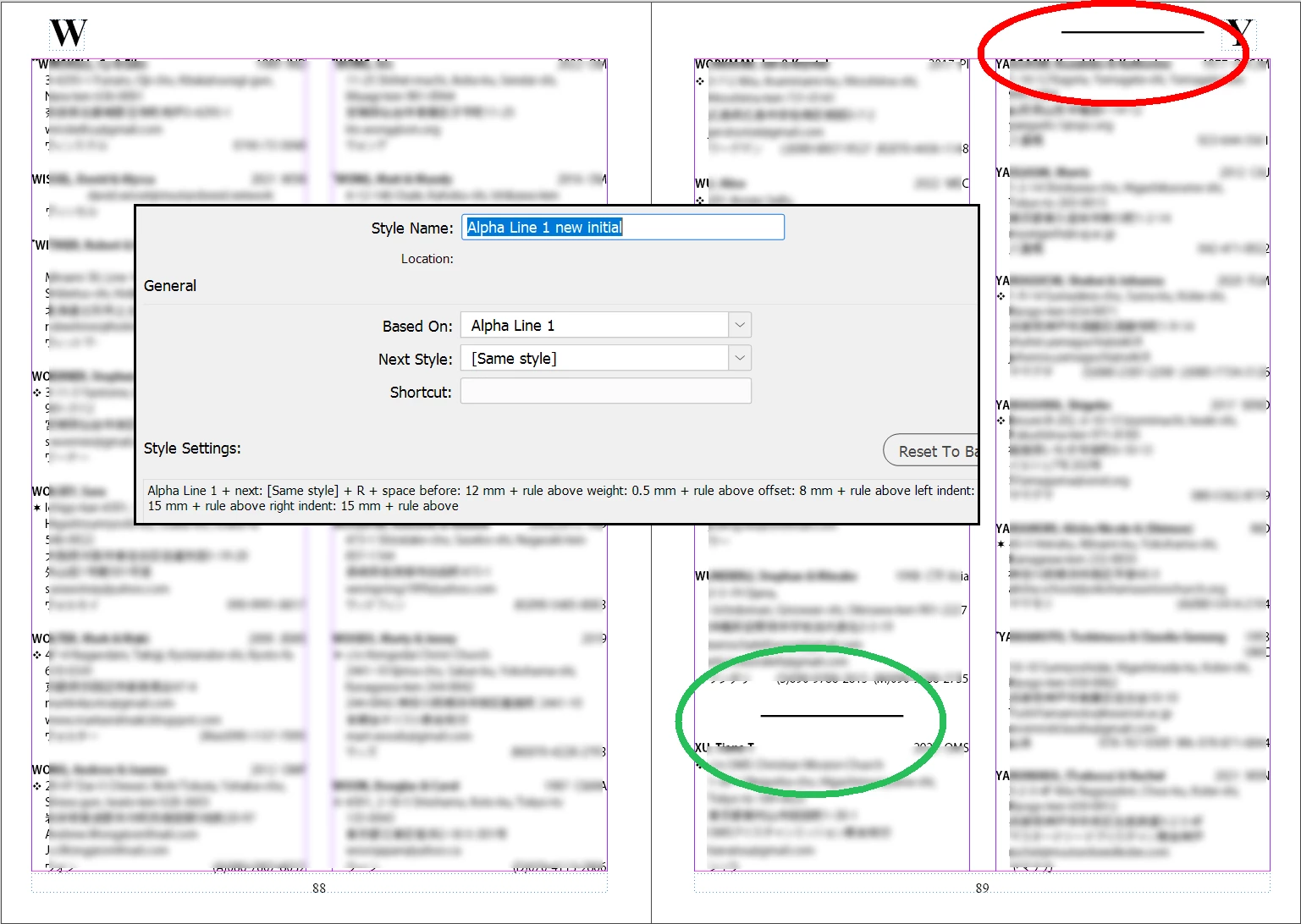
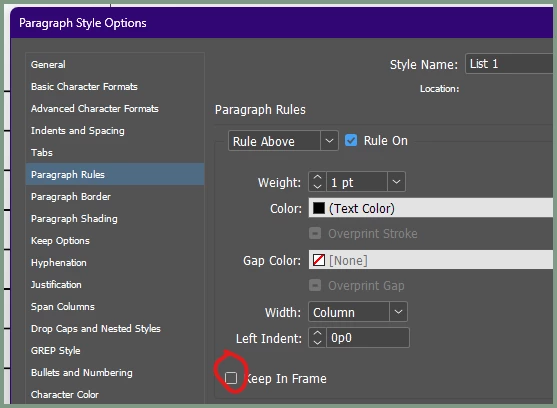
The composite image below is almost self-explanatory. I am finalizing the design of a people directory that uses tagged text generated from a database to automatically assign paragraph styles when placed. To delineate a new letter of the alphabet, I use a paragraph style with extra spacing and a "rule above" as shown here. It works great when the new letter hits in the middle of a column (green circle), but if it hits at the top of a column (red circle), the rule is in the margin. I understand why that's happening ("space before" is ignored at the top of text frames, which is normally good), but is there something I can do in the paragraph style settings to force the content down so the rule is at the top of the frame instead of floating where it shouldn't be? Yes, I know I can manually lower the top of the frame after placing the text, and I'll do that if necessary. But it would be nice if it just worked, so that there are no overrides in the parent page's text frames that would need fixing after placing freshly updated tagged text, which would no doubt have such rules in different places.
It would probably look a little better if the rule was at the bottom of columns instead of the top when the letter change happens at a column break, but that would require significantly more cleverness in the code that creates the tagged text, because the code would need to look ahead and see what the next name is, not just remember the previous one. And even if I did that, I'd still have this layout problem in InDesign, because the "rule below" would be in the bottom margin.
 AdChoices