
Question
How to get the closest CMYK color in inDesign?
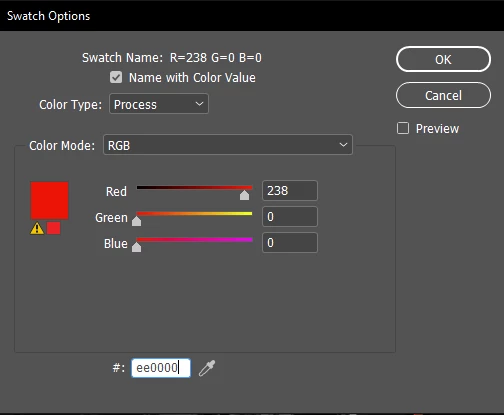
InDesign indicates with the yellow sign that my choosen RGB color cannot be reproduced in the CMYK color mode for print.
My RGB color #ee0000 according to this article:
is the red shade that has the highest contrast with both black and white.
But the color that InDesign chooses to replace it: #ed1c24 (shown in the small square beside the yellow sign, as a comparison):
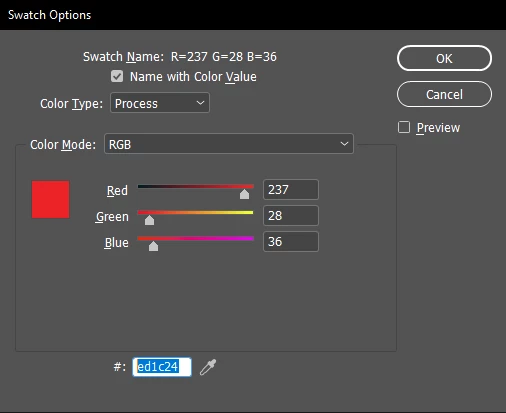
is a much more pale red.
Is this really the closest RGB color to #ee0000 that can be used in CMYK, or I should recalculate the highest contrast shade red (with both black and white) using some other, CMYK scheme?
 AdChoices