Hosun
Inspiring
December 31, 2022
Answered

How to give space to drop cap and paragraph style in InDesign?

  • December 31, 2022
  • 1 reply
  • 561 views

Hi,


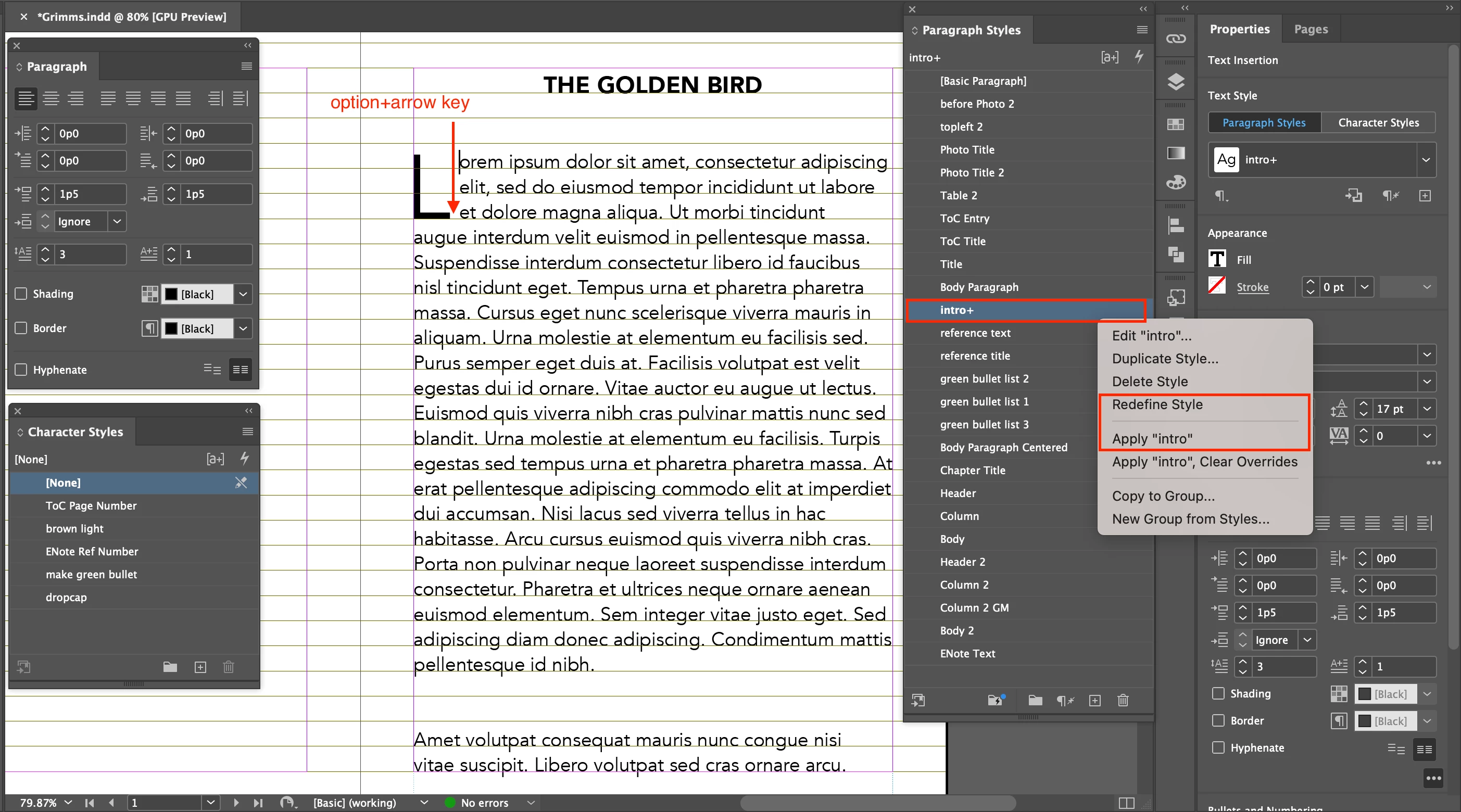
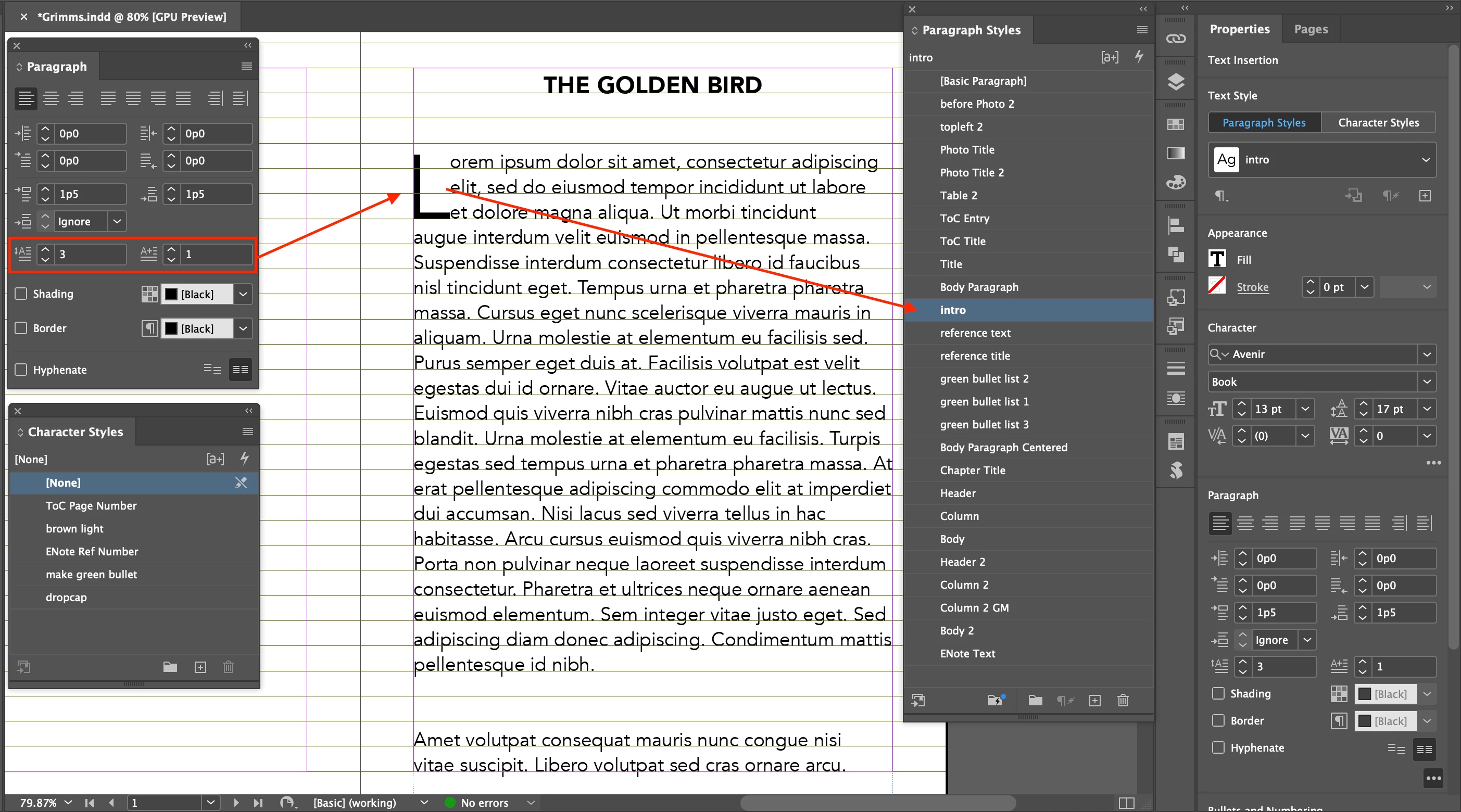
Screenshot 1. I made a drop cap and paragraph style.

Screenshot 2. I gave some space to drop cap with ⌥ + →.


I can't remove the plus sign to the paragraph style, keeping the space to drop cap.


Is there any better way to give space to drop cap?


Hosun


<Title renamed by moderator>
This topic has been closed for replies.
Correct answer Laubender

Hi @Hosun ,

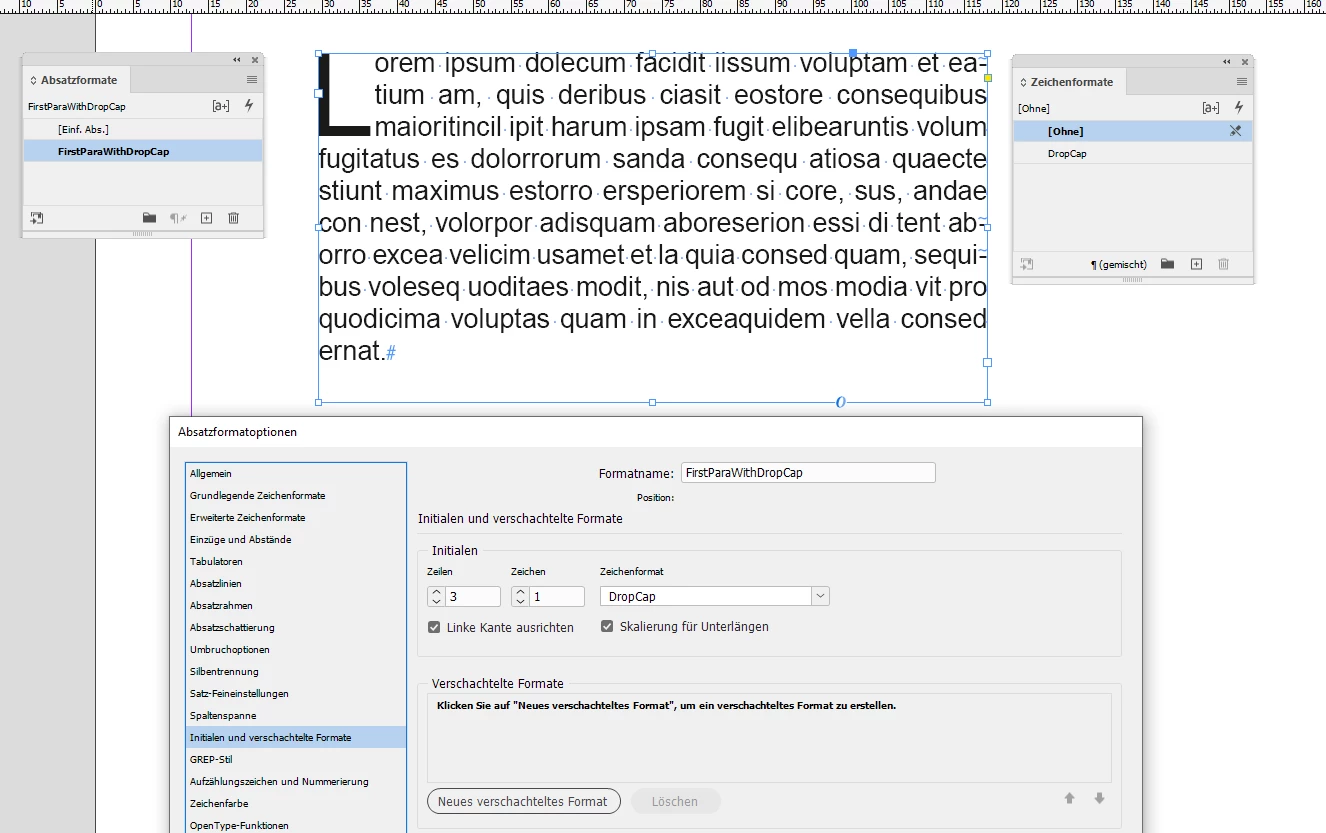
use a character style for the drop cap and apply a value like 50 to property tracking in the character style.

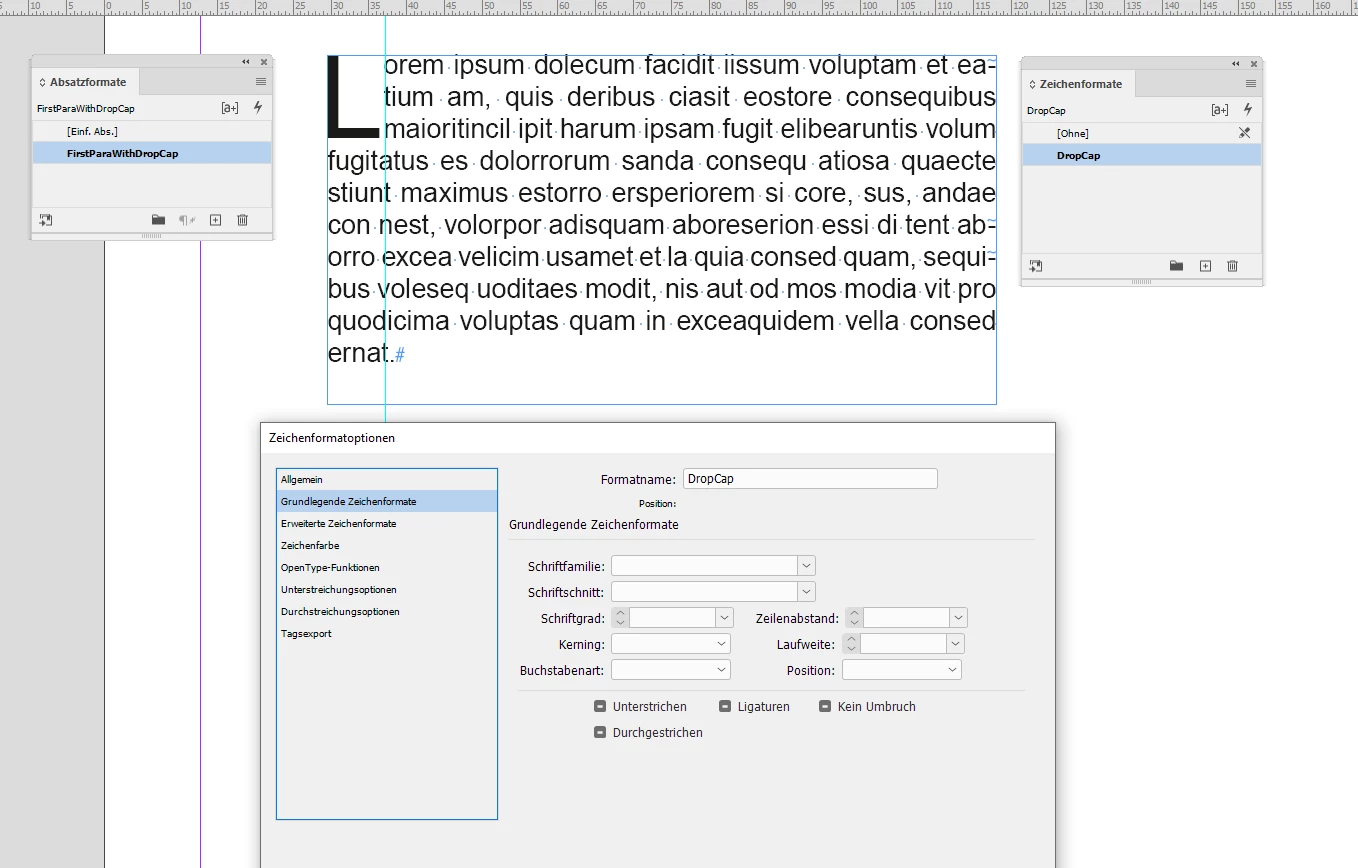
Drop cap sample with tracking set to "ignore" below. From my German InDesign ("Zeichenformat" is "Character Style"):


Character style definition for tracking ("Laufweite") is set to "ignore" (no value):

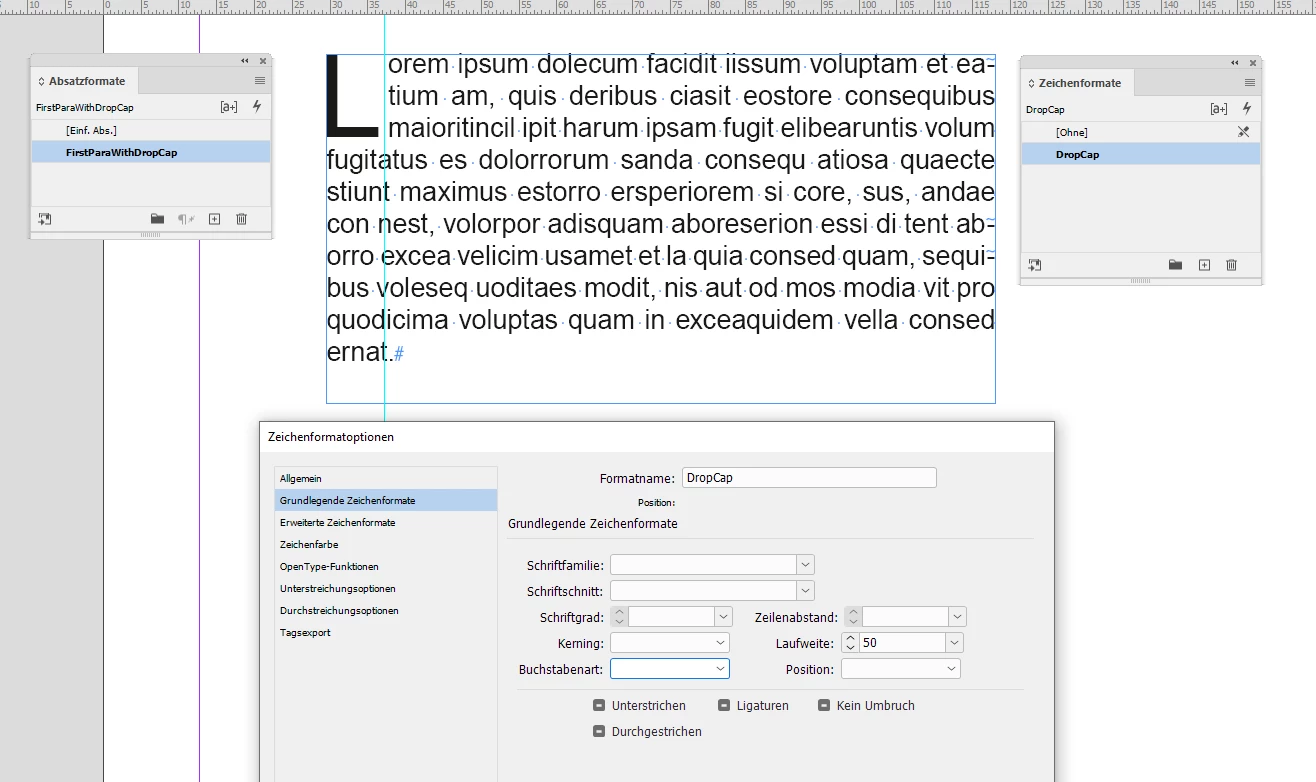
Tracking ("Laufweite") set to value 50:


Regards,
Uwe Laubender
( Adobe Community Expert )

1 reply

LaubenderCommunity ExpertCorrect answer
Community Expert
December 31, 2022

Hi @Hosun ,

use a character style for the drop cap and apply a value like 50 to property tracking in the character style.

Drop cap sample with tracking set to "ignore" below. From my German InDesign ("Zeichenformat" is "Character Style"):


Character style definition for tracking ("Laufweite") is set to "ignore" (no value):

Tracking ("Laufweite") set to value 50:


Regards,
Uwe Laubender
( Adobe Community Expert )

Hosun
HosunAuthor
Inspiring
December 31, 2022

Thank you very much.


Hosun