Participant
November 14, 2022
Answered

How to loop through a selection to modify the fill color of the the selected items in InDesign?

  • November 14, 2022
  • 3 replies
  • 921 views

I try to loop through a selection to modify the fill color of the the selected items in InDesign using ExtendScript. Some of the selected items are grouped.

var mySelection = app.selection;
for (var myIndex in mySelection) {
    var myPageItem = mySelection[myIndex];
    myPageItem.fillColor = app.activeDocument.swatches.item("Black");
}

The fill color of the selected is not modified.

How can I loop through a selection to modify the fill color of the the selected items in InDesign using ExtendScript?

I thank you for your help.
This topic has been closed for replies.
Correct answer rob day

Sorry I should have checked before posting, you don’t need the nested loop—this works even with multiple groups:


var mySelection = app.selection;
for (var i = 0; i < mySelection.length; i++){
    mySelection[i].fillColor = "Black"
};  


3 replies

rob day
Community Expert
Community Expert
November 15, 2022

Some of the selected items are grouped


Hi @Alexander17 , A selection of a single group would have a length of 1 and nothing inside of the group would get the new fill color. I think you will have to create a nested loop to get at all the page items in the selection. Something like this:


//selection is a group
var mySelection = app.selection;
//returns 1 if the selection is a group
$.writeln(mySelection.length) 

var api;
for (var i = 0; i < mySelection.length; i++){
    mySelection[i].fillColor = "Black"
    api = mySelection[i].allPageItems
    for (var j = 0; j < api.length; j++){
        api[j].fillColor = "Black"
    };   
};   


rob day
Community Expert
rob dayCommunity ExpertCorrect answer
Community Expert
November 15, 2022

Sorry I should have checked before posting, you don’t need the nested loop—this works even with multiple groups:


var mySelection = app.selection;
for (var i = 0; i < mySelection.length; i++){
    mySelection[i].fillColor = "Black"
};  


Participant
November 15, 2022

Thank you very much for your help. This works.

Community Expert
November 15, 2022

Hi @Alexander17 ,

what kind of items do you have selected?

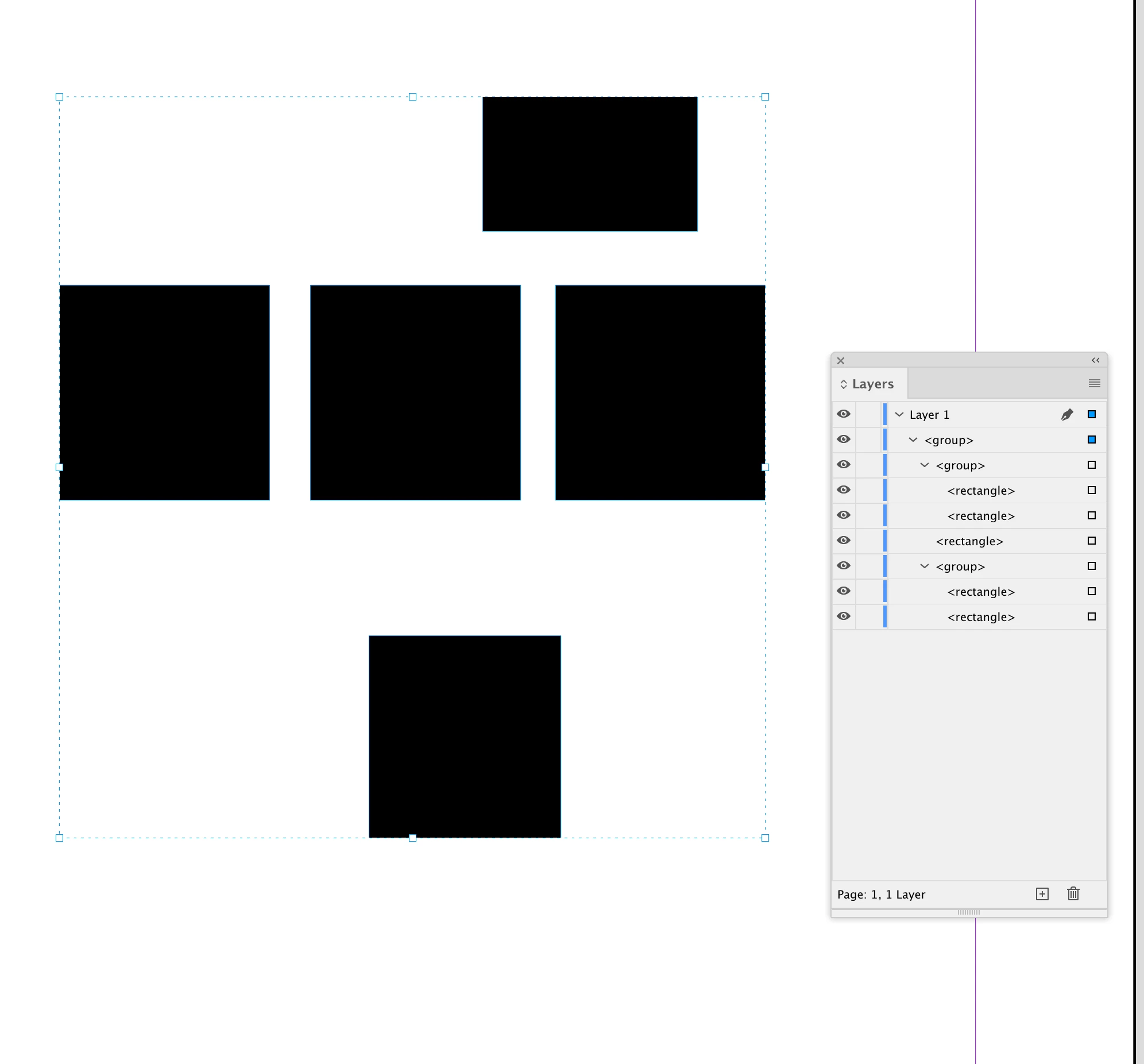
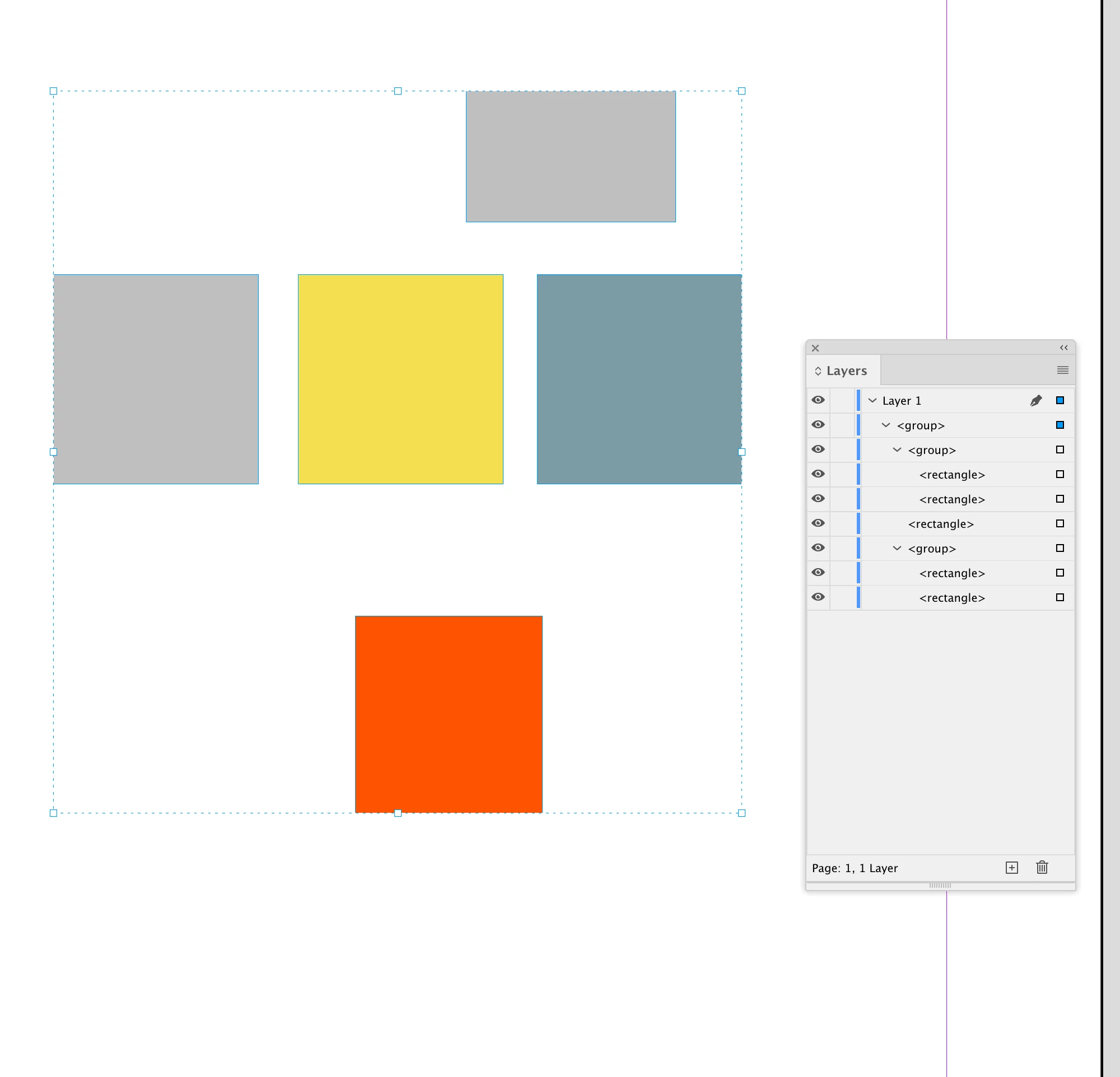
Please show a screenshot with the Layers panel open so that we can see what exactly is selected.

Also provide a test document.


myPageItem.fillColor = "Black";

should also work.


Regards,
Uwe Laubender
( Adobe Community Expert )

brian_p_dts
Community Expert
Community Expert
November 14, 2022

Extendscript doesn't support for in expressions for arrays. Instead it would be : for (var myIndex = 0; myIndex < mySelection.length; myIndex++)


Also try itemByName("Black") instead of just item, which can be buggy I've found.

Participant
November 14, 2022

Thank you. I've tried both proposals. But the fill color of the selected items is still not modified.

var mySelection = app.selection;
for (var myIndex = 0; myIndex < mySelection.length; myIndex++) {
    var myPageItem = mySelection[myIndex];
    myPageItem.fillColor = app.activeDocument.swatches.itemByName("Black");
}


Robert at ID-Tasker
Legend
November 14, 2022

Maybe you also need to set FillTint to 100:

myPageItem.fillTint = 100;

if for some reason it wasn't 100 before.