Only for really lazy guys! …
E.g., as shown in the screenshots, I've here previously applied a specific char style to identify each index (until 4 indexes).
However note there're 4 ways to play the game:
• manually, entry per entry: the user selects the right index in the Script UI, then selects text and clicks on "New Entry". A specific char style could be applied in the same time by the Script if this adding is chosen in the tab "by char style".
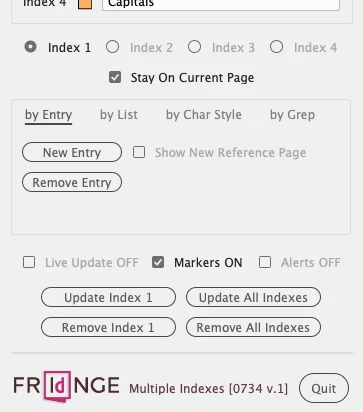
• by list(s),
• by char style(s)
• by Grep(s).
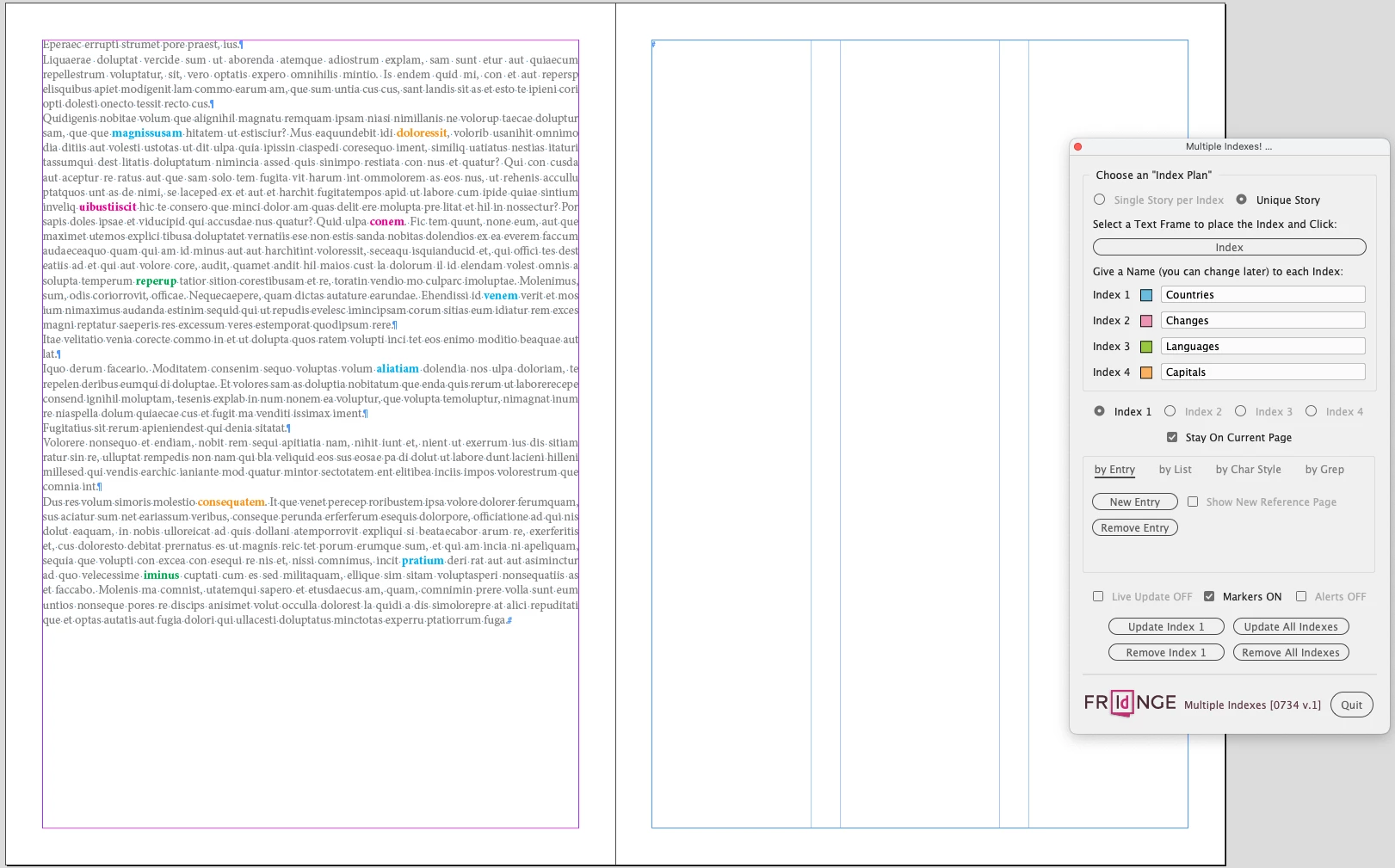
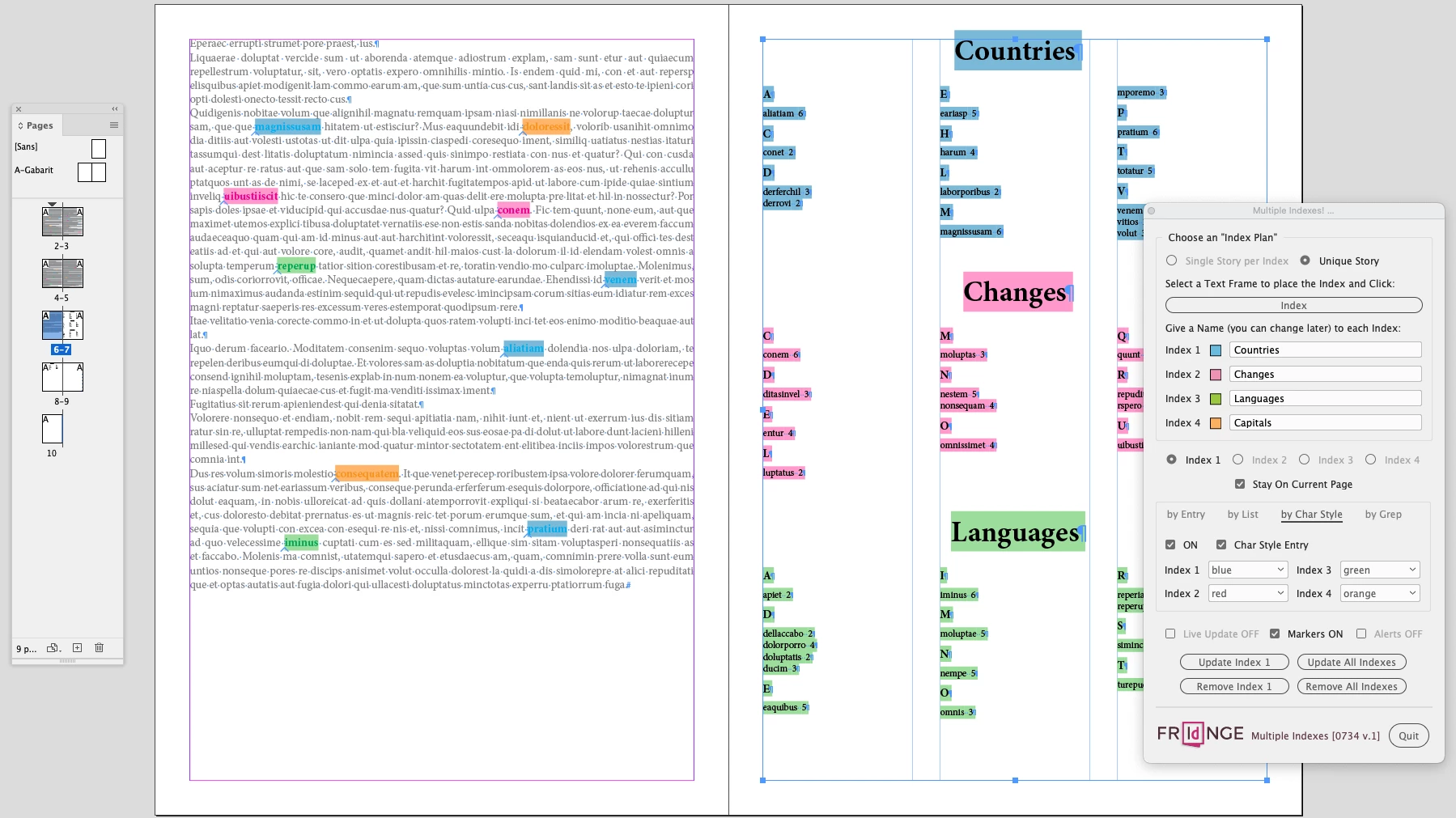
Now, I just need to "update all indexes"! I mean just 1 click (and some seconds) on the corresponding button of the Script UI to create Indesign all the 4 Index entries and generate the 4 indexes (the fourth one is on the following page: I've used here one single story for the sample).
… It's done!
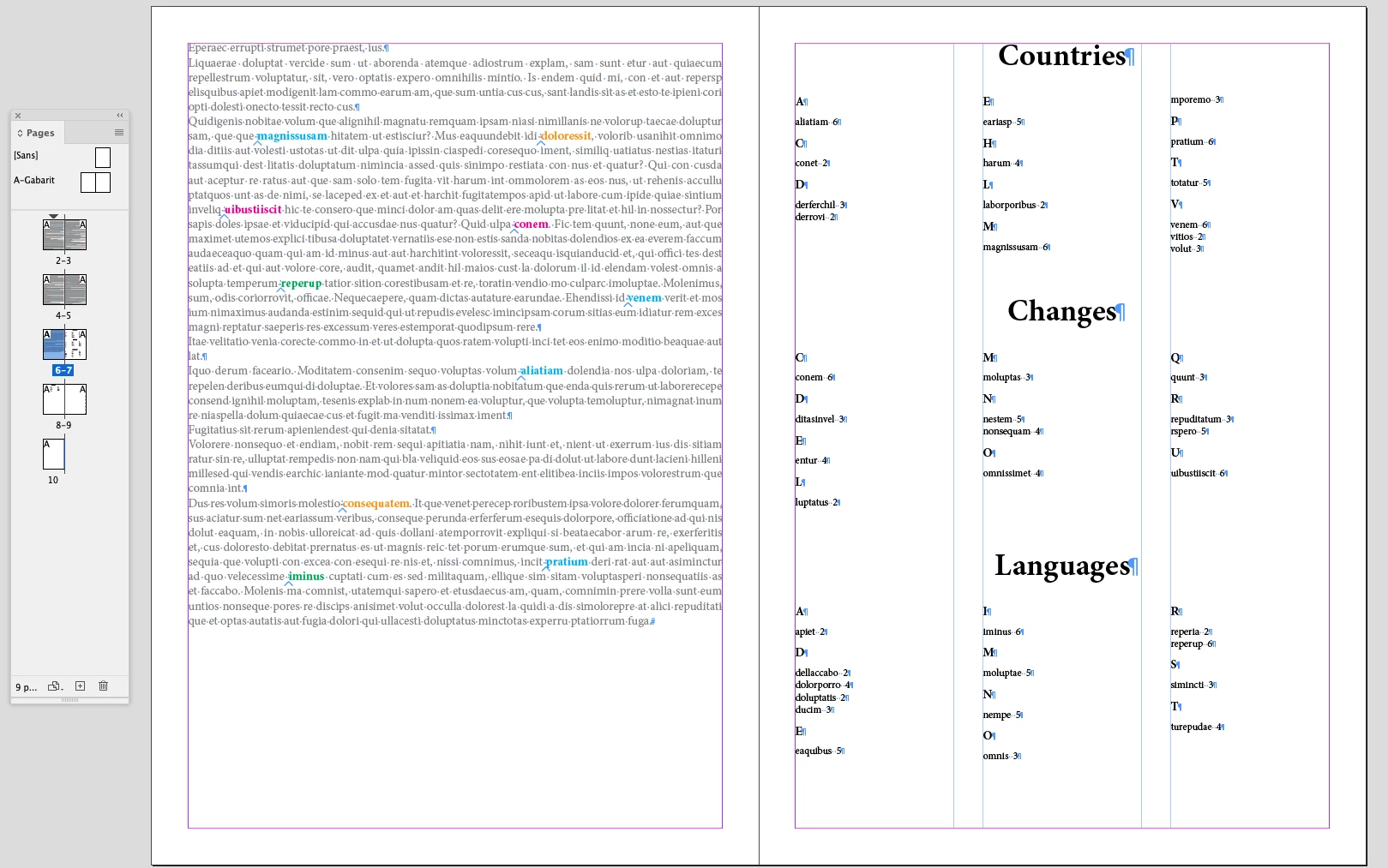
I can quit the Script now (the color controls disappear):
… For fun, I've exported the ID file to reflowable epub, just to see the result (never tested until now):
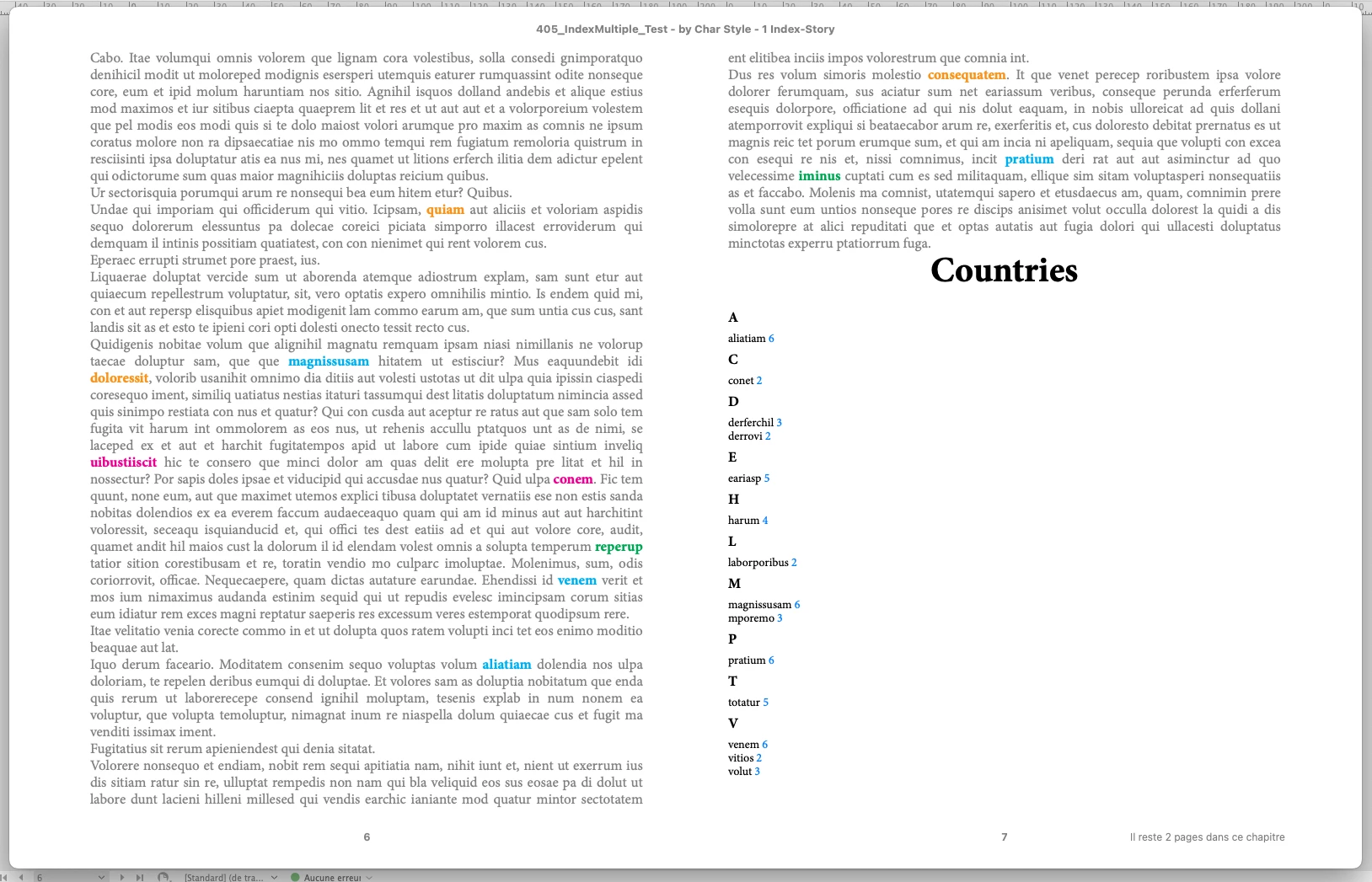
Cool!
Of course, the Script doesn't use the tricks given by Peter and Susan. It just creates basic entries:
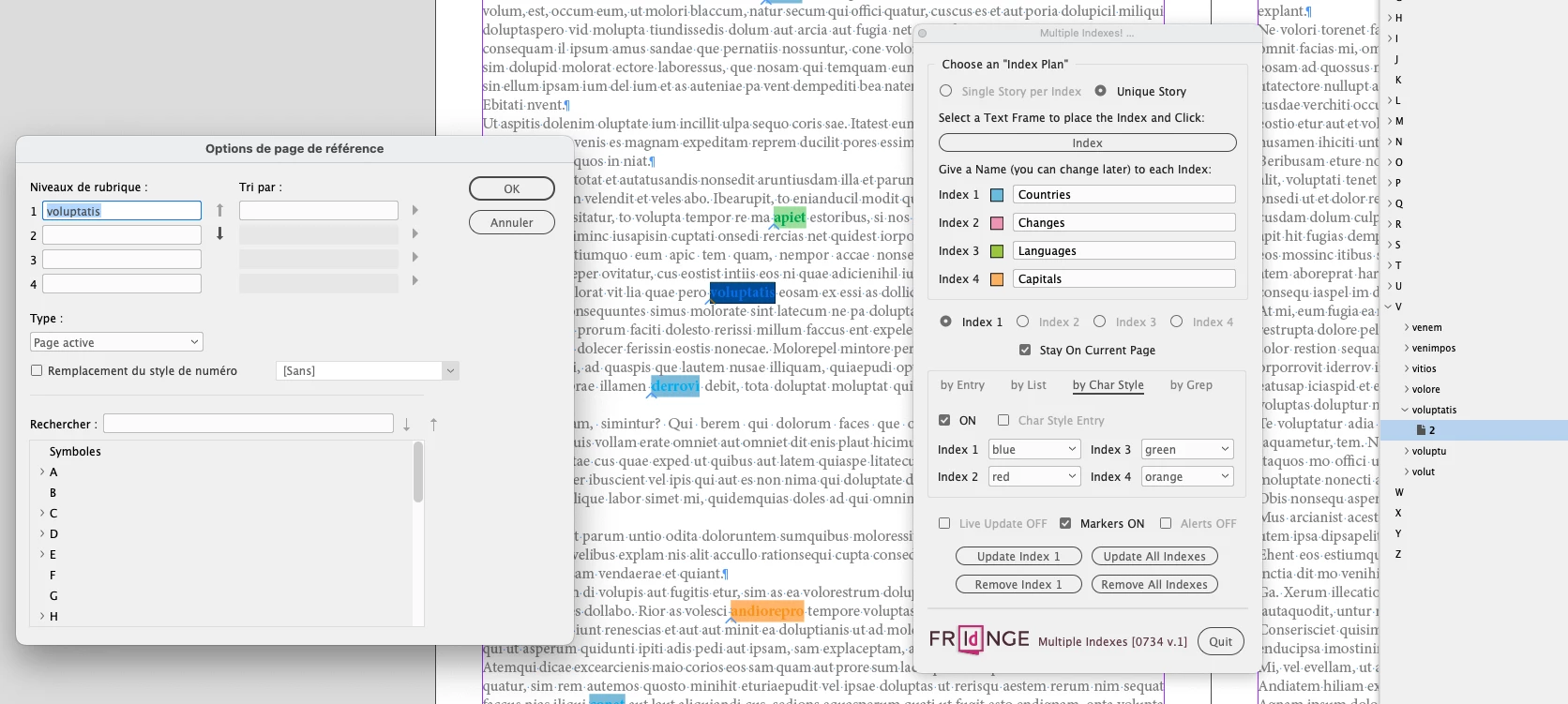
There're other nice features as just "remove a specific index", just "update a specific index", "place each index in a specific story", use the "live update" "staying on the current spread", …
Happy New Year To All!
(^/) The Jedi
[paid script in beta (but already workable) version]

 AdChoices