
Inspiring
October 17, 2022
Question

how to make a galley work better when image wraps are present?

  • October 17, 2022
  • 2 replies
  • 307 views

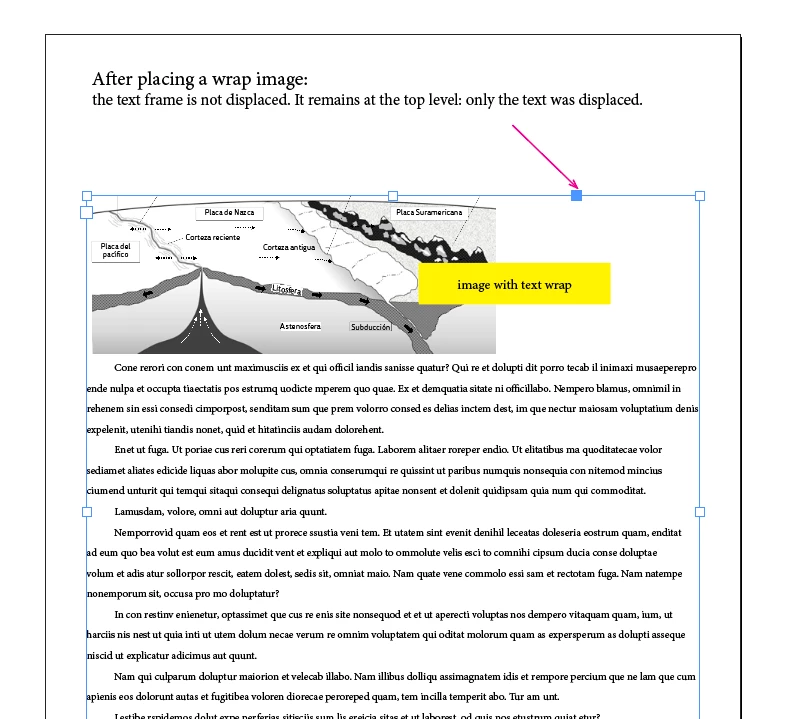
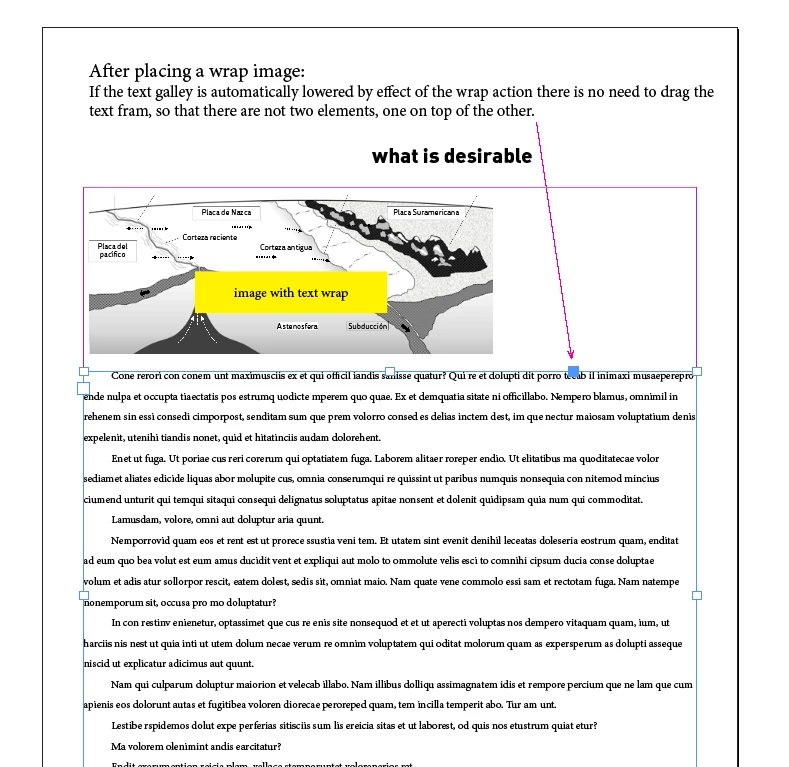
In the screen shots (below) is visible how ID resolves to move the text but not the galley when a wraped image is placed. In a book with dozens of images this solution of Indesign asks for a lot of extra work, like drag the galley to avoid both the text frame and the image get superimposed. Here is the situation:


This topic has been closed for replies.

2 replies

Community Expert
October 18, 2022

That's completely normal behaviour. 

The text frame is staying in the same place - just the text moves. 

Text frames are containers. So the Frame itself is not going to be wrapped, just the contents inside it. 


Think of a glass of water, and you add ice. The glass stays the same size, and the ice floats to the top and the water wraps around the ice. Depending on the ice shape and formation. 


But your container will always remain the same size.


100% agree with @m1b that anchored objects and object styles are the way forward for your workflow.


CamiloUAuthor
Inspiring
October 18, 2022

Eugene, hi:

My post is related to the only way Indesign proposes to handle text and image. If there was another one, where the text frame moves along with the text, the layout work would improve a lot in time because there would be no need to adjust the galleys. I think it is preferable for a user in these two examples to look for the second option. cleaner, less confusing. Finally, no Indesign user, after having separated text and image, would want to place them one on top of the other as ID proposes...

This post is not a matter of normality. It is whether ID can offer a more comfortable version of handling text and image. In the end, what is a fact is that a user works with text frames and not only with text (which is handled with styles and other elements).
But i can't argue with an expert about the engineering decisions.

I simply have to write a new thread and ask if what i think is scriptable.


My post comes from working a lot in book design and seeing that there are manual operations that are tedious and time consuming. There has to be solutions for ID to offer less manual work and more automation*.

best regards

c.


*For example, among many, the poverty of the interfaces to generate TOCS or the Find-Change system that only allows to search in a single style... when sometimes there are dozens of styles that must be modified. ID seems to be happy to keep ideas that years ago were novel but now are not so much.


m1b
Community Expert
Community Expert
October 18, 2022

Hi @CamiloU, I'm not seeing a great use-case for a script. Here's an example scenario:

1. you drag your graphics in.

2. with the graphics frames selected, you run a script

3. the script gets the lowest point of the bounds of all the selected frames

4. the script adjusts the height of the primary text frame (or a text frame with some criterion, eg. a particular label) so that it is a set distance away from the point derived in step 3.


You must decide if the text frame contents should be aligned to bottom so the last baseline is always in the same place or whether the topmost baseline should, or you could use a baseline grid.


Is this scenario what you are imagining? Also, do you have any scripting knowledge?

- Mark

m1b
Community Expert
Community Expert
October 17, 2022

Hi @CamiloU, I realize I am not answering your exact question but in my experience almost all situations that look like you describe can be solved well by a combination of anchored graphics and object styles. You would anchor all the images in the text story and set the anchor box to have an object style that dictated the anchored options and possible also the size and position, if you wanted that.


Would that be a possibility?

- Mark

CamiloUAuthor
Inspiring
October 18, 2022

Here the work is simple. I have opened two or three Indesign files with graphs and with tables, for example. And I simply take them (dragg) one by one to the main design. When this is done they are merged with the text. The wrap moves the text but the frame. That is not clean, there are overlapping elements and now I have to move the galleys up or down. It is necessary here that the text frame does not stay static. The idea of anchoring the images is not a solution. We don't need them to move... if they are too big... You may see here the layout. Simple. Half of the design time is spent adjusting galleys when this could be automated. Simply the wrap function could also move the text frame and not leave it static and dead.