
Mohammad Modassir
Inspiring
July 28, 2017
Answered

How to make the grid of squares in the middle of the document?

  • July 28, 2017
  • 4 replies
  • 8501 views

Hi,

How do you place a square-format grid placed exactly in the middle of the document? Now it's going out of the document to 900 mm. I tried different values, but they all give me wrong result, sometimes it' goes far out of the document. I want it palced so that there is equal boxed all over the document. I want it stop 857 mm exactly.
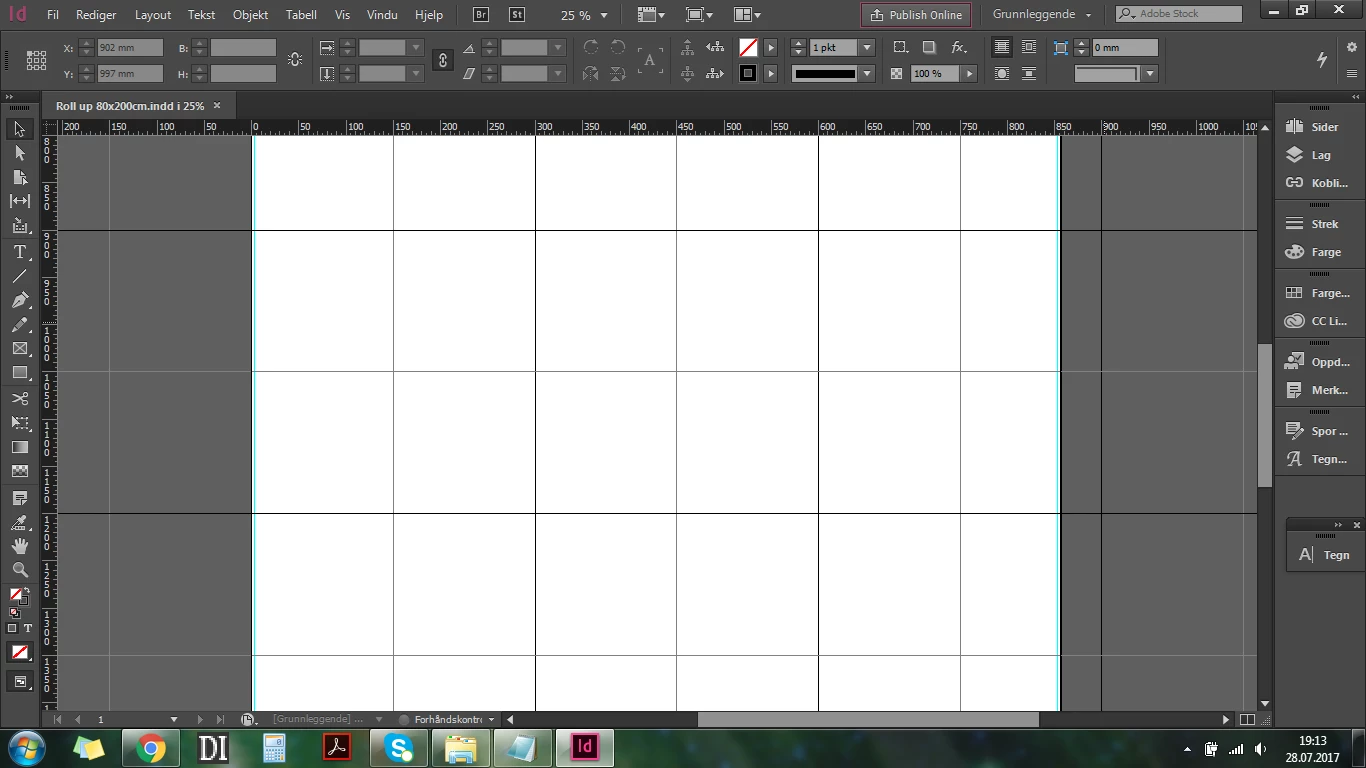
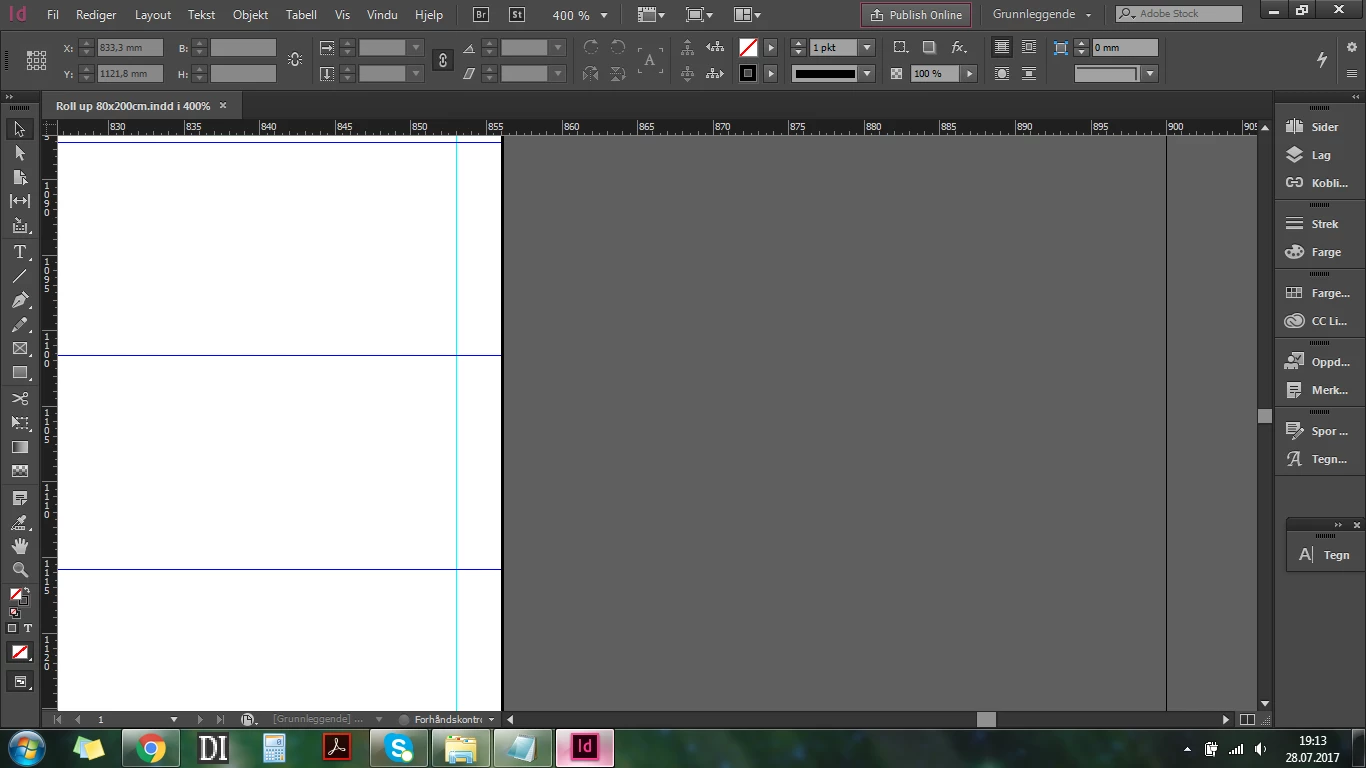
Would be glad if anyone could specify the exact values I need to put in, or any other way to solve this problem.

Kind, Modassir

This topic has been closed for replies.
Correct answer pedley_s

What page size are you using?

To make the grid of squares end with full squares at your page edges, you need to know what dimension as a square will fit.

For example, if you have an 8.5" x 11" sheet, then your squares cannot be 1" square, because that doesn't divide evenly into the 8.5" side.

You'd have to use .5" squares to make that work.

4 replies

Mohammad Modassir
Inspiring
July 29, 2017

Yeah! It worked! Thanks!

pedley_sCorrect answer
Inspiring
July 28, 2017

What page size are you using?

To make the grid of squares end with full squares at your page edges, you need to know what dimension as a square will fit.

For example, if you have an 8.5" x 11" sheet, then your squares cannot be 1" square, because that doesn't divide evenly into the 8.5" side.

You'd have to use .5" squares to make that work.

JonathanArias
Legend
July 28, 2017

i use the guides on a separate layer and lock it and use it as my grid to layout. do it for web mockups of magazine layout. i find that works. sorry. i don't use that option you speak of.

JonathanArias
Legend
July 28, 2017

as in using grid lines? like attached?

Mohammad Modassir
Inspiring
July 28, 2017

not create guides, but grid, option is under preference then grid, that one