
Participating Frequently
March 1, 2024
Answered

How to obtain the latest documentation for InDesign C++ plugin development?

  • March 1, 2024
  • 2 replies
  • 749 views

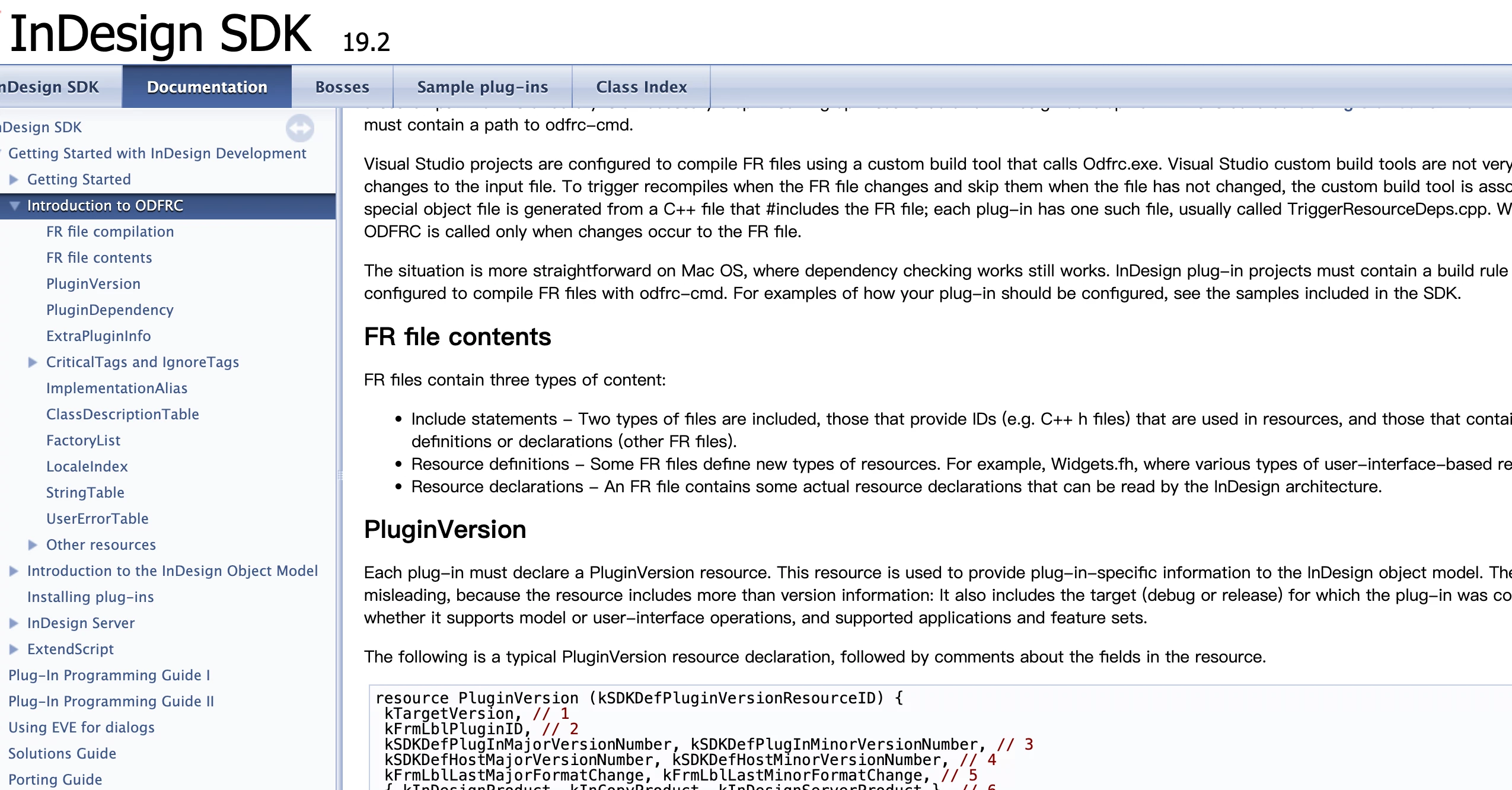
This is the documentation I'm currently looking at, and it seems to be quite outdated. Many APIs and documents don't correspond correctly, making it difficult to find the right development approach. How can the development process be debugged?
 

This topic has been closed for replies.
Correct answer Manan Joshi

That is the only source available, and it certainly lacks many details. If you have any specific area for which you are trying to figure out the API you can look at sample plugin shipped with the SDK. You can also look at the "Solution Guide" mentioned in the left hand navigation pane of the screenshot you added. If you are still stuck ask here on the forum someone should be able to help you

-Manan

2 replies

Manan JoshiCommunity ExpertCorrect answer
Community Expert
March 2, 2024

That is the only source available, and it certainly lacks many details. If you have any specific area for which you are trying to figure out the API you can look at sample plugin shipped with the SDK. You can also look at the "Solution Guide" mentioned in the left hand navigation pane of the screenshot you added. If you are still stuck ask here on the forum someone should be able to help you

-Manan

-Manan
Inspiring
March 1, 2024

Hi @RDI33054067w5ck ,


Agreed, InDesign SDK documentation is not upto date and it is not easy to find commands/APIs.

Unfortunately, this is the only resource available.


If you download latest version of InDesign SDK 2024, you will get the latest version of documentation which may or may not be updated by Adobe.


Few tips -


1. Search within InDesign SDK  "Source" Folder.

2. Some hit and trial by typing in the "Search" field to find the right command.

3. Use InDesign Debug Build to find the command.

4. Not every commands/APIs are mentioned in InDesign SDK documentation. So you need to rely on points no. 1 and 2. 

5. SDK documentation is only for concepts.


Debugging -


1. You can debug normally as you debug any program. You can debug with InDesign Release version itself and not require InDesign Debug version.

2. But it is good to run your program with InDesign Debug build so that you know everything is intact, no memory leaks etc.


- Rahul Rastogi

InDesign SDK C++ Custom Plugin Architect