
Inspiring
September 21, 2022
Answered

How to place and align image in vertical center and left align in the selected frame

  • September 21, 2022
  • 1 reply
  • 878 views

Hi I am trying to move the image to vertical center and align left to the selected frame in indesign javascript. But while i try to move move the image.It was moved but it hidden. How to move the image along with its frame using javascript.

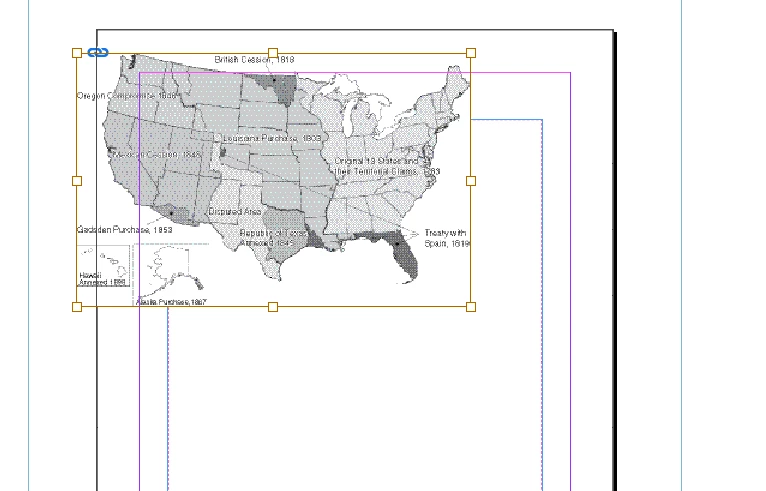
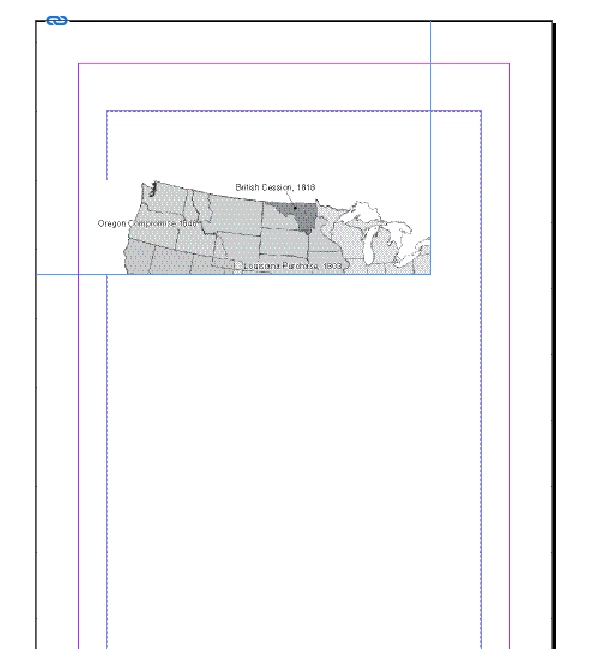
For reference, I attached the images before and after!

var myDoc =app.activeDocument;
var mypage = myDoc.pages.item(0); 
//var myImg = mypage.place(filesB[0]);
var imgok =app.activeDocument.allGraphics;
app.select(imgok[0]);
var sel = app.selection[0];
myDoc.align(sel  , AlignOptions.VERTICAL_CENTERS);
 

This topic has been closed for replies.
Correct answer Karthik SG

for your previous question: Actually I modified the script as simple as for convenience to understand my question and to post!


Thanks @davidt12412601 , it works fine for me when i add these lines in this order

myDocument.align(sel.parent, AlignOptions.LEFT_EDGES, AlignDistributeBounds.KEY_OBJECT, txtAreaFrame);
myDocument.align(sel.parent, AlignOptions.VERTICAL_CENTERS);


mistakenly attached wrong lines of code. Refer this, In this way working fine for me!

var myDoc =app.activeDocument;
var mypage = myDoc.pages.item(0);
//var myImg = mypage.place(filesB[0]);
var imgok =app.activeDocument.allGraphics;
app.select(imgok[0]);
var sel = app.selection[0];
var txtFrame = mypage.textFrames[1];
myDoc.align(sel.parent, AlignOptions.LEFT_EDGES, AlignDistributeBounds.KEY_OBJECT, txtFrame);
myDoc.align(sel.parent, AlignOptions.VERTICAL_CENTERS, AlignDistributeBounds.MARGIN_BOUNDS);


1 reply

davidt12412601
Inspiring
September 21, 2022

I'm a little uncertain of your goal.

If you're trying to align the image vertical center within its frame, then you'll need to specify that the frame is the key object. To do so, try editing your myDoc.align line to something like this:


myDoc.align(sel, AlignOptions.VERTICAL_CENTERS, AlignDistributeBounds.KEY_OBJECT, sel.parent);


If you're trying to align the image and its frame vertical center within its some other context, like the margin bounds, then you'll need to align the parent of the selected image. To do so, try editing your myDoc.align line to something like this:


myDoc.align(sel.parent, AlignOptions.VERTICAL_CENTERS, AlignDistributeBounds.MARGIN_BOUNDS);

Inspiring
September 21, 2022

HI @davidt12412601 , 

myDoc.align(sel.parent, AlignOptions.VERTICAL_CENTERS, AlignDistributeBounds.MARGIN_BOUNDS);

this line of code is working but it is aligning to the margin of the page. Is there anyway to align it to the left-margin of the selected textFrame.

I am trying to align as like in the attached sample image but it is aligning to the page margin!

davidt12412601
Inspiring
September 21, 2022

How do you prefer to select the text frame with which the graphic should align? Your code at the moment just modifies the first graphic on the first page of your document. Continuing that approach, the following code would align that graphic with the first text frame on that page. Only the last three lines differ from your original example.


var myDoc =app.activeDocument;
var mypage = myDoc.pages.item(0);
//var myImg = mypage.place(filesB[0]);
var imgok =app.activeDocument.allGraphics;
app.select(imgok[0]);
var sel = app.selection[0];
var txtFrame = mypage.textFrames[0];
myDoc.align(sel.parent, AlignOptions.VERTICAL_CENTERS, AlignDistributeBounds.KEY_OBJECT, txtFrame);
myDoc.align(sel.parent, AlignOptions.LEFT_EDGES, AlignDistributeBounds.KEY_OBJECT, txtFrame);