Inspiring
November 12, 2019
Answered

How to remove opening screen in Indesign

  • November 12, 2019
  • 2 replies
  • 1861 views

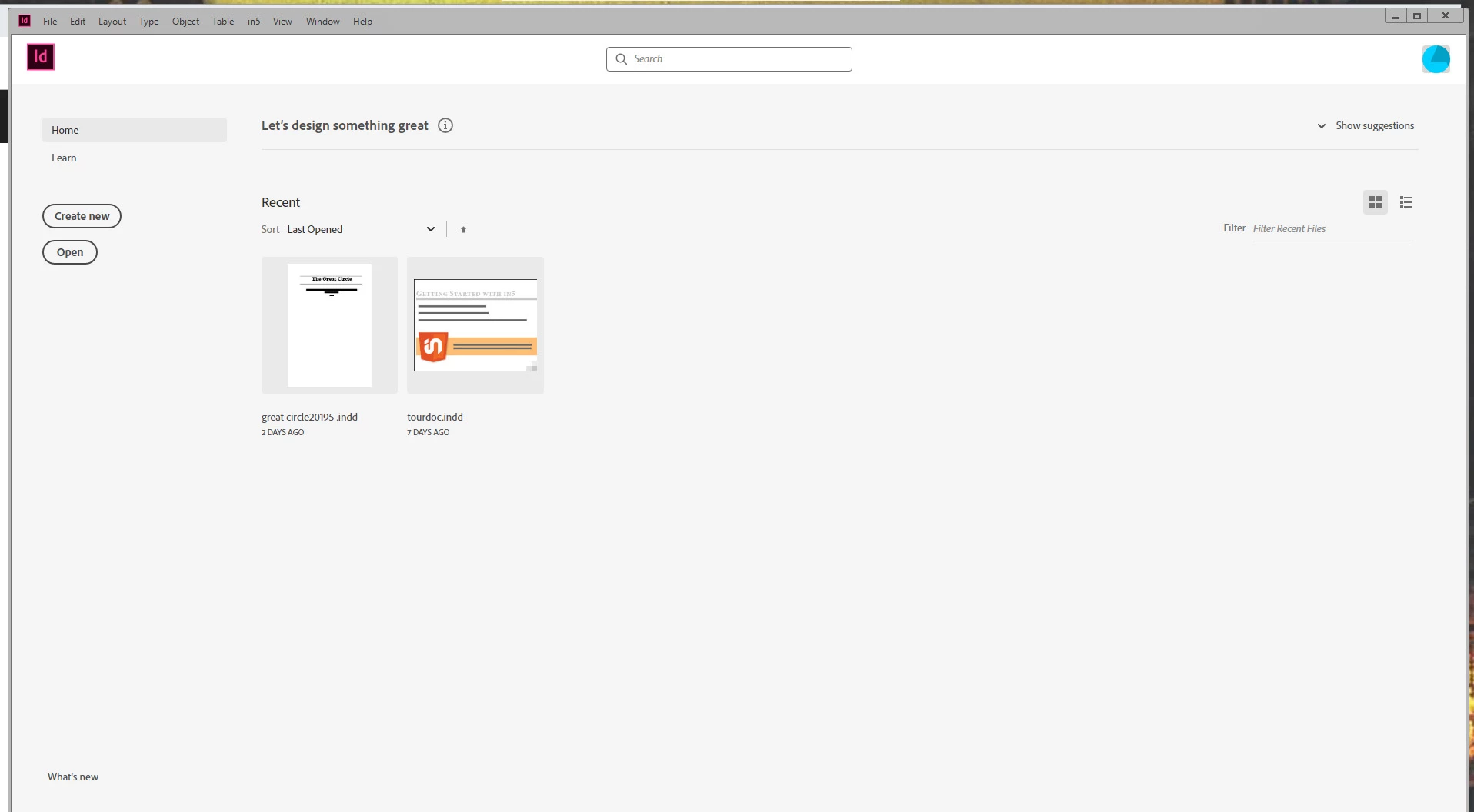
When I open the latest Indesign (15.0) I get this screen. How do I get rid of it?

Correct answer rsh

Ian, I'm assuming you've solved your problem by now. If not, this is where you'll find the fix to your problem.

Under "Window" column in InDesign you need to DESELECT "Application Frame" (at bottom of list, just above any current file you may have open). Hopefully, this helps someone else that's going nuts over this stupid frame.

2 replies

rsh
rshCorrect answer
Participant
October 18, 2020

Ian, I'm assuming you've solved your problem by now. If not, this is where you'll find the fix to your problem.

Under "Window" column in InDesign you need to DESELECT "Application Frame" (at bottom of list, just above any current file you may have open). Hopefully, this helps someone else that's going nuts over this stupid frame.

Participant
January 31, 2022

Thank you, thank you, thank you. I never would have looked there. Which is probably why they put it there.

BobLevine
Community Expert
Community Expert
November 12, 2019

Edit > Preferences > General

Uncheck the first choice, Show home screen when no documents are open.

Ian BlogsAuthor
Inspiring
November 12, 2019

Thank you Bob for your help but I'm afraid I have that unchecked. I have also tried checking and unchecking the other one--Use legacy new document..

Ian

Ian BlogsAuthor
Inspiring
November 12, 2019

The old delete preferences fixed it.