
bocasmelody
Known Participant
April 25, 2023
Answered

How to remove orange highlights around text in ID CS5.5

  • April 25, 2023
  • 2 replies
  • 6210 views

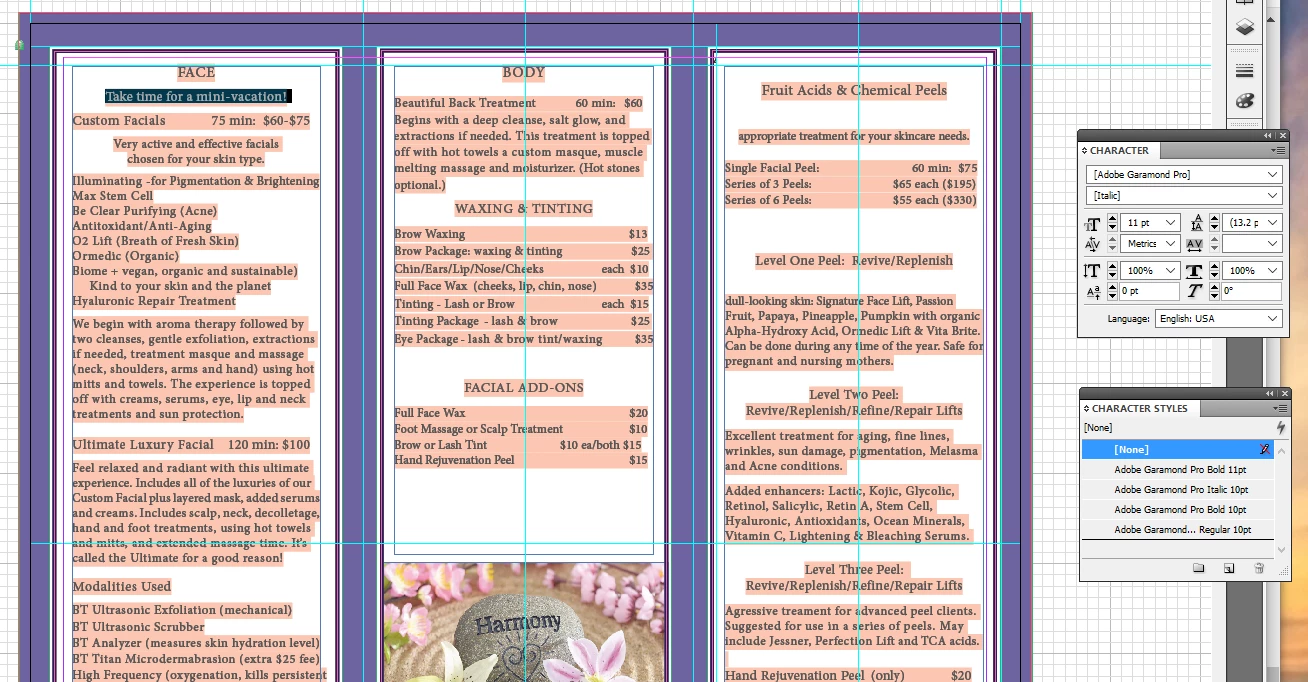
My computer shut itself down suddenly while I had an InDesign document open. When I opened it back up all of the text now has an orange highlight, which I did not do. I have watched several tutorials but the images look different from mine. How can I get rid of the highlight. I don't want to re-do anything. P.S. I did copy and paste the text from Word if that makes a difference.
Correct answer jmlevy

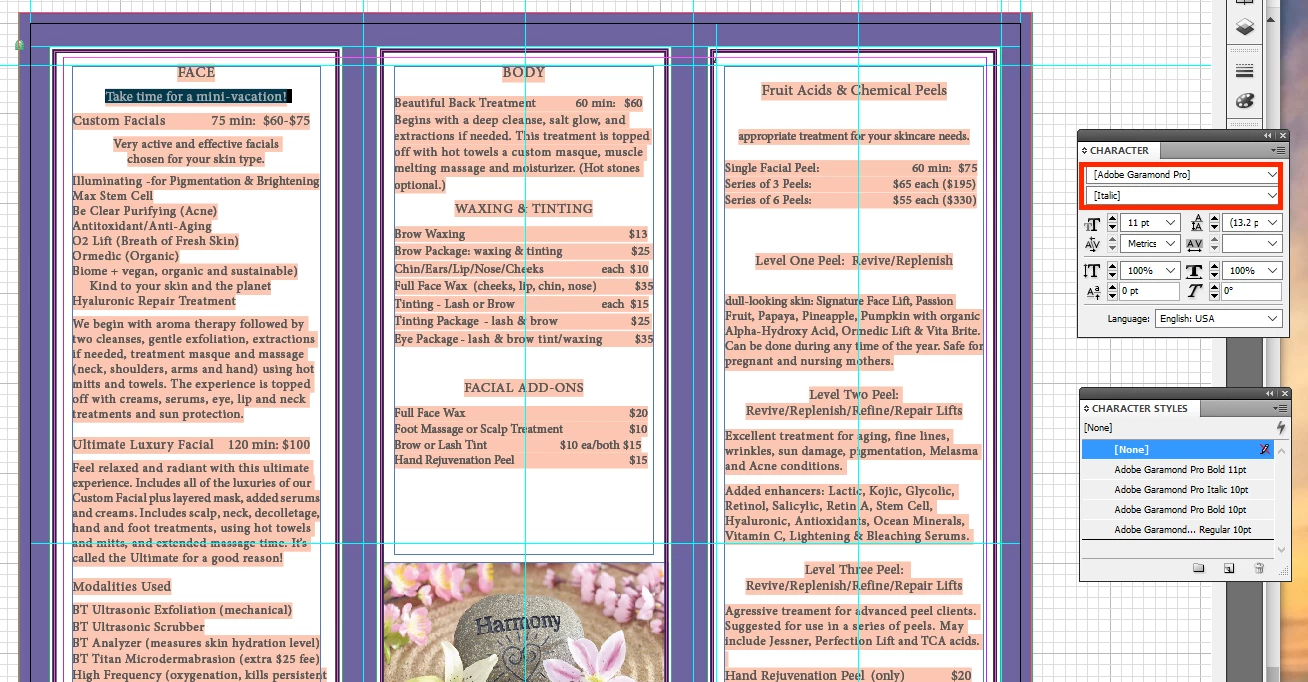
I get a notification of missing fonts and I click okay. If that was the problem then when I first opened the file a week ago that I had made 5 years ago then the pink highlighting should have been there. And the next 3 times I opened the file since then the highlights should have have up then, right? but they didn't. It only showed up after my computer shut itself down with the file open. When I got my computer back up and opened the file it showed the highlingting. Something happened at that time. With this information does it make sense that it has to do with the fonts? Here is the charcter panel.


It's definitively a missing font problem: see the brackets in the character panel around the font name.

2 replies

jmlevy
Community Expert
Community Expert
April 25, 2023

When I opened it back up all of the text now has an orange highlight,

Can you post a screenshot?

bocasmelody
Known Participant
April 25, 2023


Steve Werner
Community Expert
Community Expert
April 25, 2023

I would call that pink highlighting, and I think @Manan Joshi is right about missing fonts.

Community Expert
April 25, 2023

Probably you are looking at the recovered version of the file and the highlight is due to the fonts that are missing as they might have been loaded from the Dcouments Fonts folder of the original file. What you can do is to save this version at some location other than the original in case your original file is corrupted, close this file and then reopen the file from the original location. In case your original file has issues or is not able to open you can place the newly saved file in the original files location and use that. When placed in the original folder it should have access to the Document Fonts folder and you should not see the highlight.

If what I described does not solve the issues, please share a screenshot of how your document looks so that we can discuss more ideas.

-Manan

-Manan
bocasmelody
Known Participant
April 25, 2023

But I think this is now the original file. I may have saved it over the original, I don't know. It's been a couple of days and my computer has shut itself down twice since then.