


Answered
How to remove text properties?
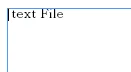 < -- If I import the text file using drag & drop.

 < -- If I import a text file after importing the rtf file using drag & drop.
Hi,
Both of the text file is the same file.
However, if I import a text file after importing the RTF file, the text attribute will be the same.
I want to remove a property from a text file using JavaScript.
I can be distinguished whether text file or RTF file.
But I don't know how to remove an text attribute.
Font name, font size, font color, font alignment, etc ... should I all set?
Any ideas?
And should not be changed StoryID. For example, textFrame place() after textFrame remove().
Thanks.
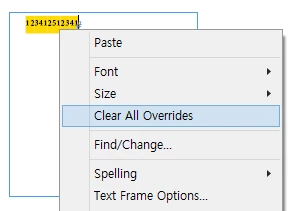
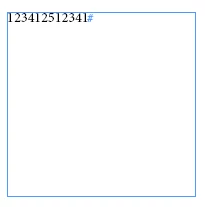
+ This menu is that I want.
All properties are remove.
How to use the this menu in JavaScript?
 AdChoices