Known Participant
August 2, 2023
Answered

how to run applescript ".scpt" file from JavaScript / UXP

  • August 2, 2023
  • 1 reply
  • 823 views

Hi All,


We already developed a Apple Script, which will open the file into HTML Web page. need to run that Apple Script ".scpt" file from InDesign Javascript. Kindly help me, I will  appriciate. 


Thanks & Regards

Harihara Sudhan T R.,

This topic has been closed for replies.
Correct answer rob day

Hi @Harihara28692478zxj6 , If the AppleScript is complex you could save it as a text file from script editor (Script Editor  saves Text formated files wth the .applescript extension) then load it into your Javascript and call app.doScript(). For example this applescript saved as text to my desktop:


tell application id "com.adobe.indesign"
	activate
	set d to active document
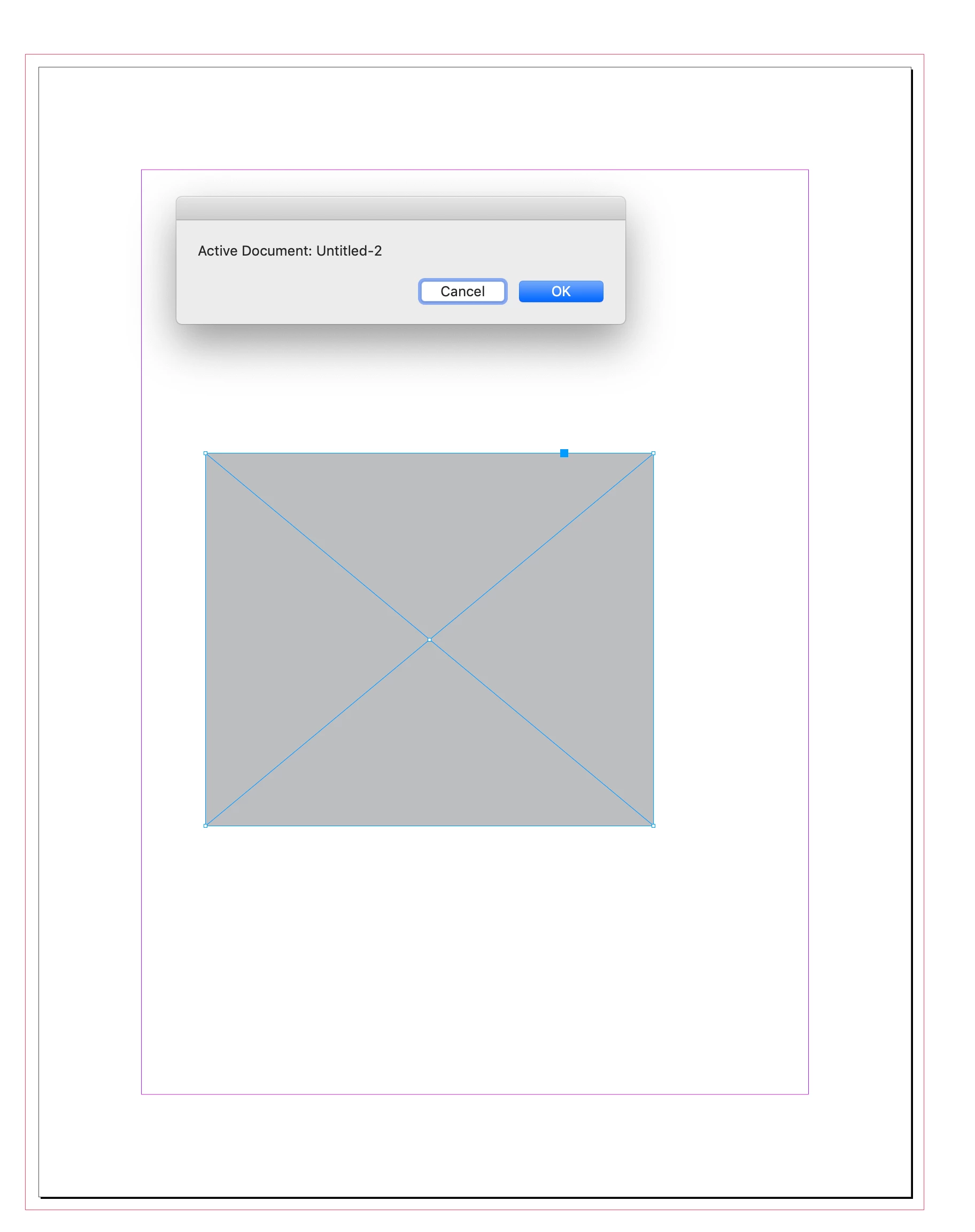
	display dialog "Active Document: " & name of d
end tell


Called in this JS:


var as = readFile("~/Desktop/ASExample.applescript")

$.writeln(as)
/* returns
tell application id "com.adobe.indesign"
	activate
	set d to active document
	display dialog "Active Document: " & name of d
end tell */


app.doScript(as, ScriptLanguage.applescriptLanguage);

/**
* Read a text file 
* @ param p the path to the text file 
* @ return the file‘s text 
*/

function readFile(p) {
	var f = new File(p);
	f.open("r");  
	var x = f.read(); 
	f.close();
	return x; //returns the text in the file sampletext.txt
}


The result in InDesign:
1 reply

rob day
Community Expert
rob dayCommunity ExpertCorrect answer
Community Expert
August 2, 2023

Hi @Harihara28692478zxj6 , If the AppleScript is complex you could save it as a text file from script editor (Script Editor  saves Text formated files wth the .applescript extension) then load it into your Javascript and call app.doScript(). For example this applescript saved as text to my desktop:


tell application id "com.adobe.indesign"
	activate
	set d to active document
	display dialog "Active Document: " & name of d
end tell


Called in this JS:


var as = readFile("~/Desktop/ASExample.applescript")

$.writeln(as)
/* returns
tell application id "com.adobe.indesign"
	activate
	set d to active document
	display dialog "Active Document: " & name of d
end tell */


app.doScript(as, ScriptLanguage.applescriptLanguage);

/**
* Read a text file 
* @ param p the path to the text file 
* @ return the file‘s text 
*/

function readFile(p) {
	var f = new File(p);
	f.open("r");  
	var x = f.read(); 
	f.close();
	return x; //returns the text in the file sampletext.txt
}


The result in InDesign:

Known Participant
August 3, 2023

Dear rob day


Thank you for your Kind support. it is working fine.


Thanks & Regards,

Harihara sudhan T R.,

